Your log Pro
Version history
See each change to a contact, and go back to an earlier version.
Fieldbook saves a version of a contact each time that you edit, delete or restore it. With Pro, you can see these versions and go back to one of them.
Fieldbook
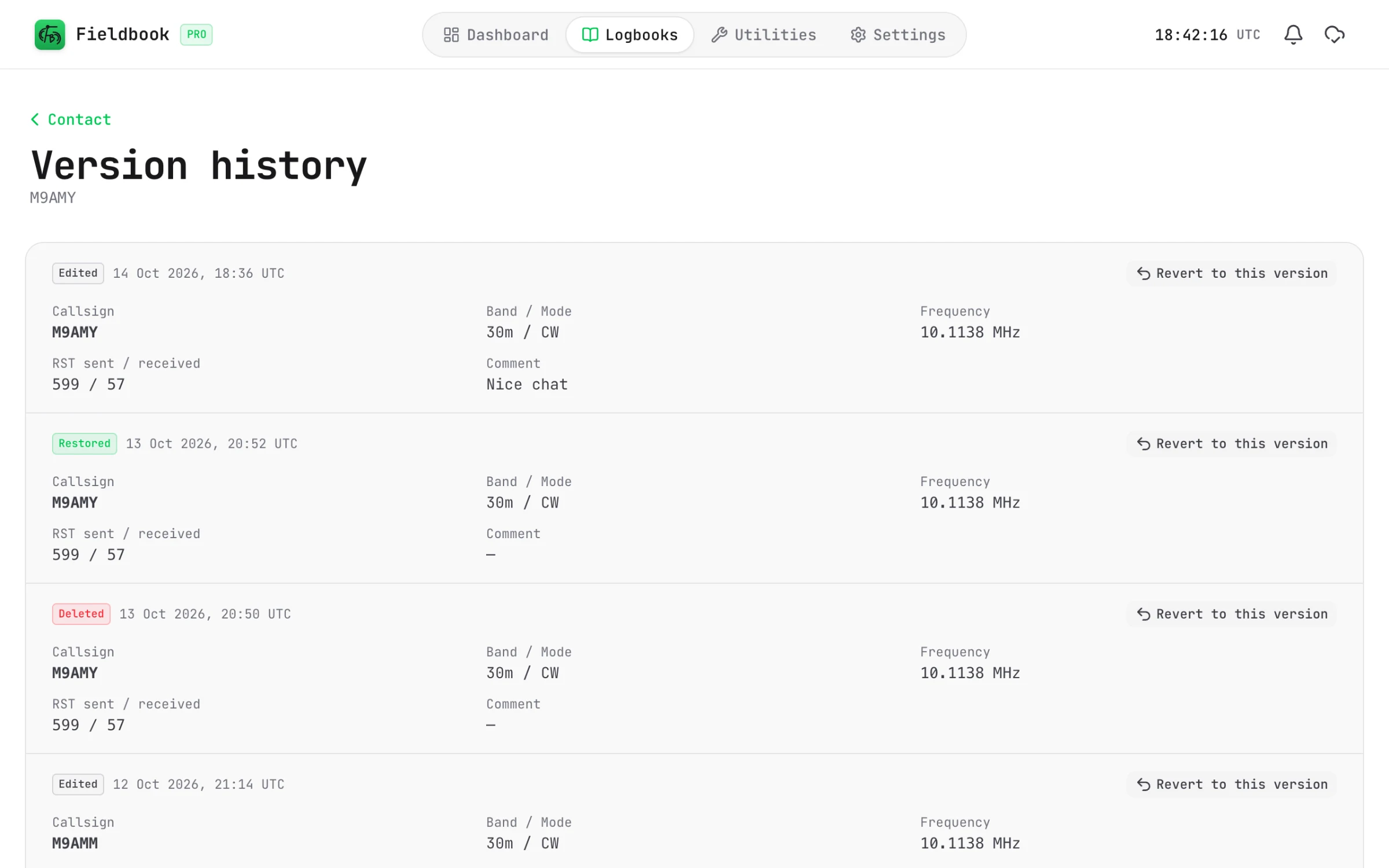
See the history of a contact
- Open the logbook.
- Select the contact.
- Select the history button at the top of the page.
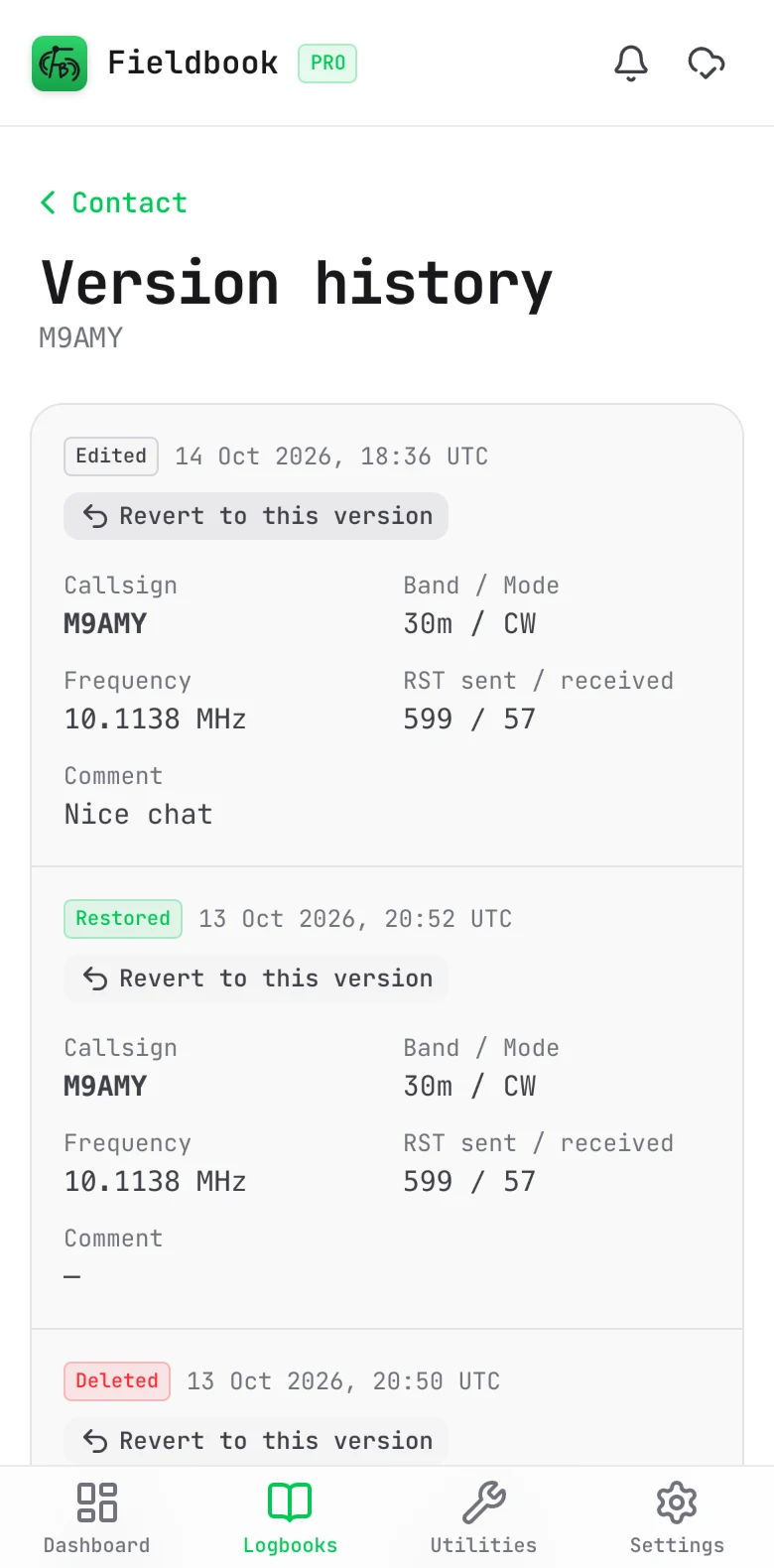
Each version shows:
- What happened: Edited, Deleted or Restored.
- The date and time in UTC.
- The callsign, band, mode, frequency, signal reports and comment at that time.
Go back to an earlier version
- Find the version that you want.
- Select Revert to this version.
- Select Revert to confirm.
Fieldbook copies the values of that version into the contact. This is also a change, so it adds a new version to the history. You do not lose the current version.
Fieldbook saves versions on every plan. If you upgrade to Pro later, you can see the history of changes that you made before.
To bring back a contact that you deleted, refer to Trash.