Your log Pro
Trash
Bring back contacts that you deleted in the last 30 days.
When you delete a contact, Fieldbook moves it to the Trash. It keeps the contact there for 30 days. After 30 days, Fieldbook deletes it permanently.
With Pro, you can see the Trash and restore contacts from it.
Restore a contact
- Open the logbook.
- Open the logbook menu and select Trash.
- Select each contact to restore. To select all of them, select Select all.
- Select Restore selected.
Fieldbook puts the contacts back in the logbook.
Fieldbook
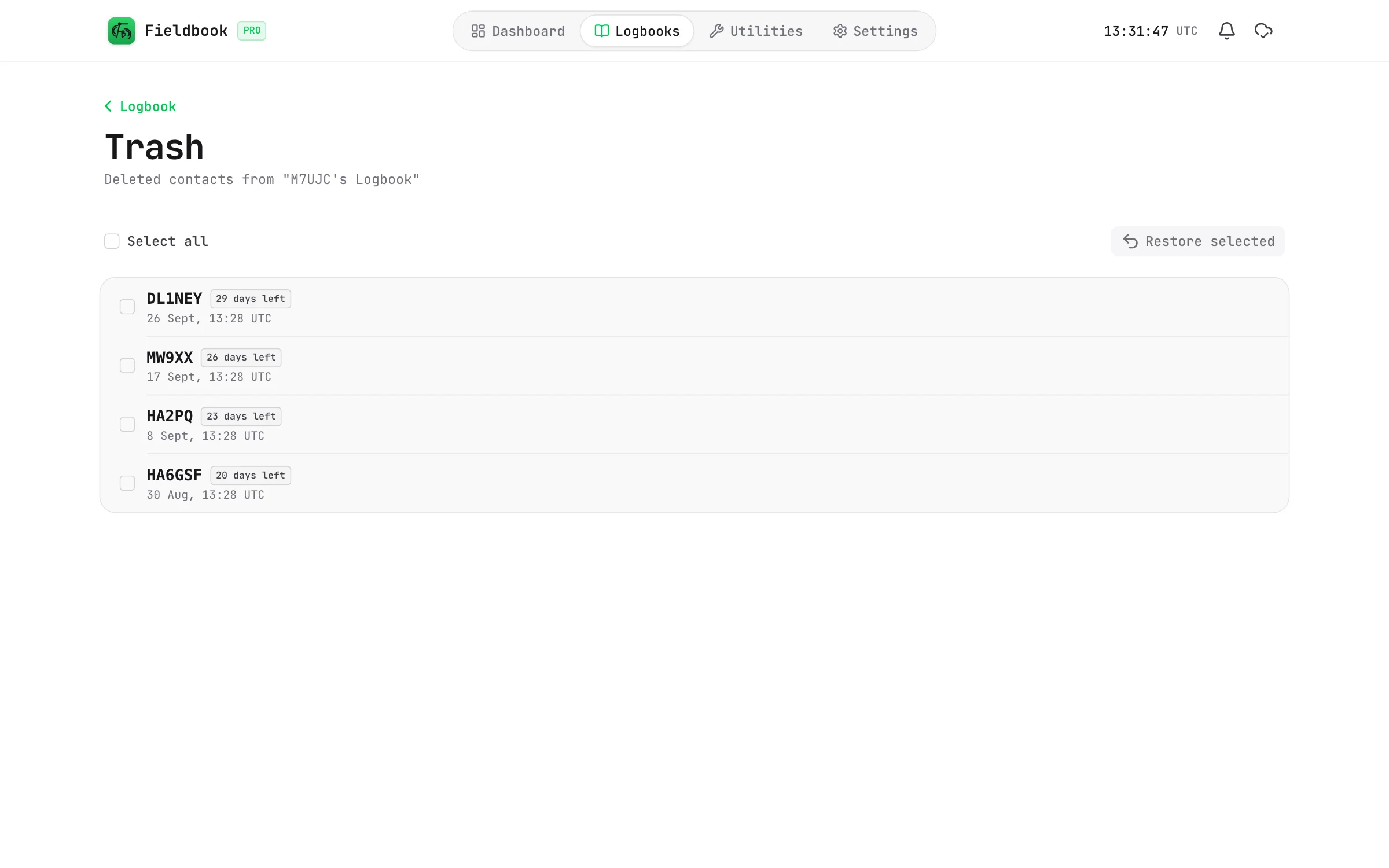
Each contact shows the number of days left before Fieldbook deletes it permanently.
Fieldbook keeps deleted contacts for 30 days on every plan. If you delete a contact by mistake on the free plan, you can upgrade to Pro in this time to restore it.
When you delete a logbook, Fieldbook deletes it permanently. Its contacts do not go to the Trash.