Your log
QSO map
See every contact that you have logged on a world map.
The QSO map shows your contacts from every logbook on a world map. Each band has its own colour.
Open the map
- Select Dashboard in the navigation bar.
- Find the Map card.
- Select Full map.
Fieldbook
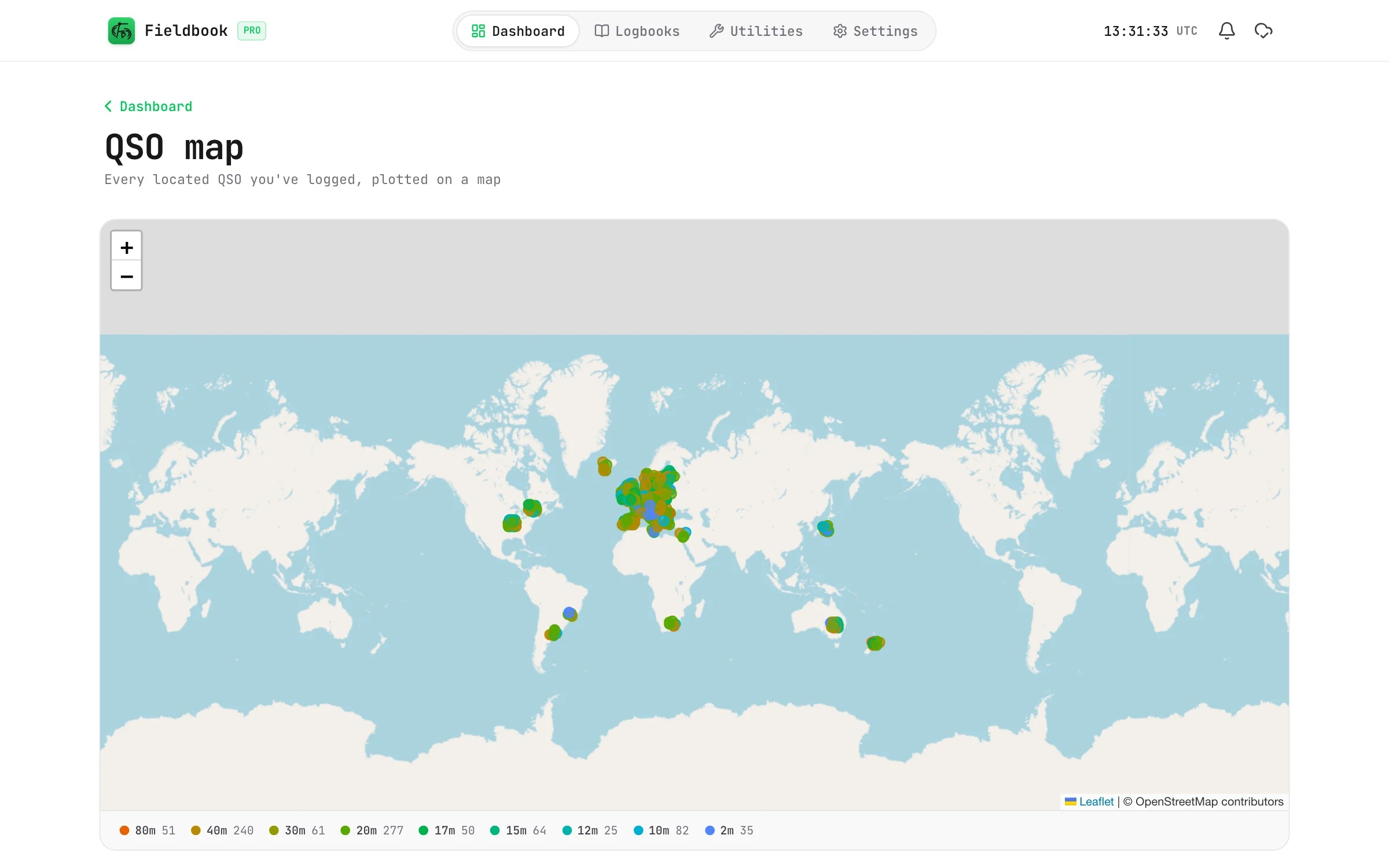
How Fieldbook places each contact
- If the contact has a grid square, Fieldbook uses the grid square.
- If it has no grid square, Fieldbook uses the centre of the country of the callsign.
Most contacts get a grid square from QRZ when you log them. To add grid squares to older contacts, refer to QRZ lookups.
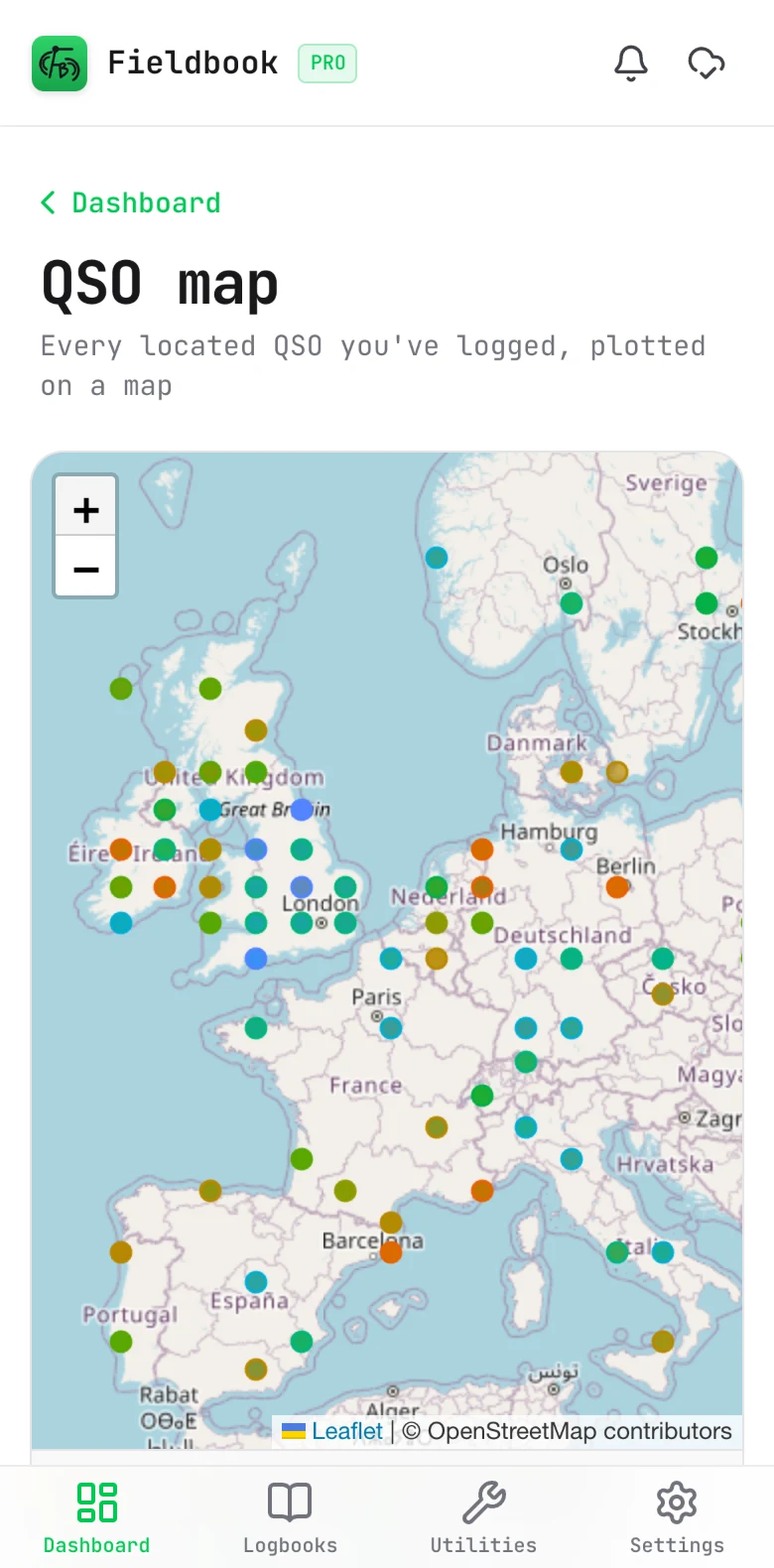
Read the map
- The key below the map shows the colour of each band, and the number of contacts on that band.
- To zoom in, use the + and − buttons, or pinch on a touch screen.
The map tiles come from OpenStreetMap, so the map needs a connection. Your contacts stay on your device.