Start here
Create your account
Sign up with your email, log in, and add your callsign.
Fieldbook runs in your browser. You do not have to install it from an app store. To start, open app.fieldbook.cc on your phone, tablet or computer.
Sign up
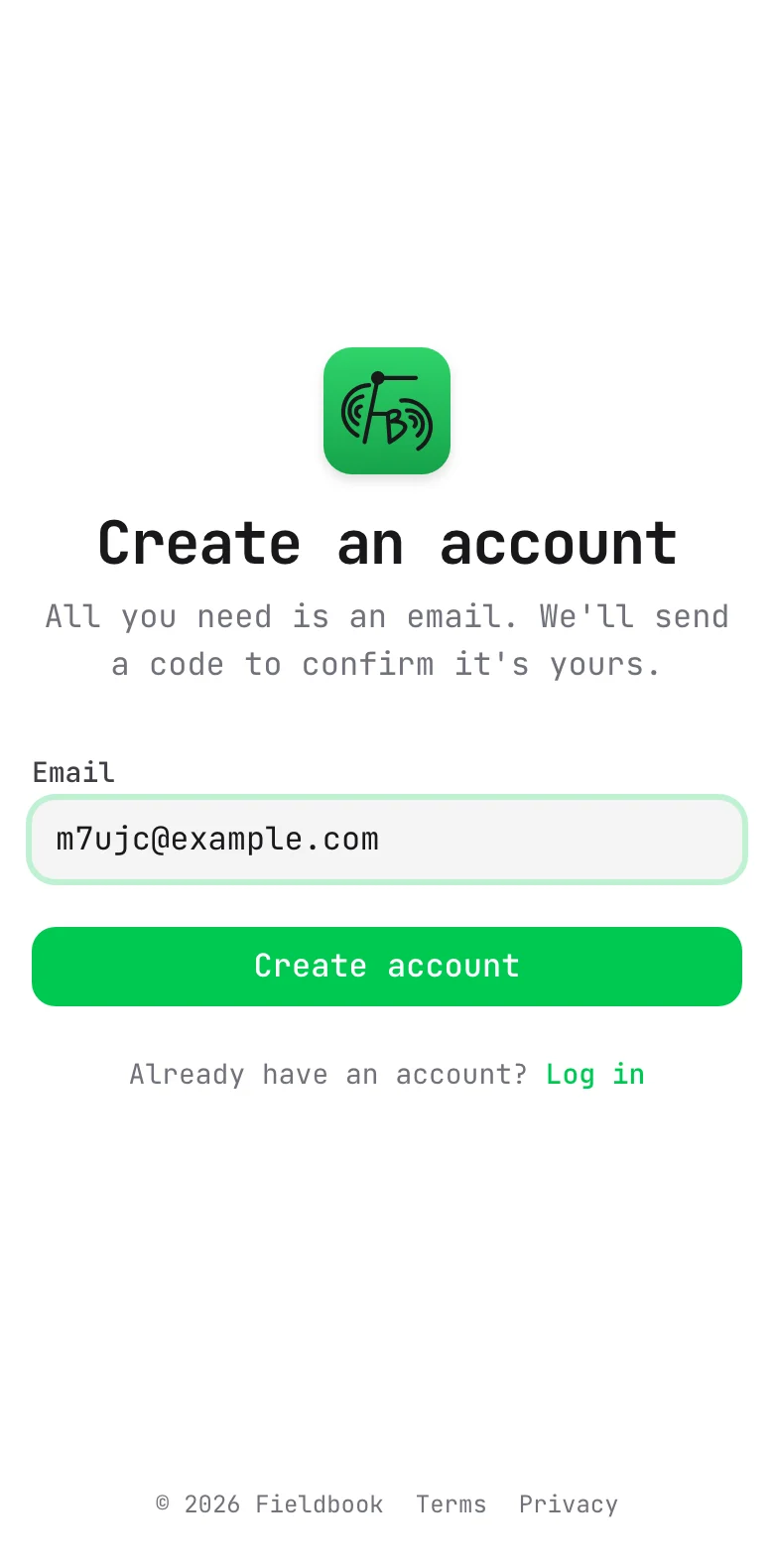
You need only an email address. Fieldbook does not use passwords.
- Open app.fieldbook.cc.
- Select Create an account.
- Type your email address.
- Select Create account.
- Find the email from Fieldbook. It contains a 6-digit code.
- Type the code, then select Confirm.
Fieldbook signs you in and opens your logbooks.
Log in
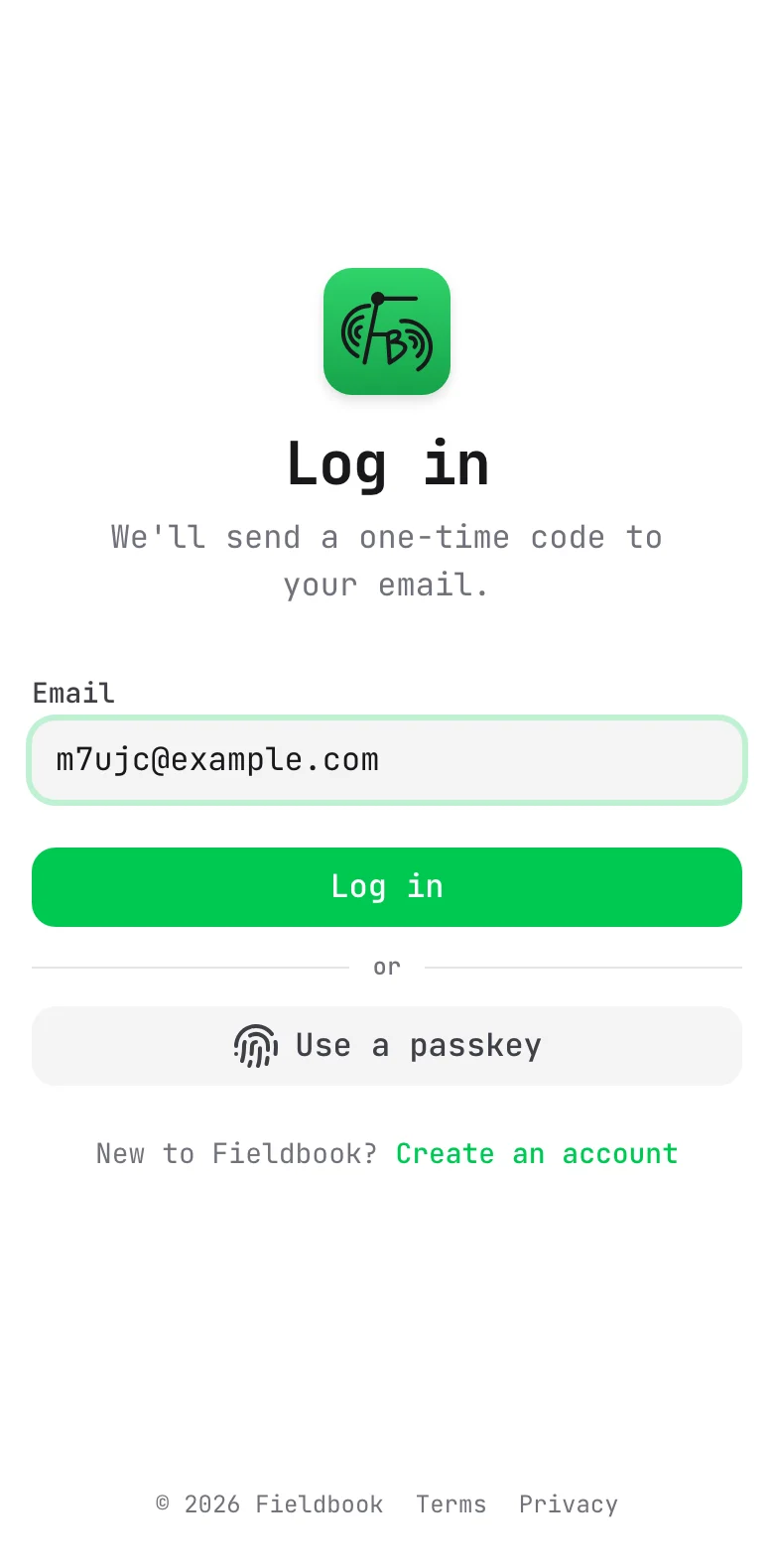
- Type your email address.
- Select Log in.
- Type the 8-digit code from the email, then select Verify.
You can also select Use a passkey. A passkey lets you log in with your fingerprint, face or device PIN. To add a passkey, go to Settings > Security.
If the code does not arrive, look in your spam folder. You can also send a new code from the same screen.
Add your callsign
Fieldbook adds your callsign to each contact that you log. It also uses your callsign for the name of your first logbook.
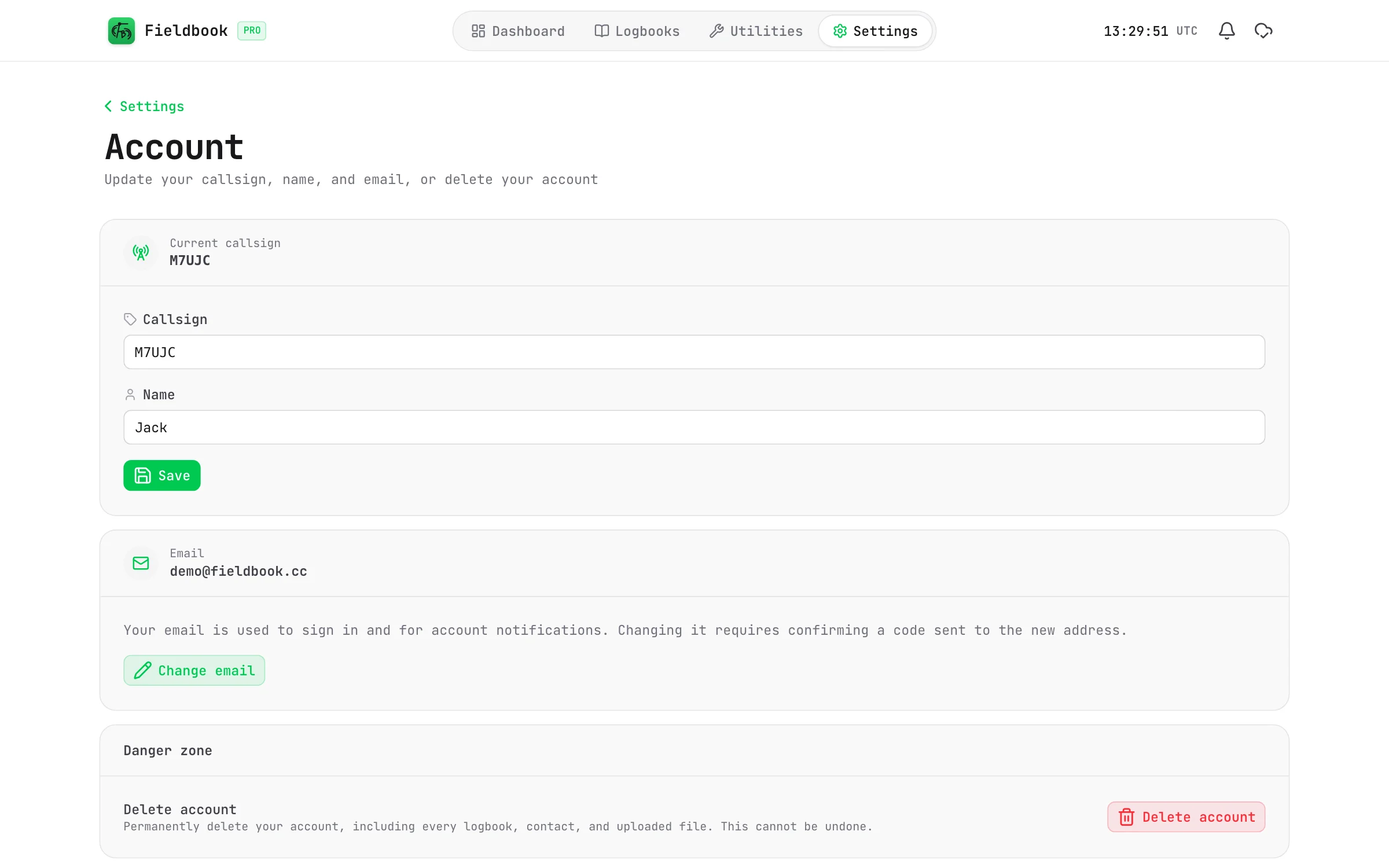
- Go to Settings > Account.
- Type your callsign and your name.
- Select Save.
Fieldbook