Your log
Sync and offline
How Fieldbook keeps your log on each device and in the cloud.
Fieldbook saves each change on your device first. It then sends the change to the cloud, and gets the changes from your other devices. Cloud sync is free on every plan.
If you have no connection, Fieldbook keeps your changes on the device. It sends them when you are online again. To prepare a device before you go out, refer to Get ready to log offline.
Check the sync status
The cloud icon at the top of the screen shows the sync status. Select it to see more.
- Everything's synced: all of your changes are in the cloud.
- Syncing…: Fieldbook is sending and getting changes.
- You're offline: your changes are on this device. They sync when you are online again.
- Sync paused: you have paused sync.
- Couldn't sync: something went wrong. Fieldbook tries again automatically.
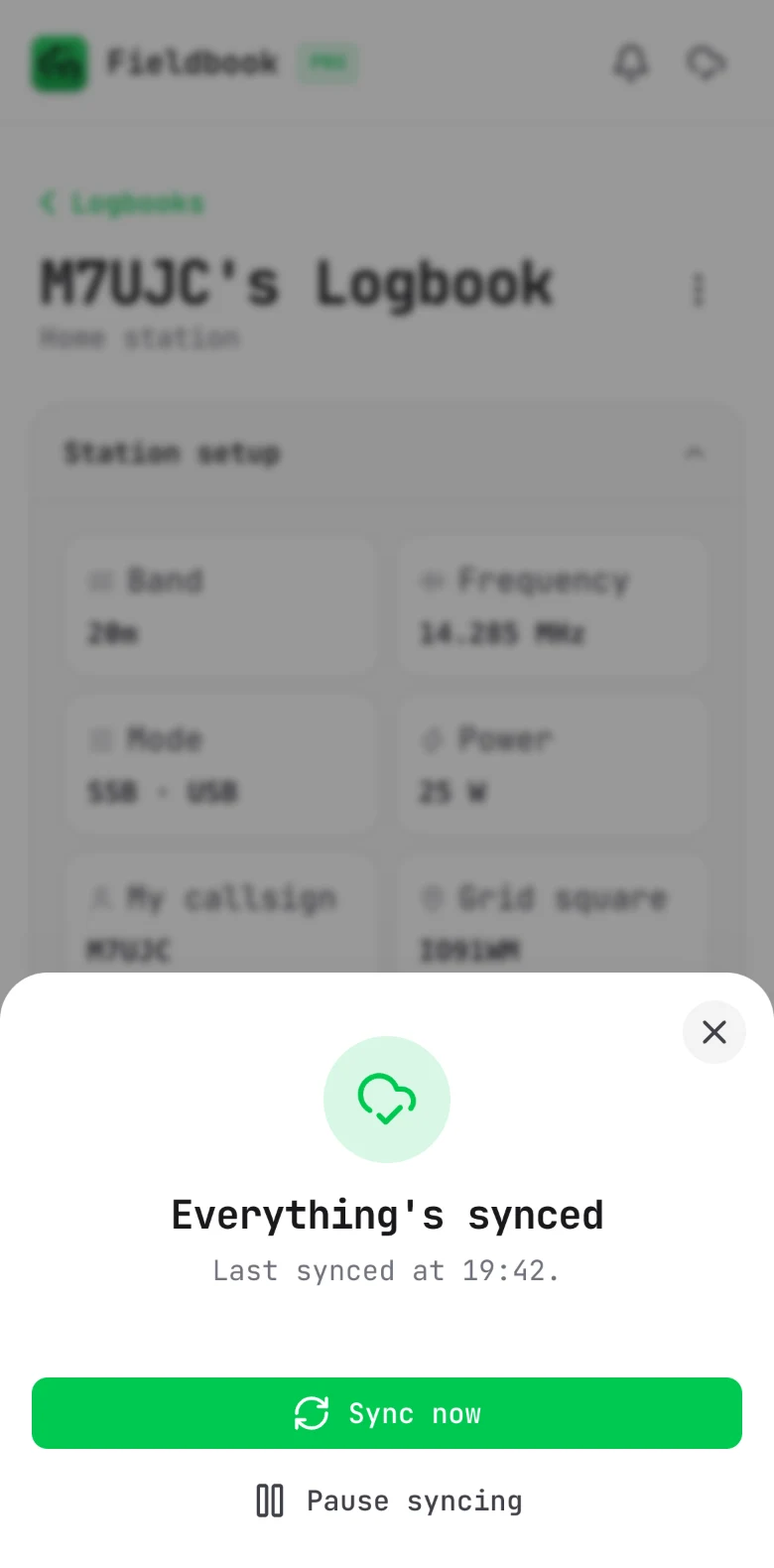
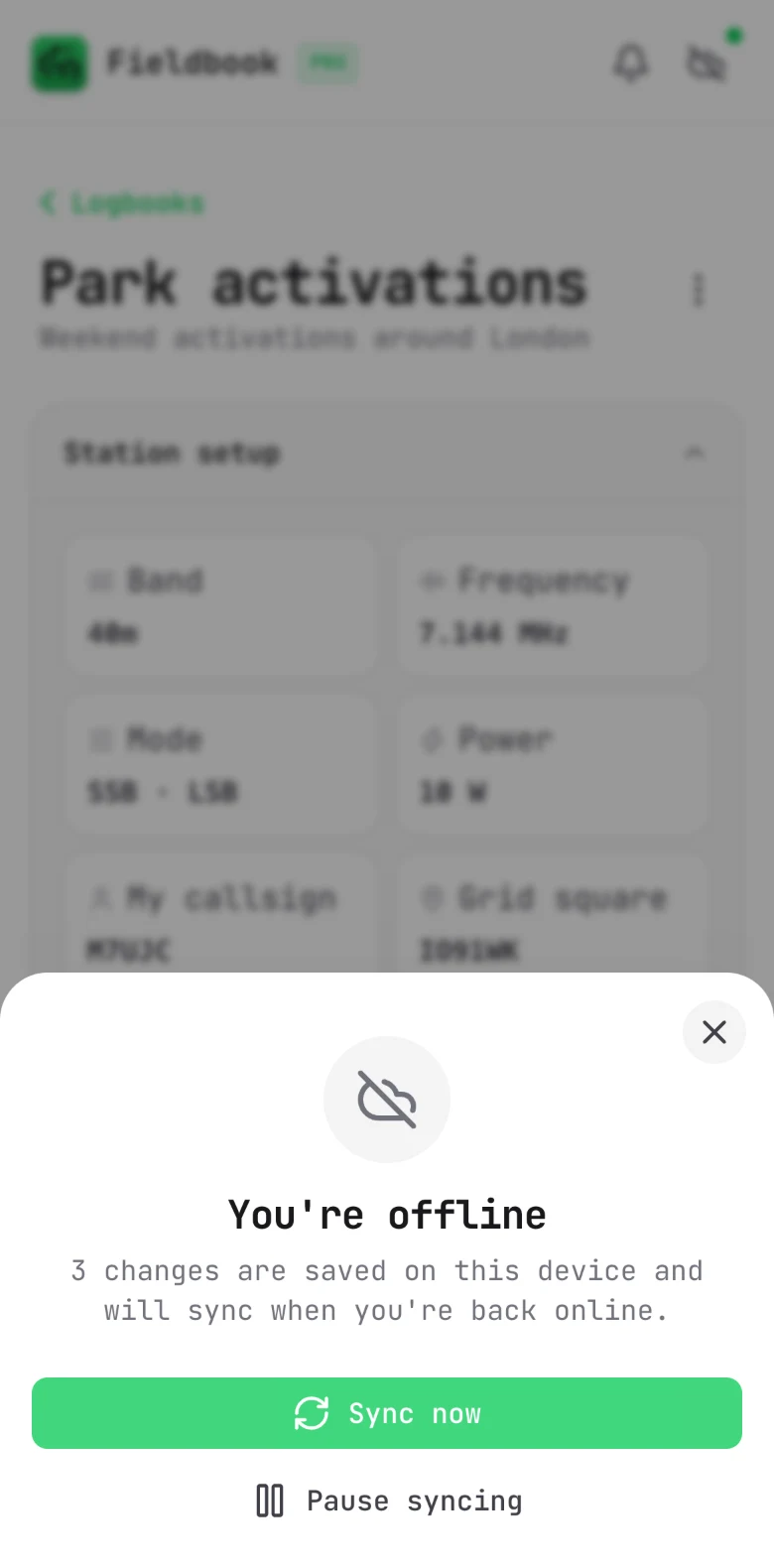
Sync now, or pause sync
From the same sheet:
- Select Sync now to sync immediately.
- Select Pause syncing to keep your changes on this device only. To continue, select Resume syncing.
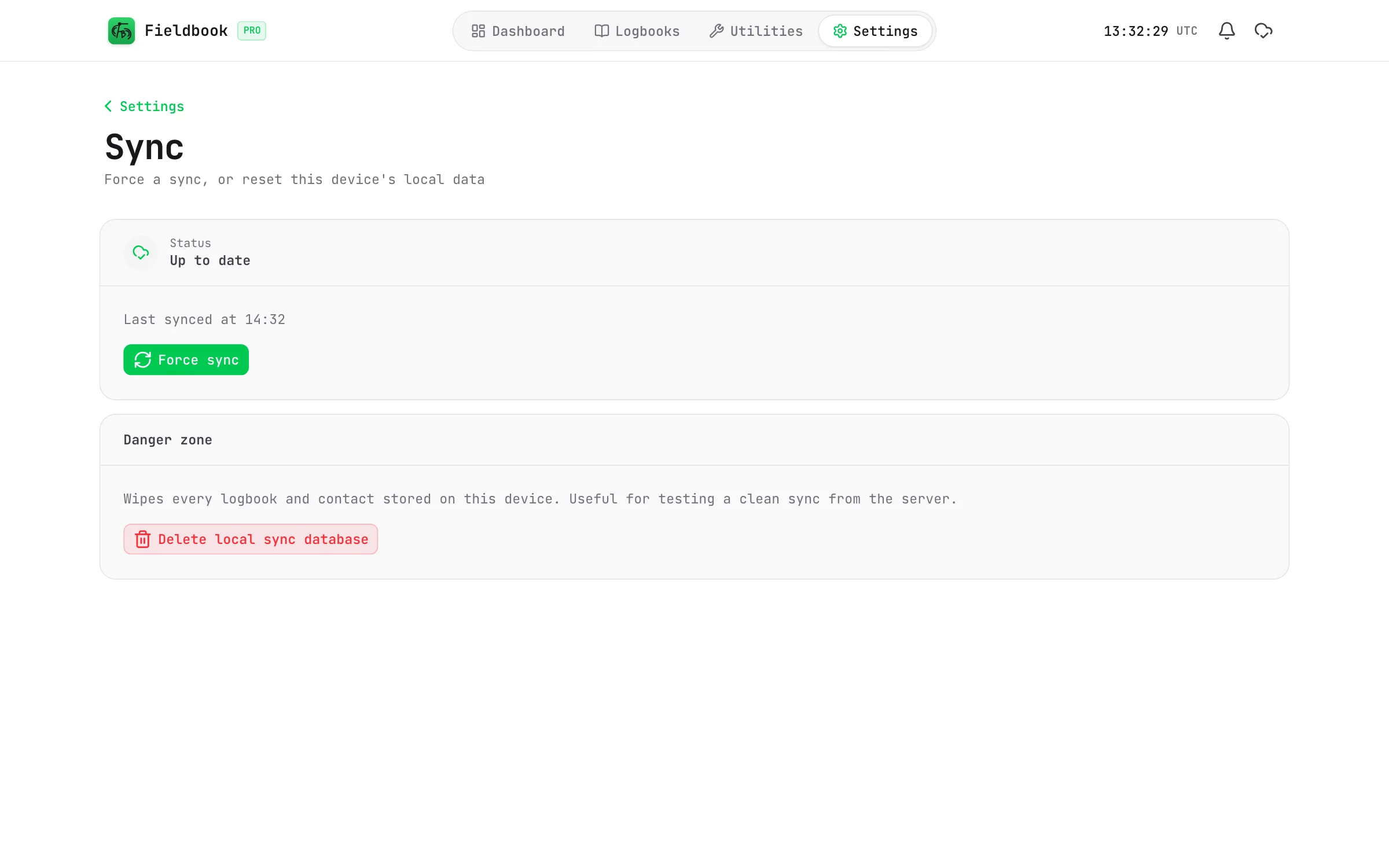
You can also select Force sync in Settings > Sync.
Fieldbook
The free plan limit
The free plan holds up to 10,000 contacts. When you get to the limit, sync stops and the sync sheet tells you. Pro has no limit.
When you log out, Fieldbook deletes all of the data on that device. This includes changes that are not synced. Before you log out, make sure that everything is synced.
Delete local sync database in Settings > Sync deletes all of the data on this device, including changes that are not synced. Use it only if you are told to.