Features

Everything Fieldbook can do, from logging out in the field to looking back over your contacts at home.

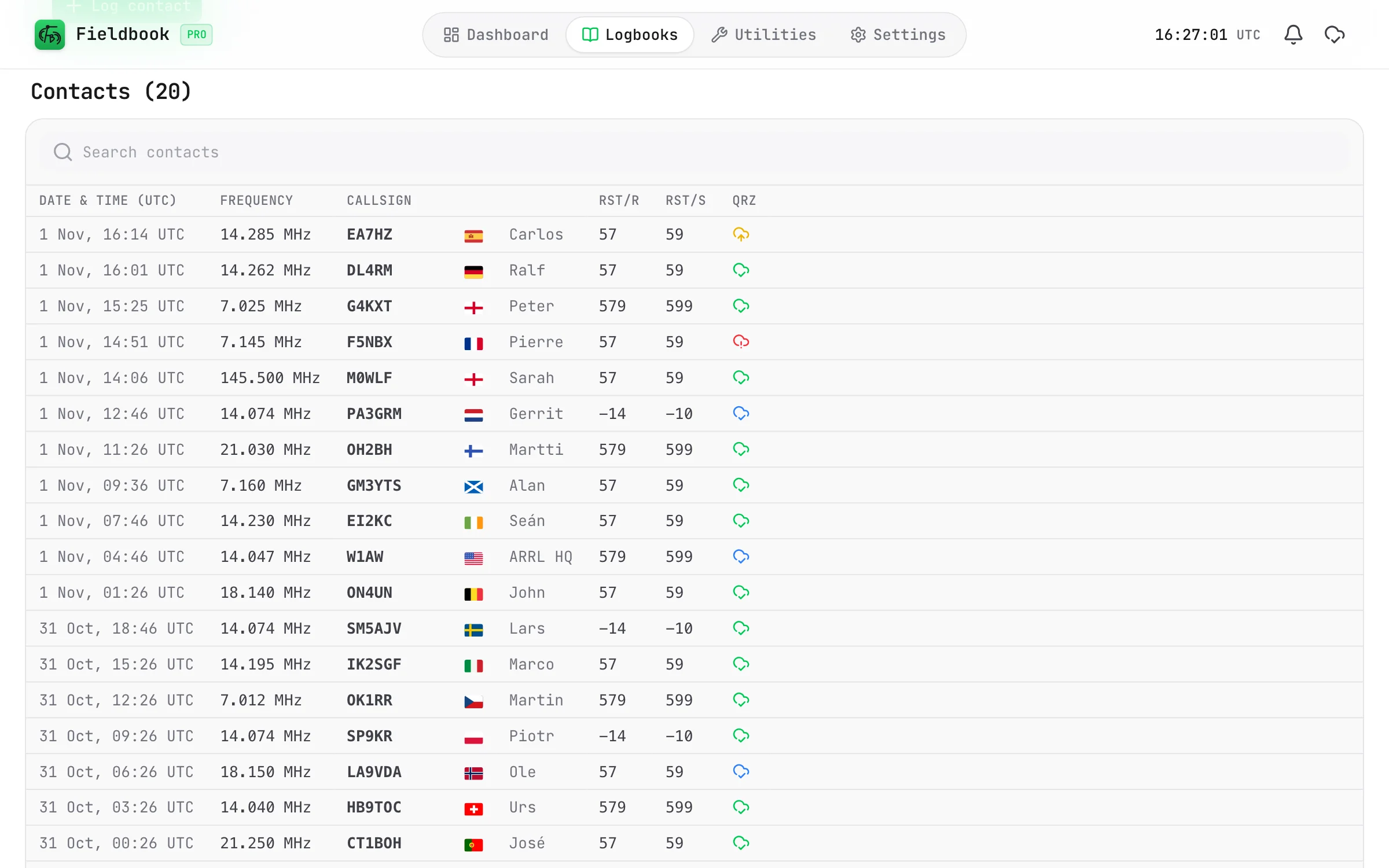
Logging

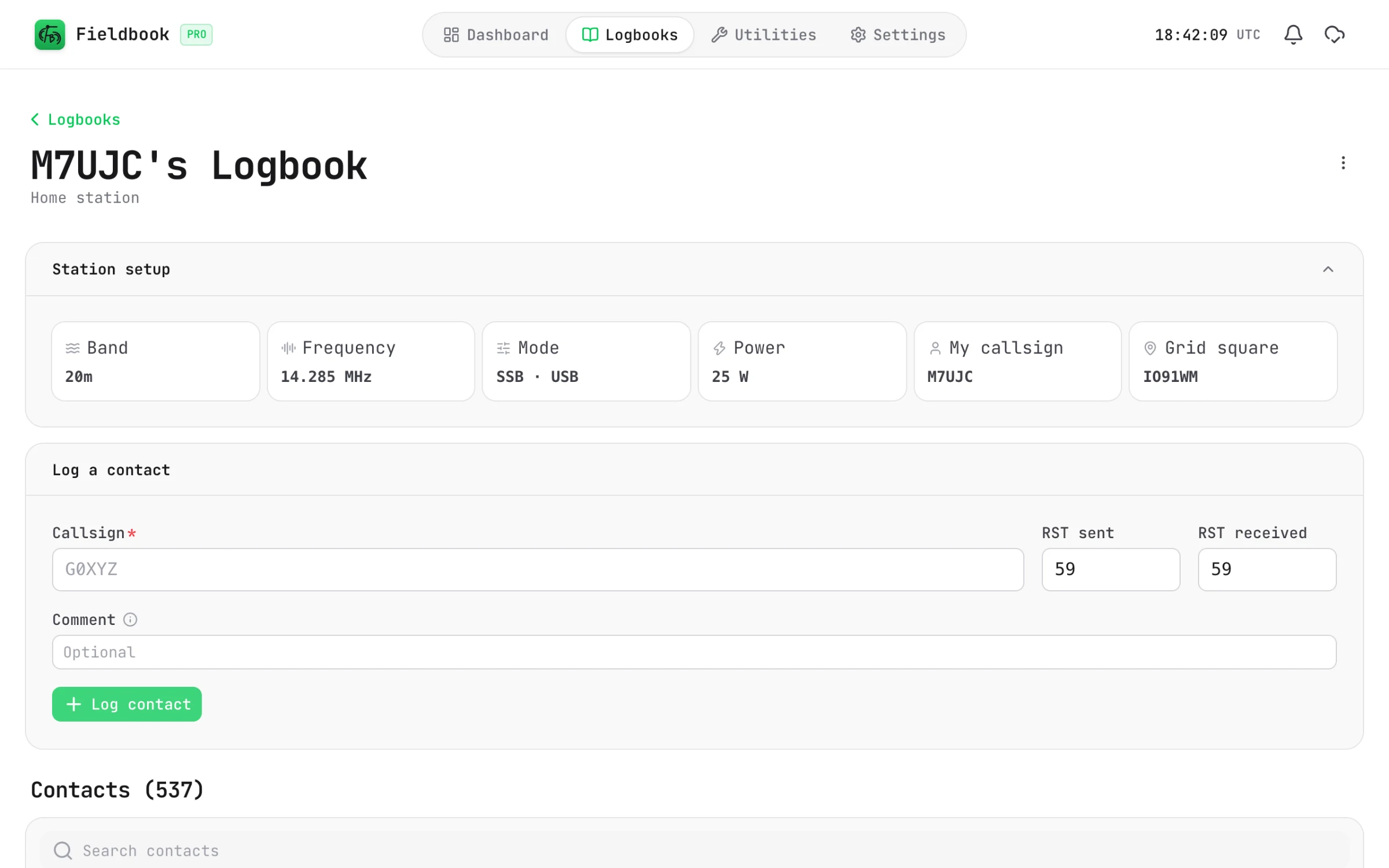
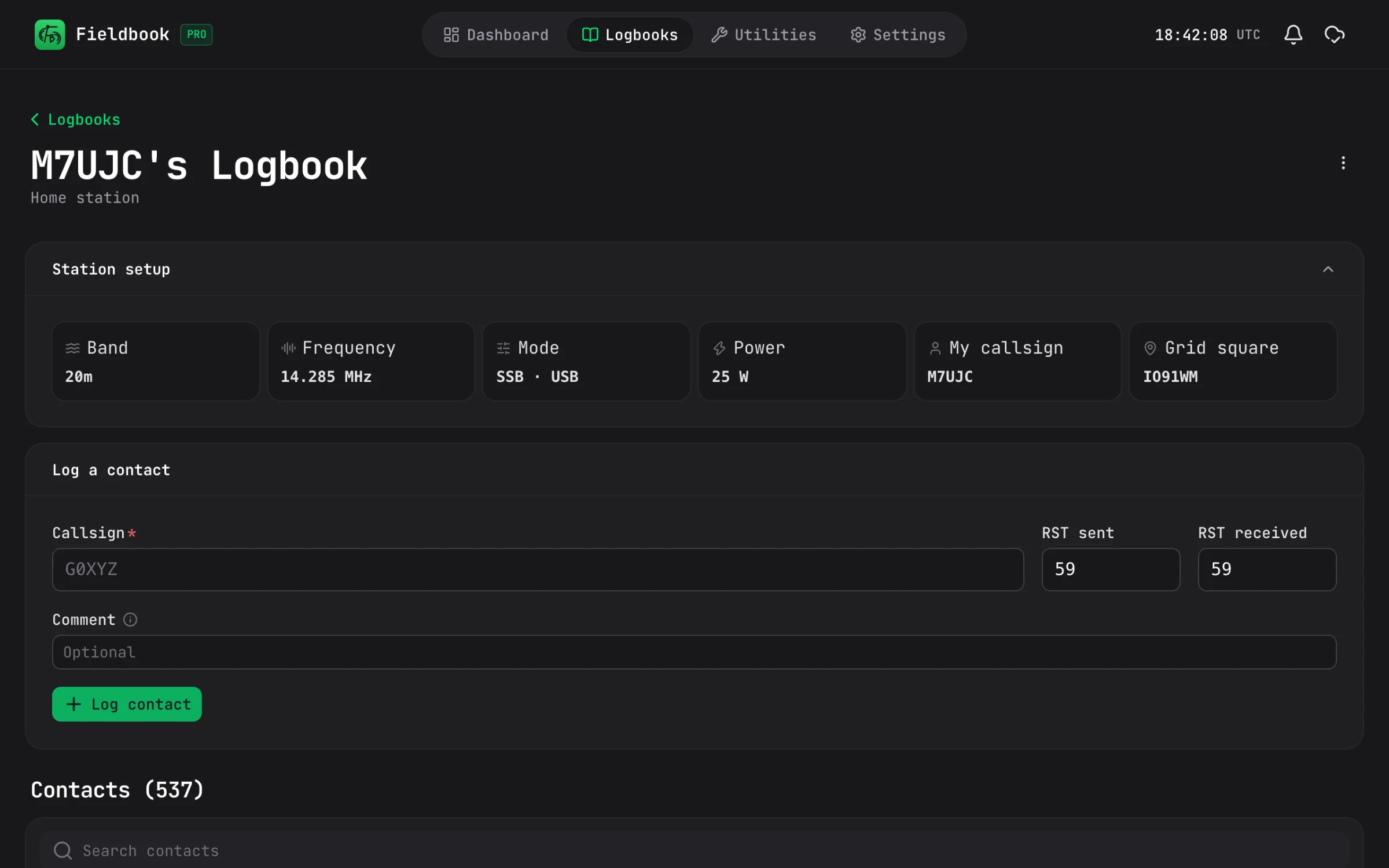
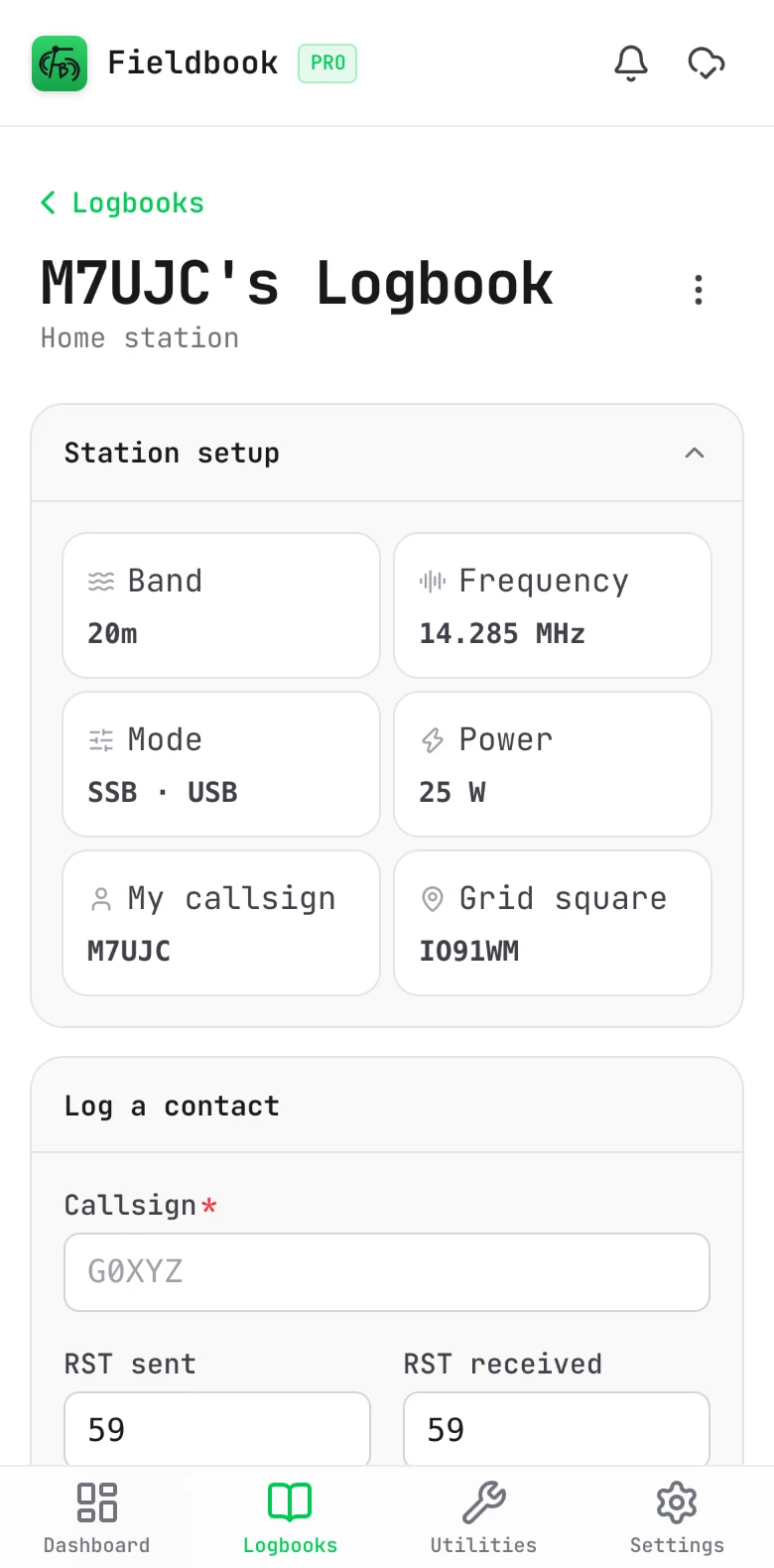
Type a callsign, hit log, and you're done.

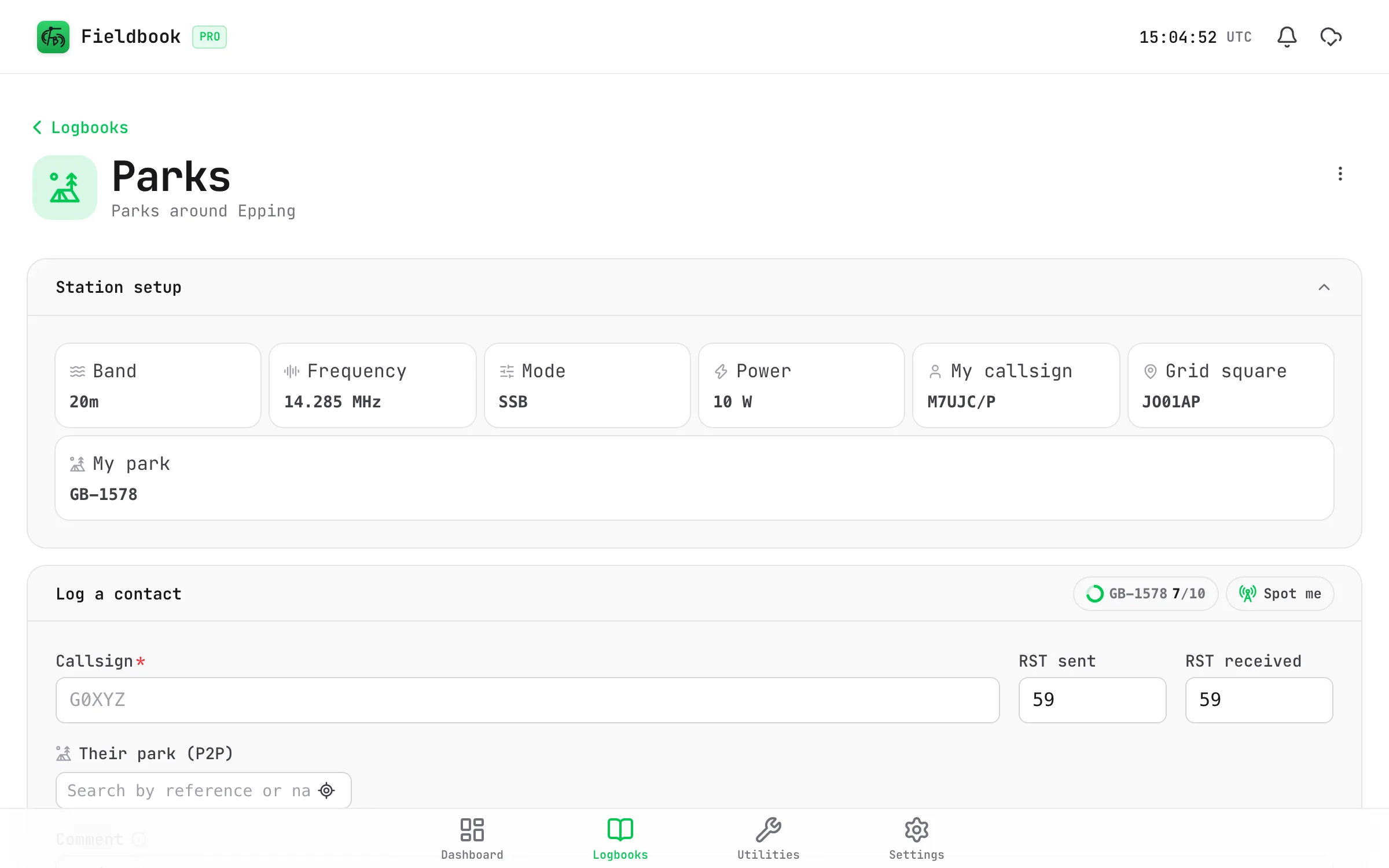
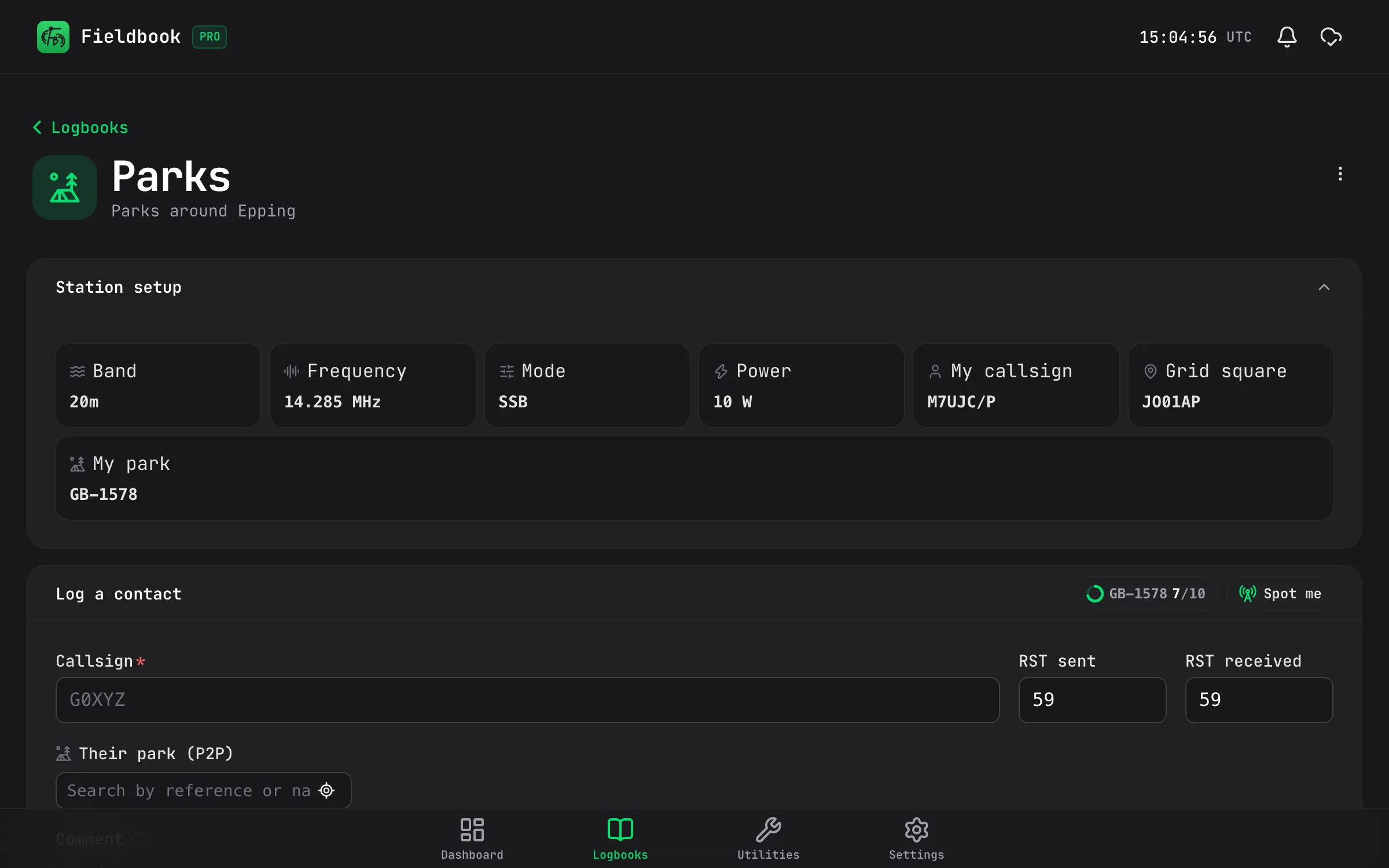
Set your band, frequency, mode and power once and Fieldbook remembers them between contacts. All you need to type is who you've just worked.

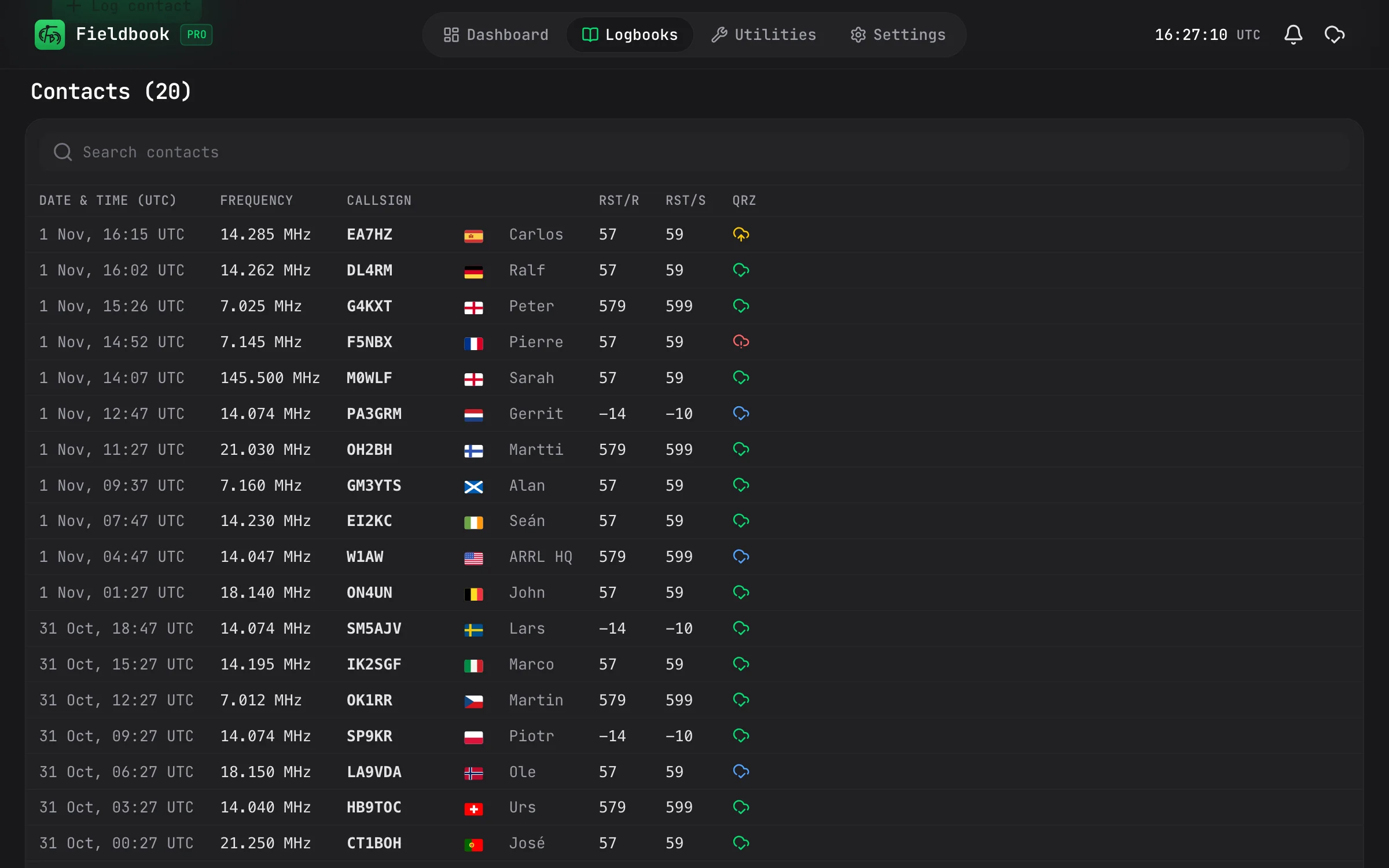
  • Free QRZ lookups, without signing in to QRZ
  • Search, bulk edit and merge your logbooks
  • Bring your old log over with ADIF
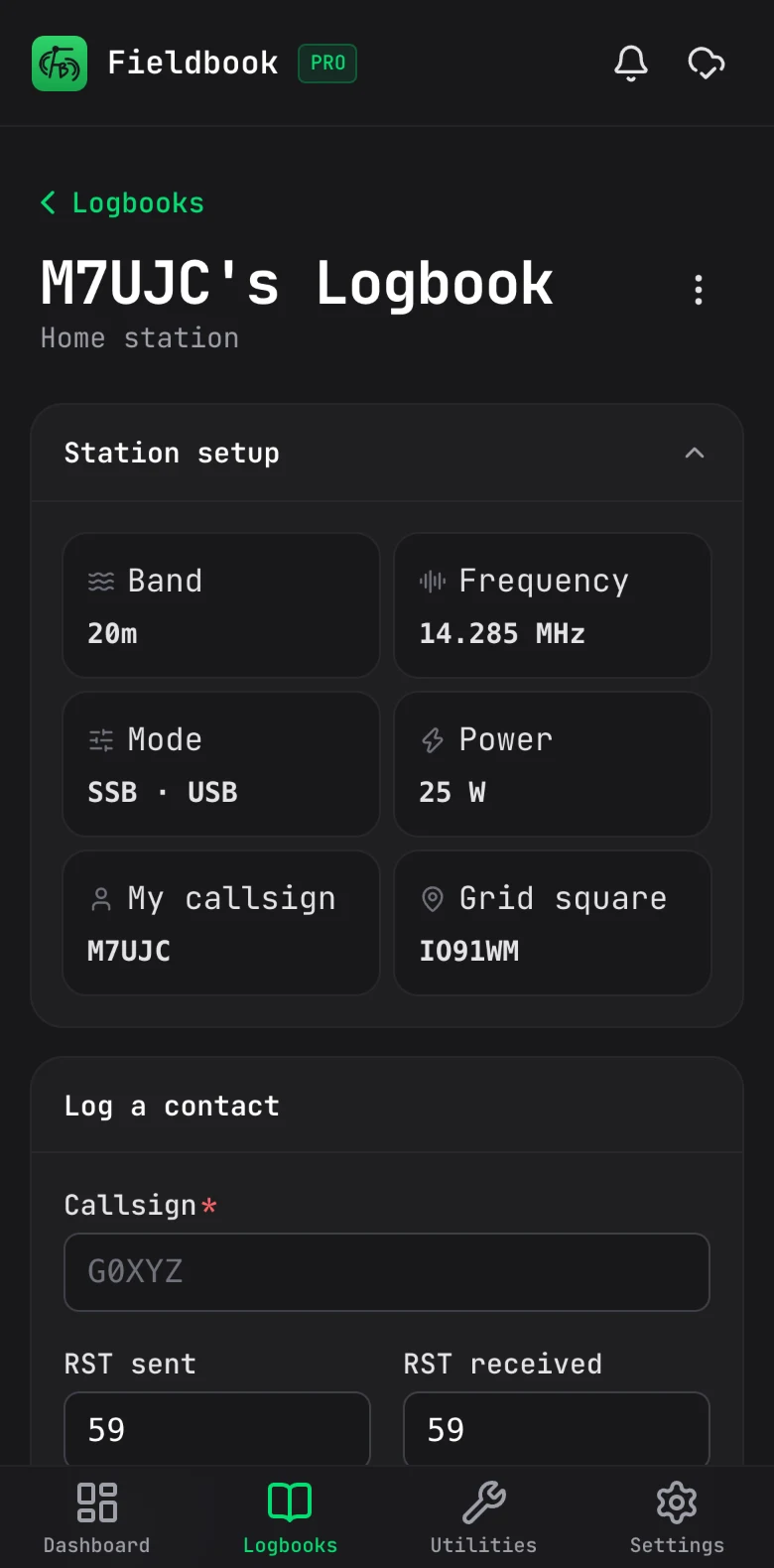
The same logbook on a phone, with the station setup and the log form

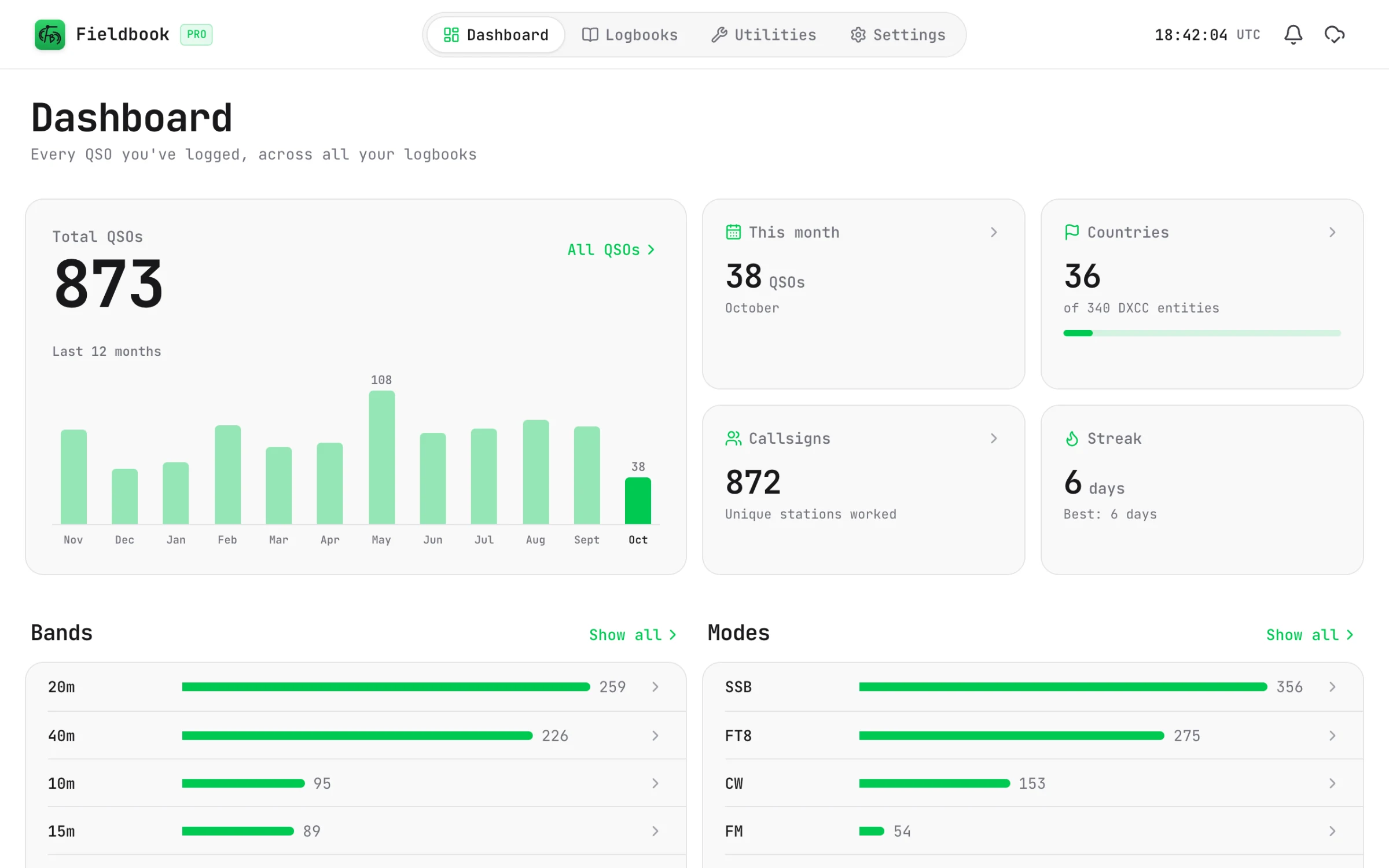
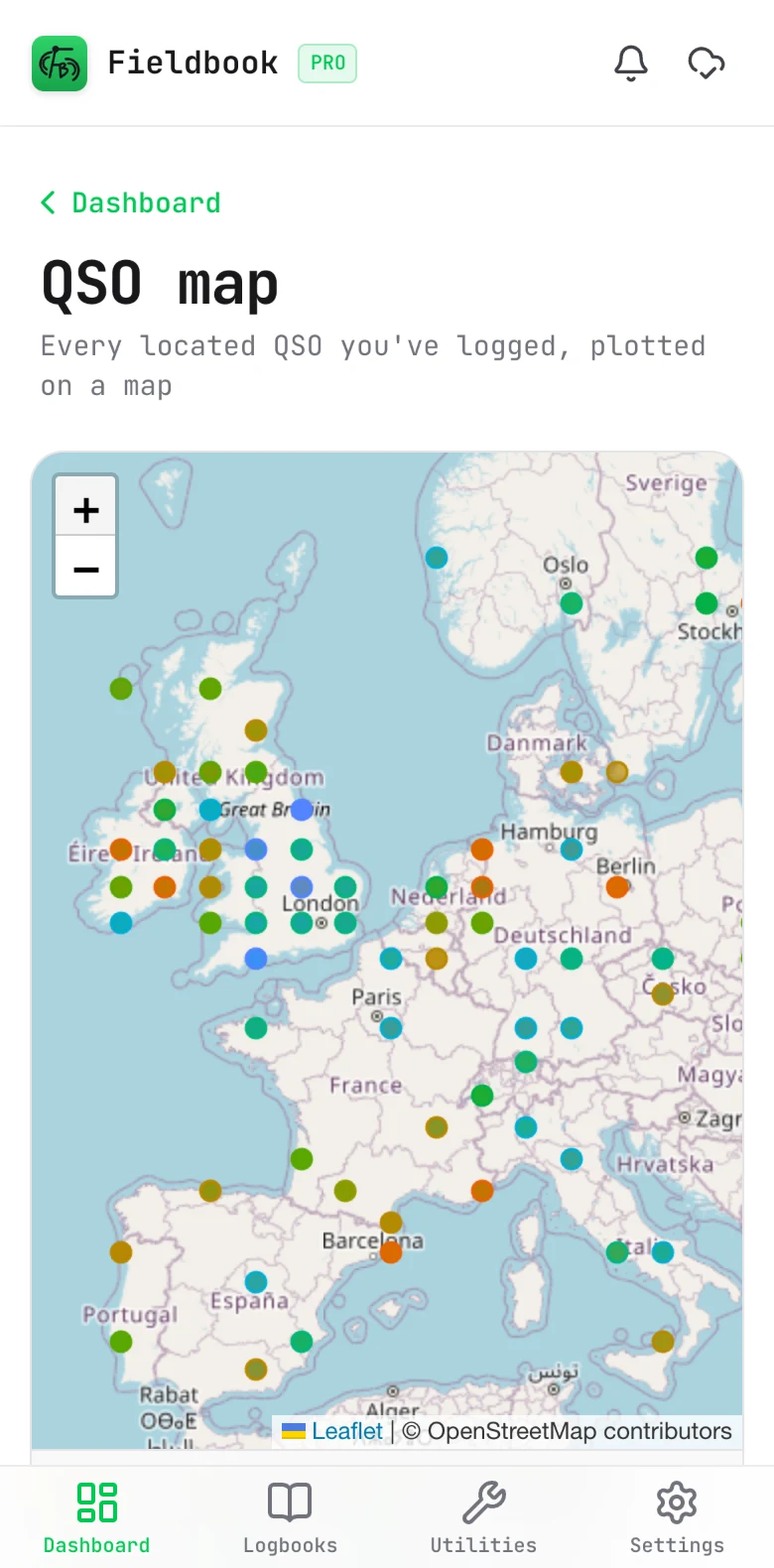
Dashboard and map

See where your signal's been.

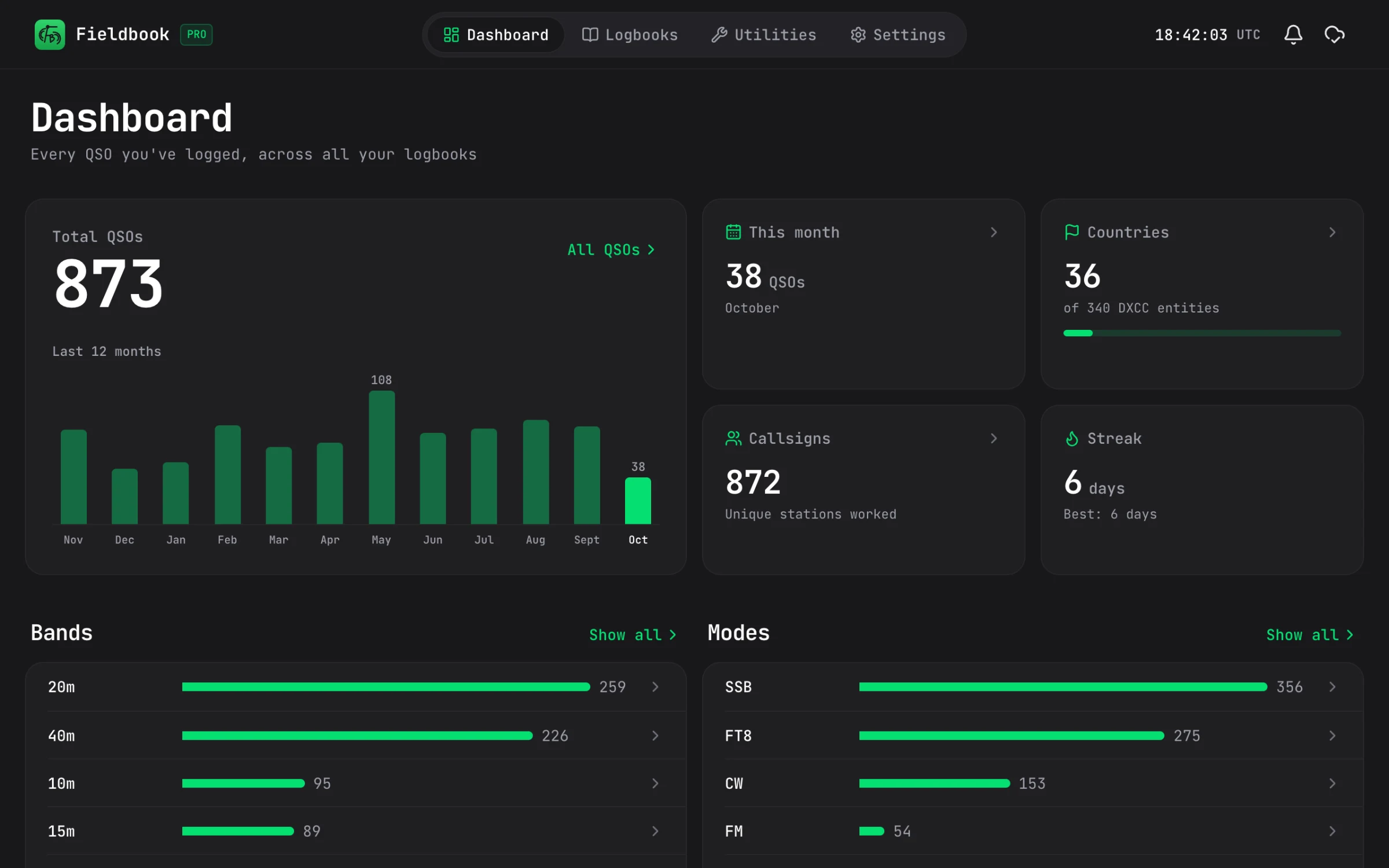
Keep an eye on your totals, countries worked and streaks, and see all of your contacts plotted on a map.

  • Your activity over the last 12 months
  • A map of every contact
  • Breakdowns by band, mode, country and more (Pro)
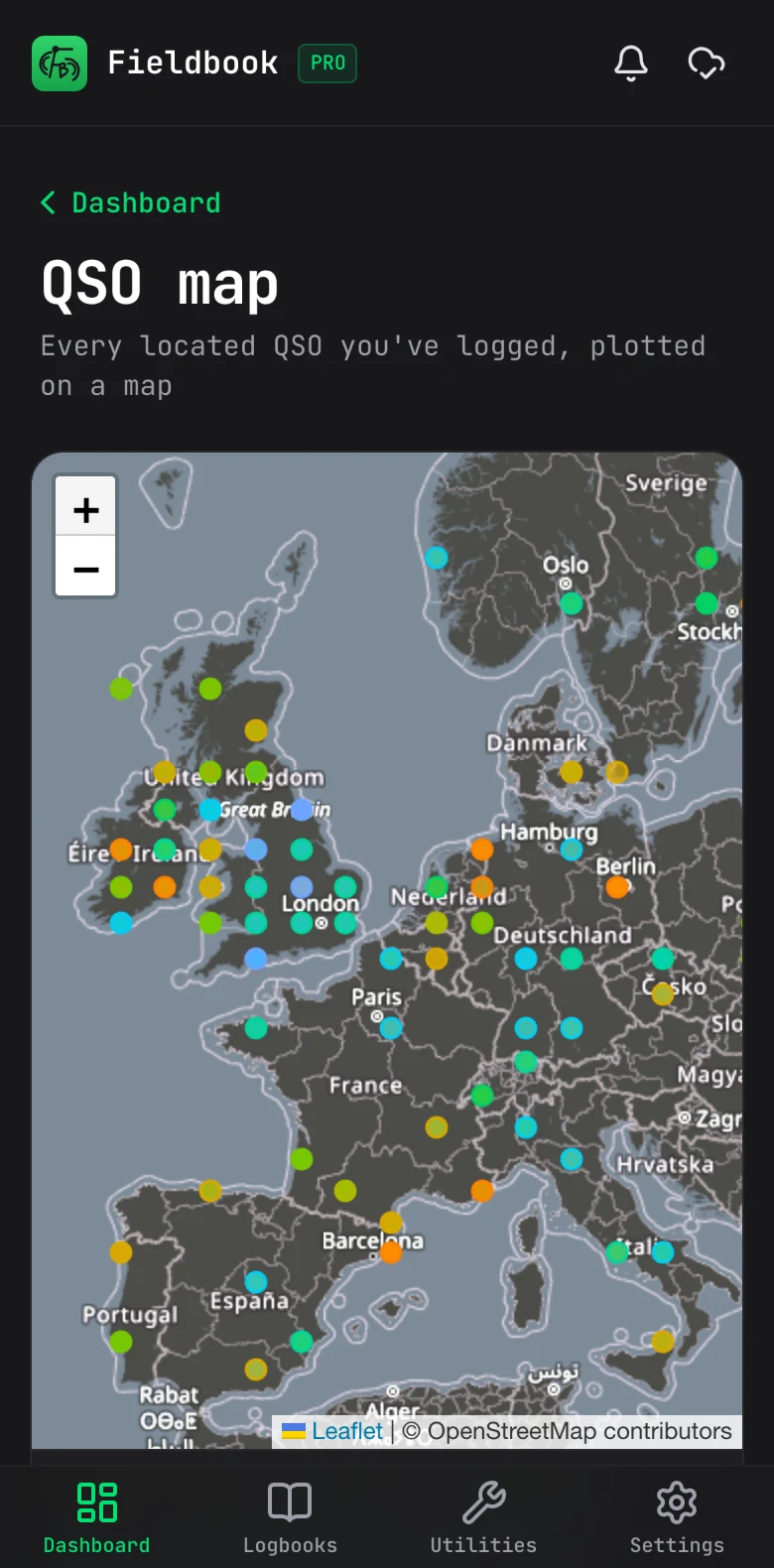
A map of every contact on a phone, coloured by band

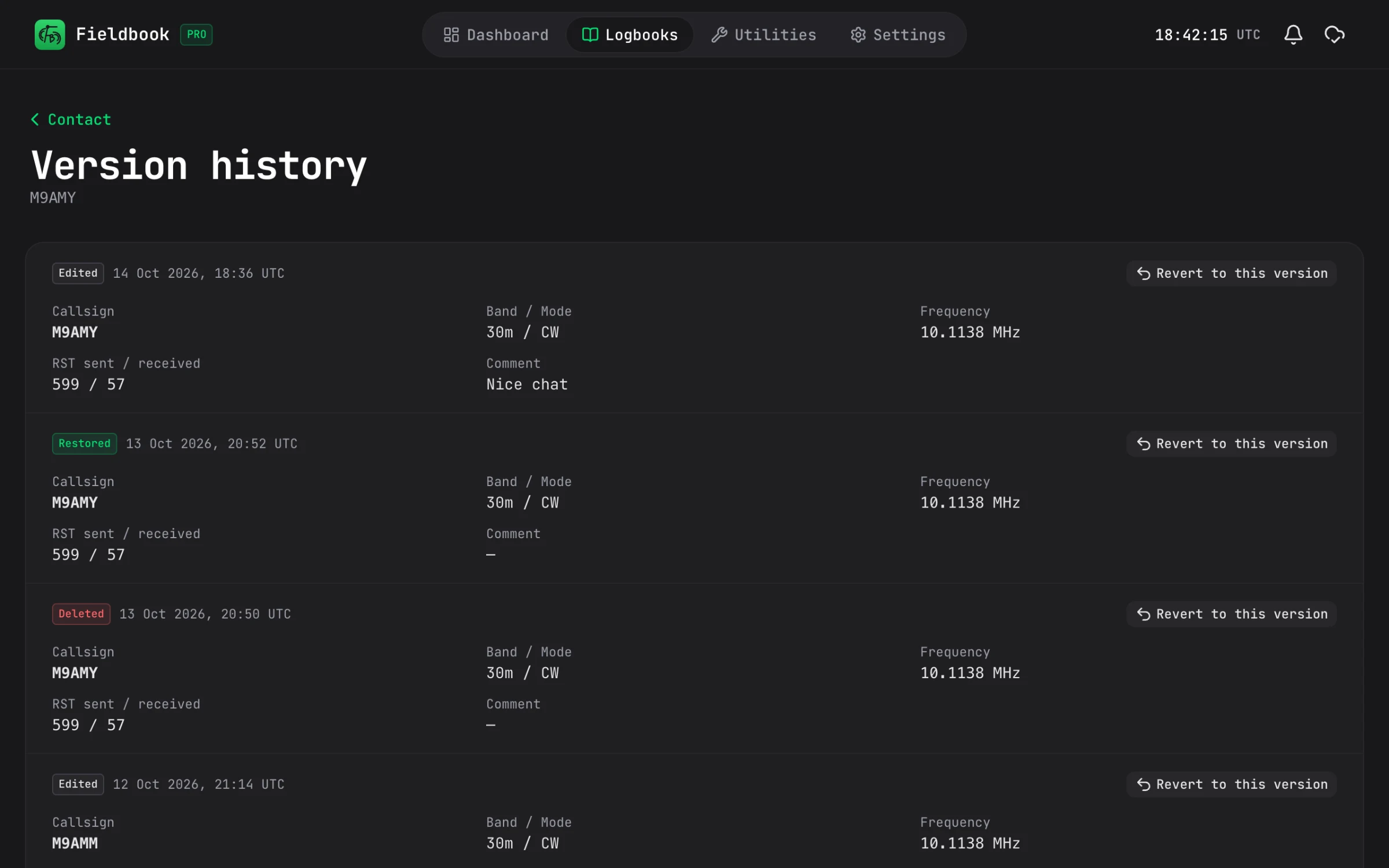
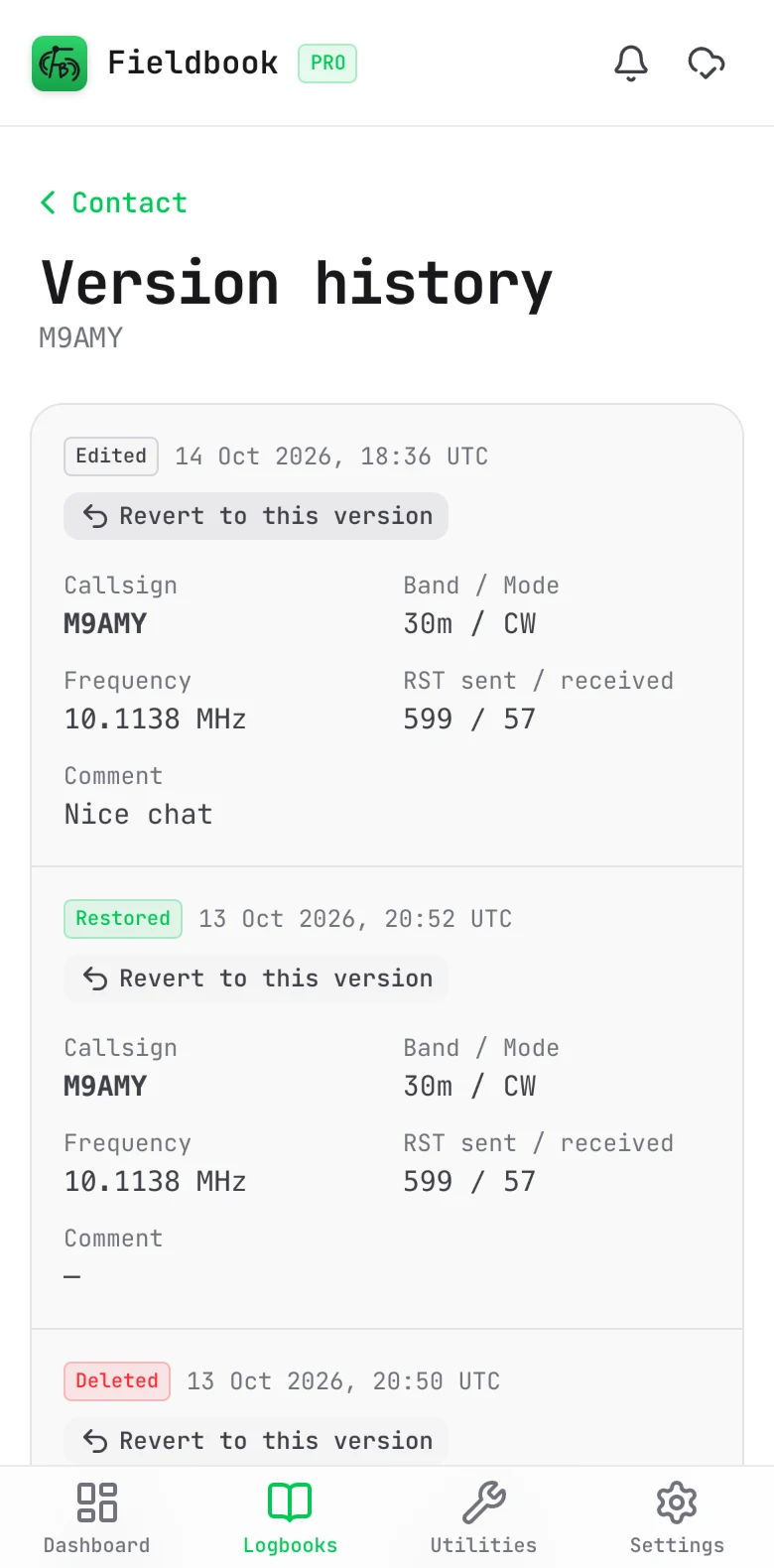
History Pro

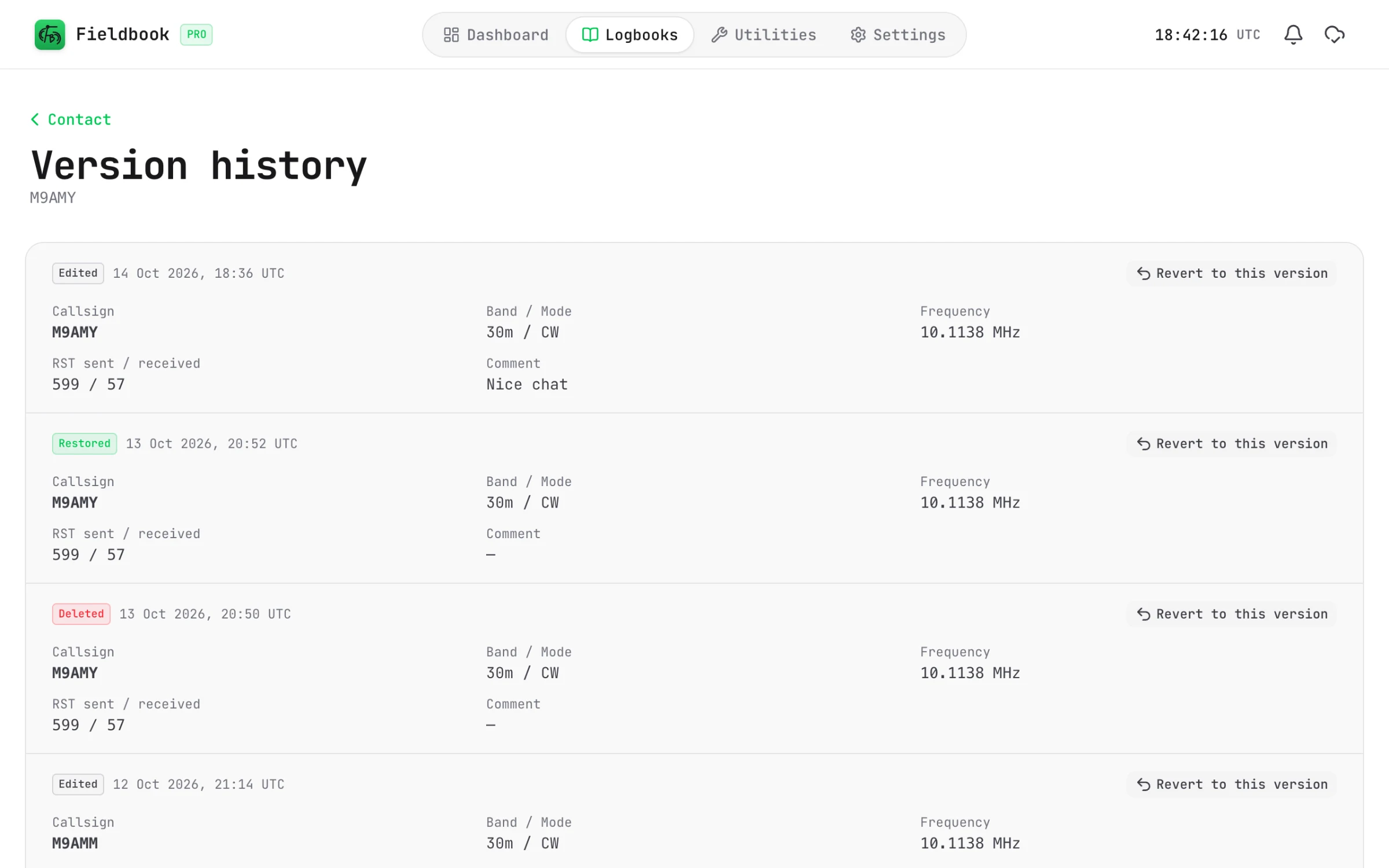
Made a mistake? Just undo it.

Every change to a contact is saved, so you can always go back to an earlier version. And if you delete one by accident, you can bring it back from the Trash.

  • Full edit history for every contact
  • Go back to any earlier version
  • Restore contacts you deleted by accident
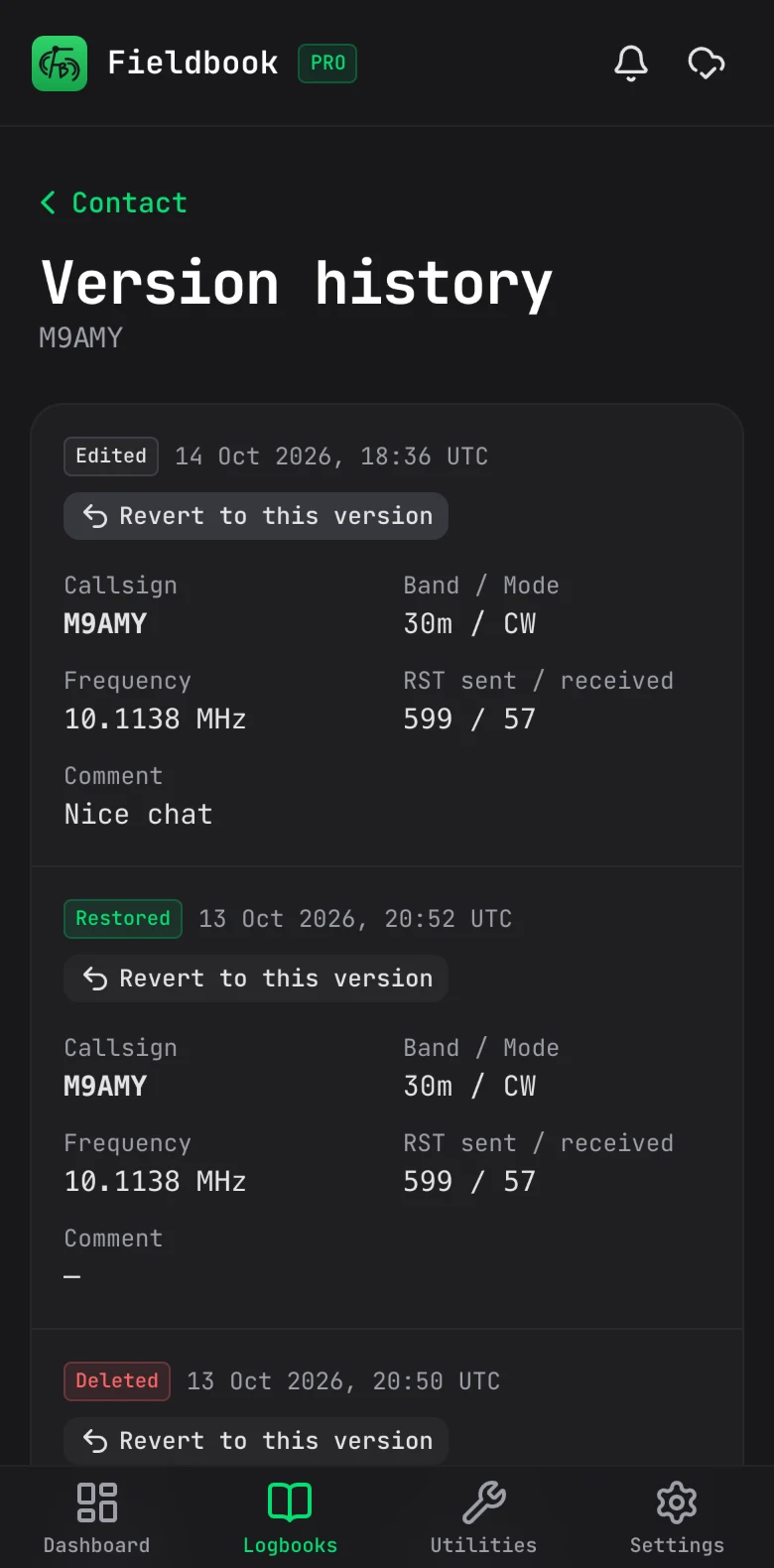
The version history of a contact on a phone

QRZ Logbook Sync Pro

Logged it? It's on QRZ.

Connect your QRZ.com logbook and we'll push your contacts up to it as you log, old ones included. You'll just need a QRZ.com subscription with Logbook API access.

  • New contacts and edits go up automatically
  • Pick which logbooks go up
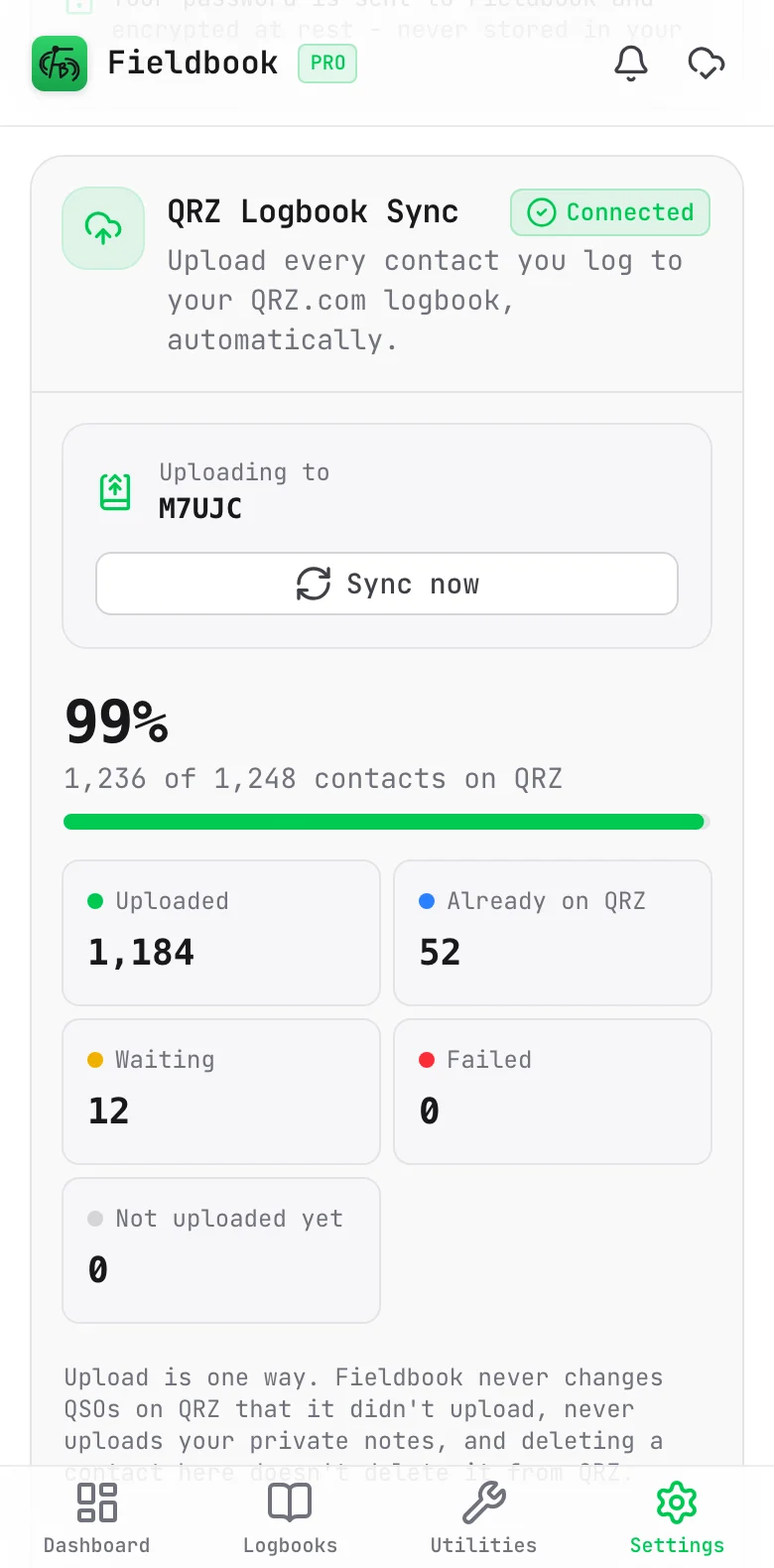
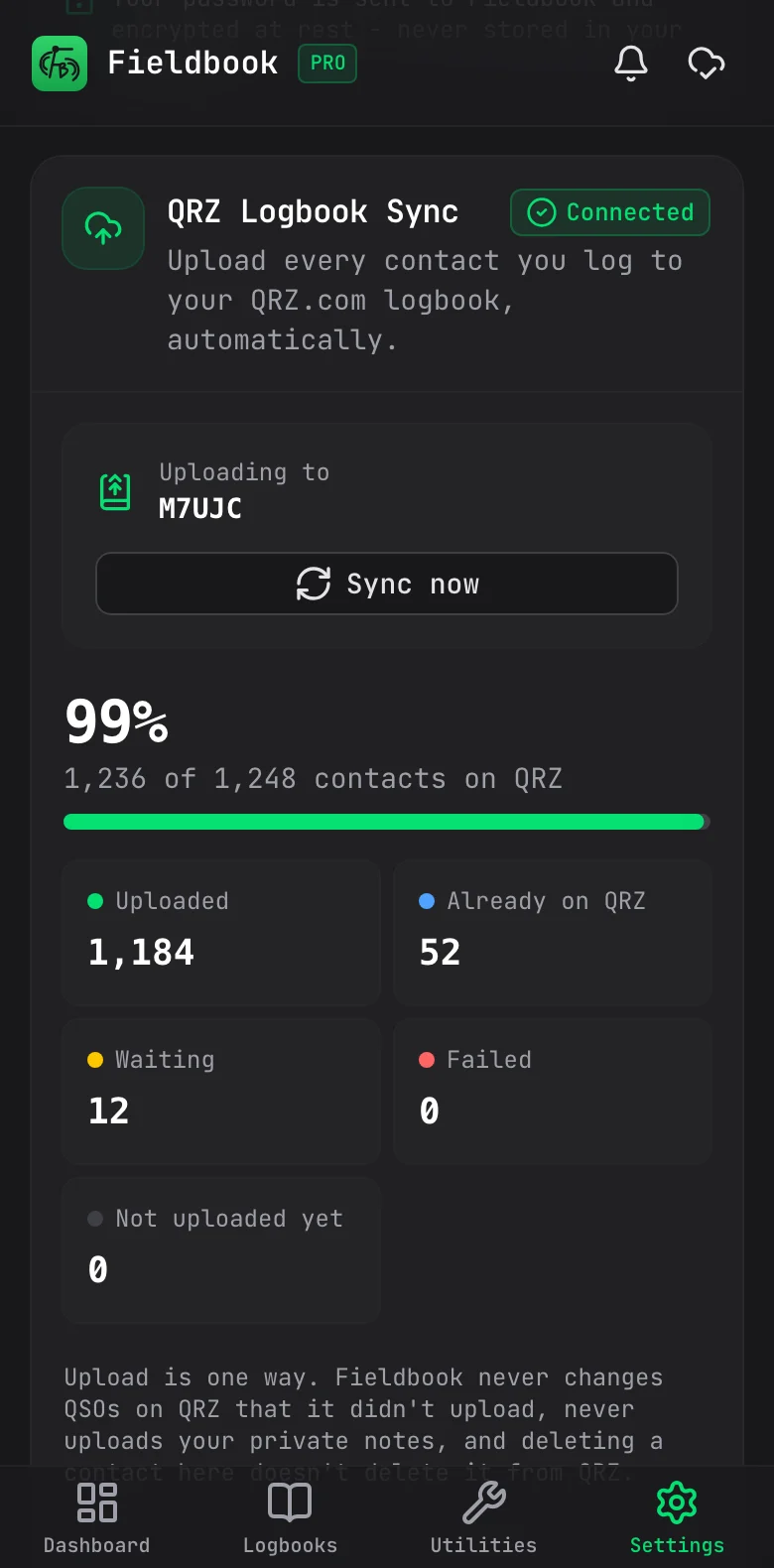
  • See which contacts have made it to QRZ
  • Your private notes never leave Fieldbook
QRZ Logbook Sync on a phone: 99% of 1,248 contacts on QRZ, with 12 waiting to go up

Utilities

Handy tools for when you're on the air.

Check how the bands are looking, work out your locator, or how much wire you need for an antenna, without leaving the app.

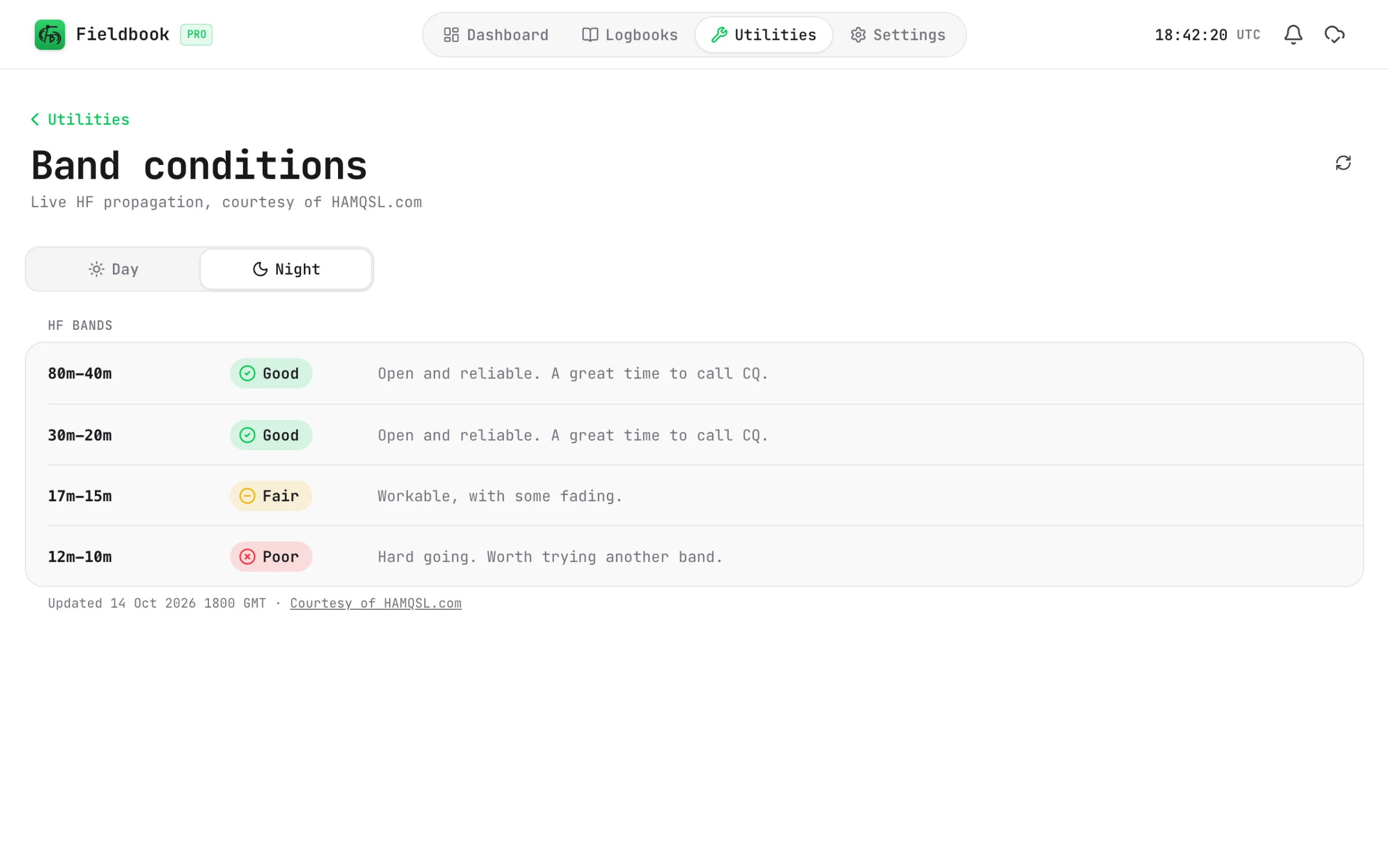
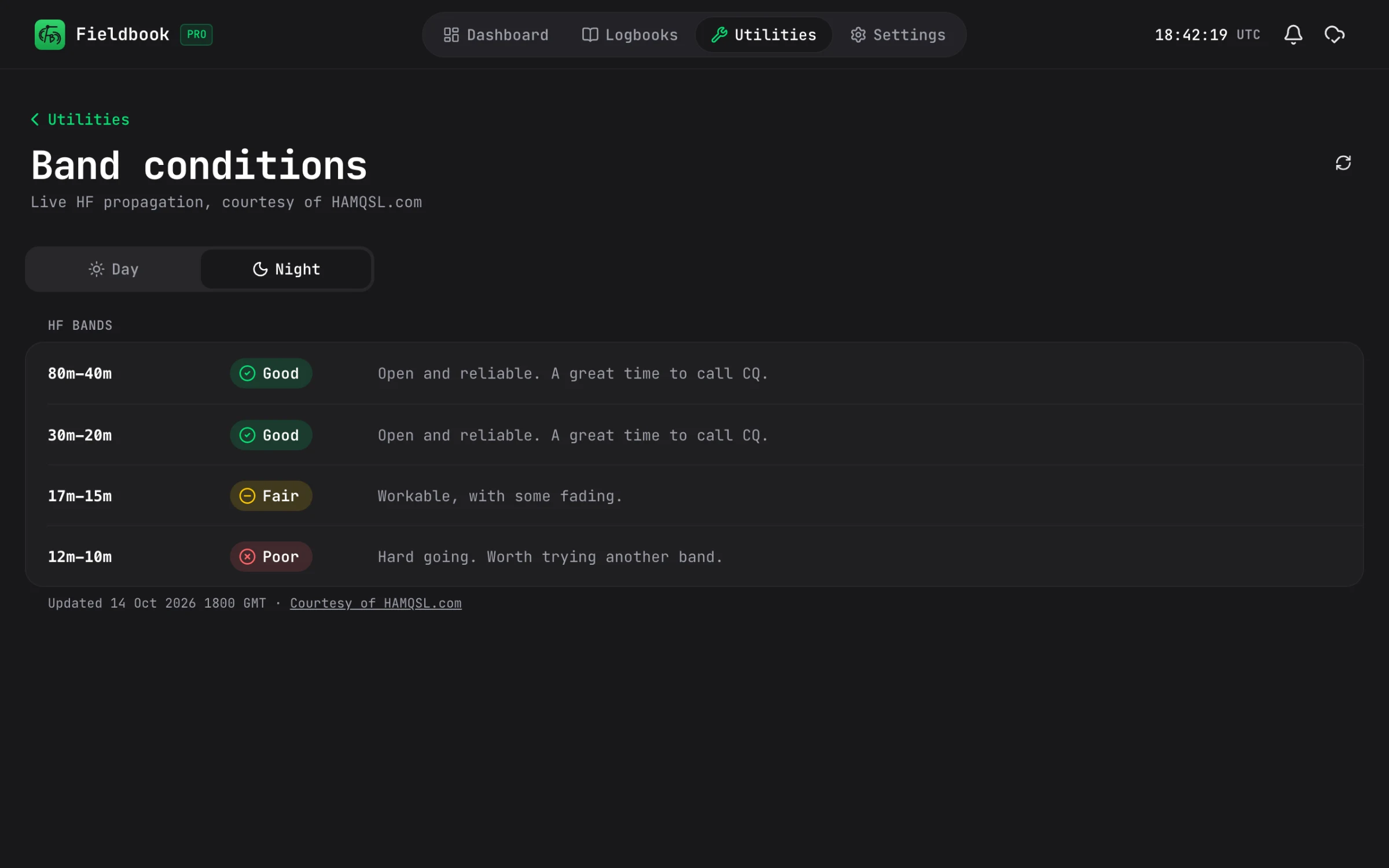
  • Band conditions, courtesy of HAMQSL.com
  • Maidenhead locator calculator
  • Antenna length calculator
Fieldbook
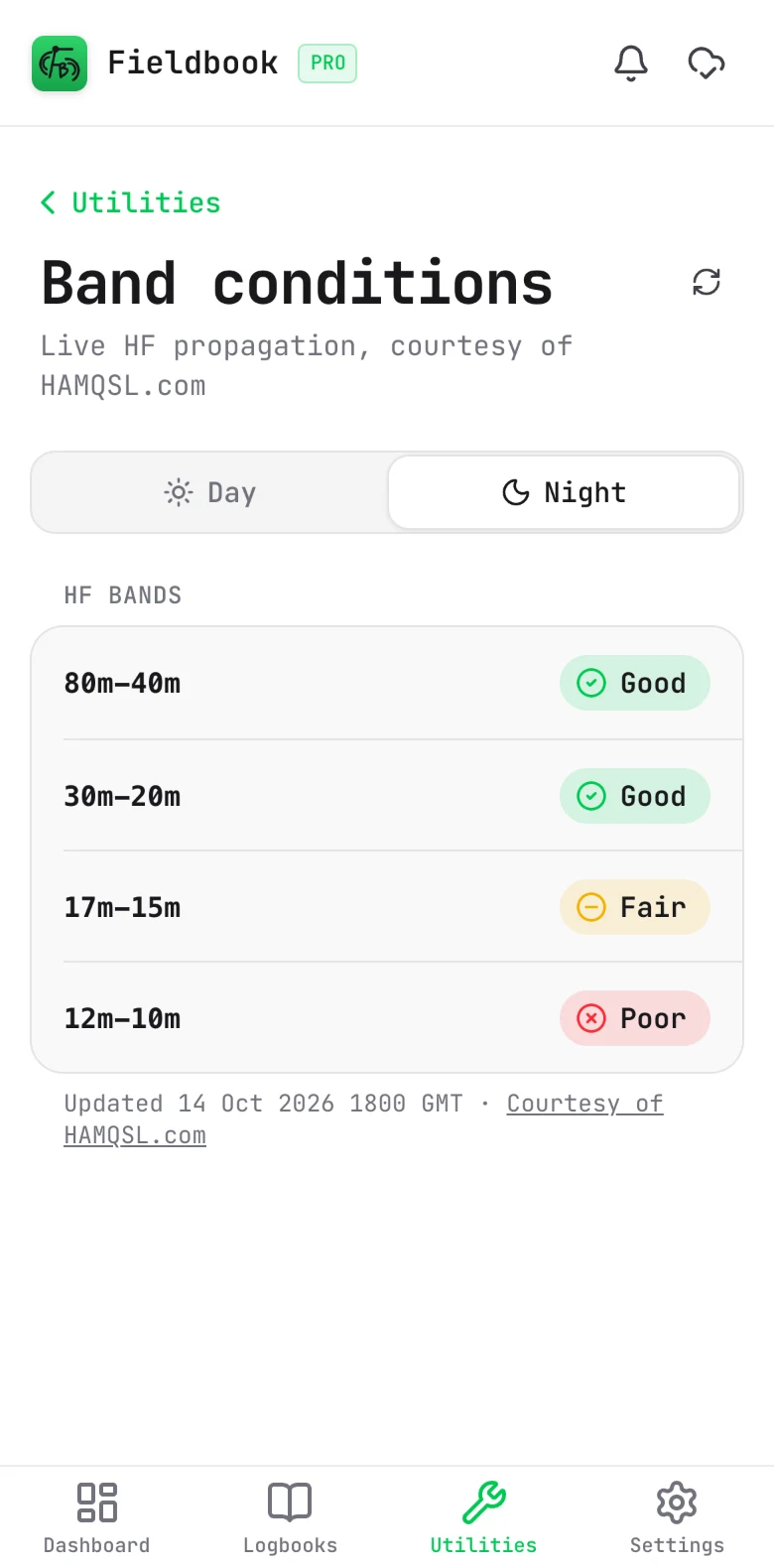
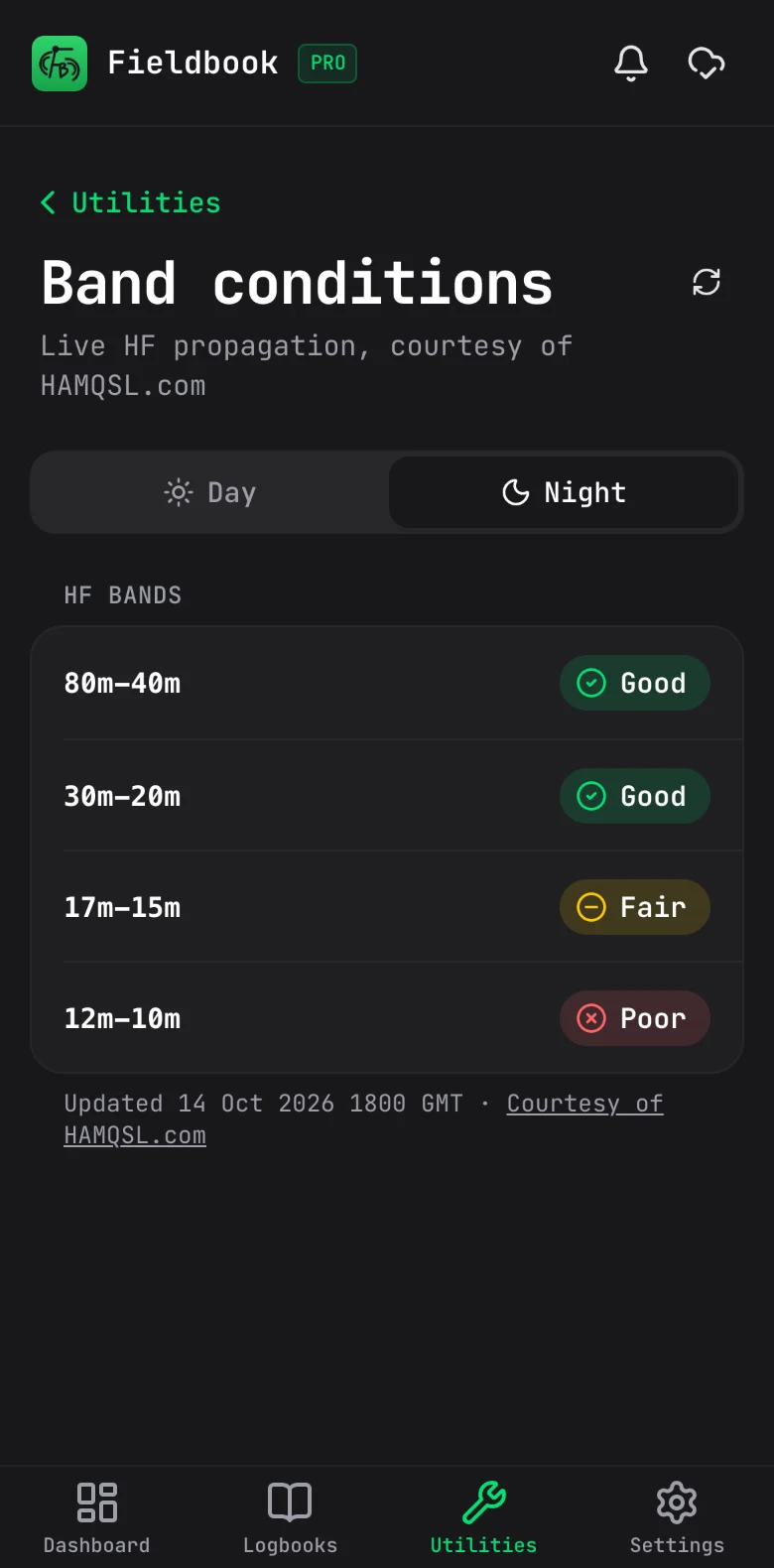
Band conditions in Fieldbook, with a day and night switch and a Good, Fair or Poor rating for each HF band

Parks on the Air

Everything for POTA, in one place.

Whether you're out activating or hunting from home, it's all built in. No extra apps, no spreadsheets.

Activating

Off to activate a park? It's ready when you are.

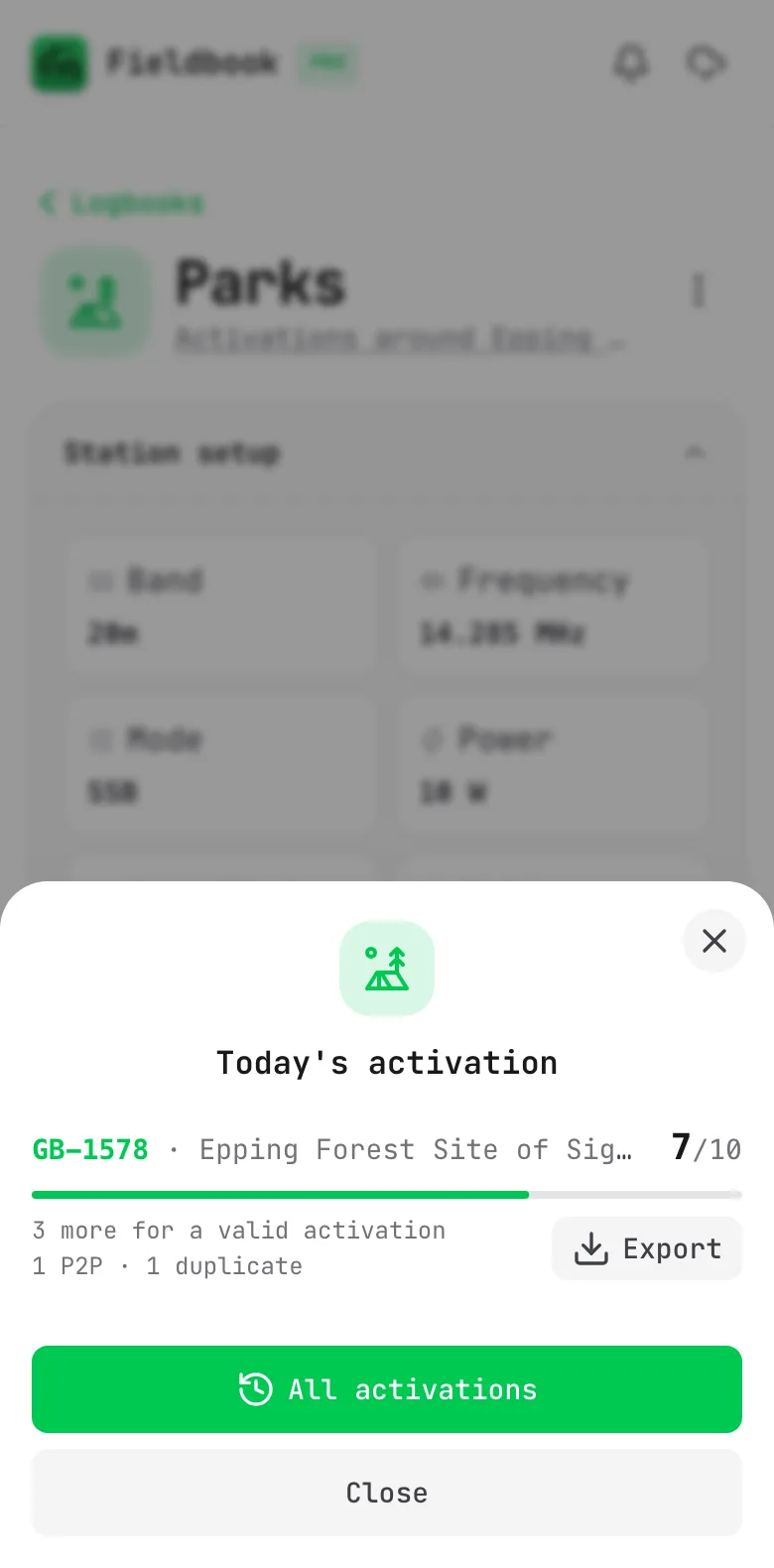
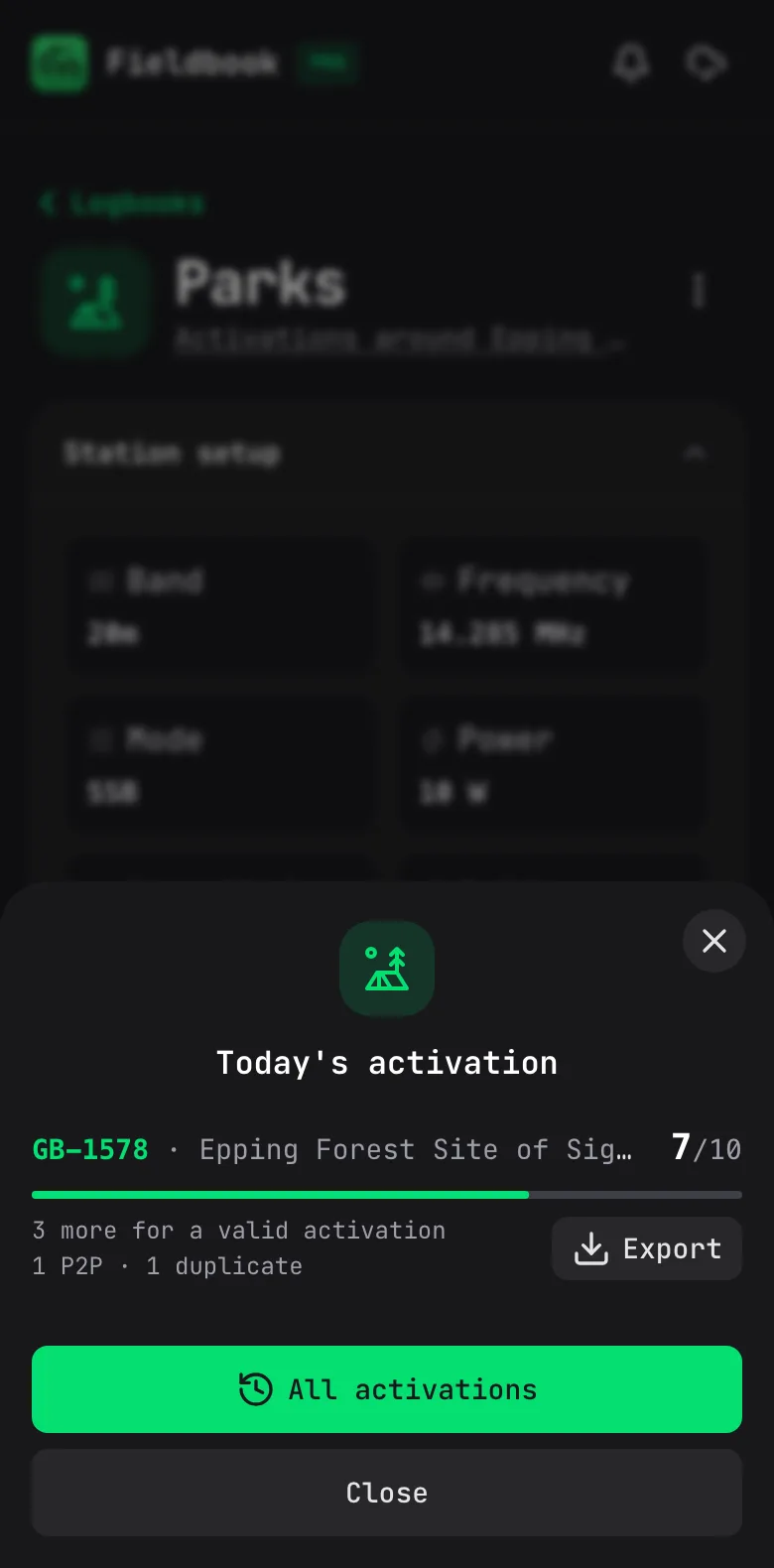
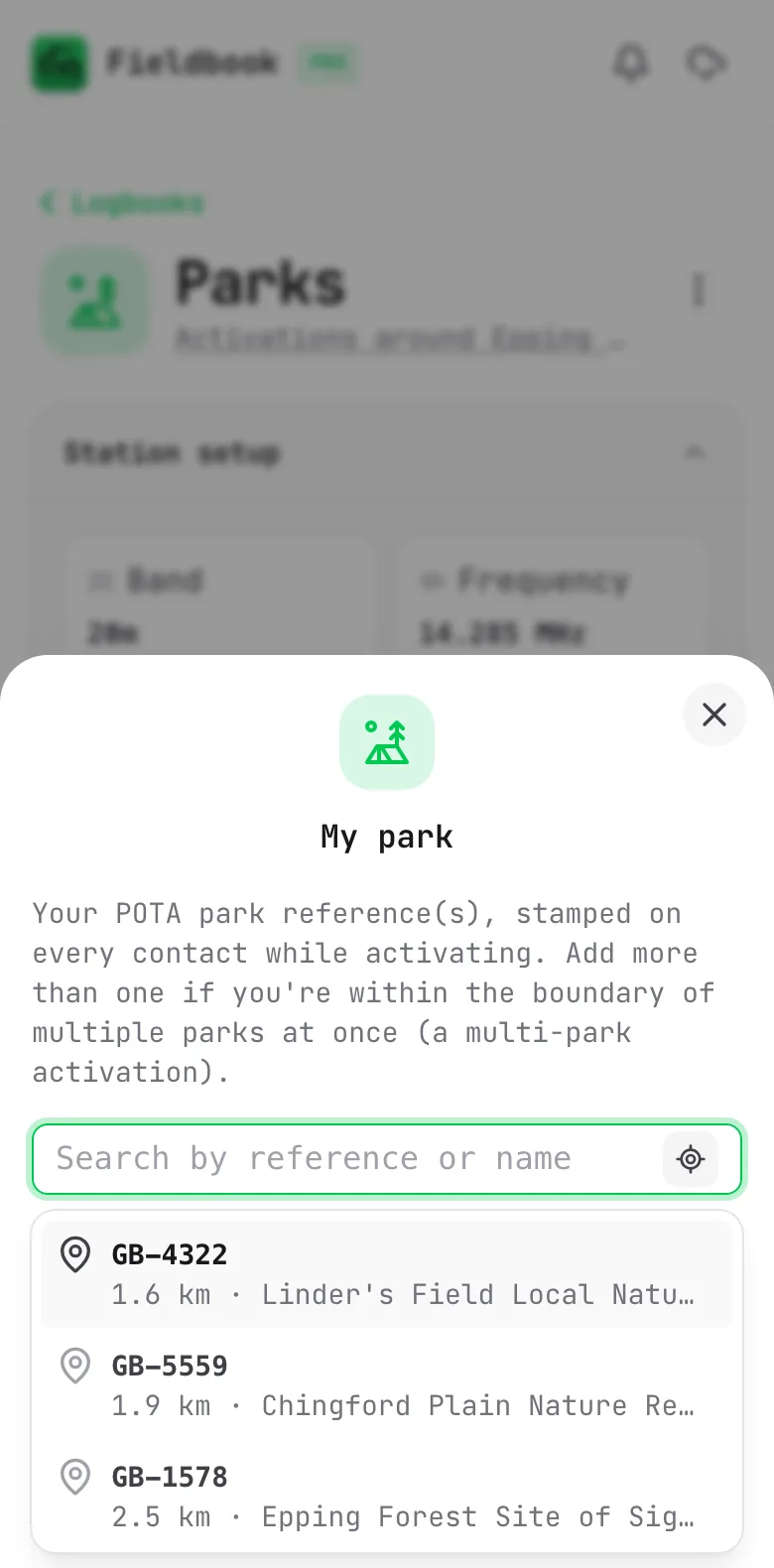
Pick the POTA template and set your park, or let Fieldbook find the ones nearest you, even with no signal. As you log, you can see how many contacts you've made, and when you've got enough for a successful activation. Spot yourself so hunters can find you, and when you're home, export the file POTA wants for each activation.

  • Find parks by name, reference or what's nearby, even offline
  • See when you've made enough contacts for a successful activation
  • Spot yourself without leaving the log
  • Park to park contacts filled in from the spots
  • A file for each activation, named the way POTA wants
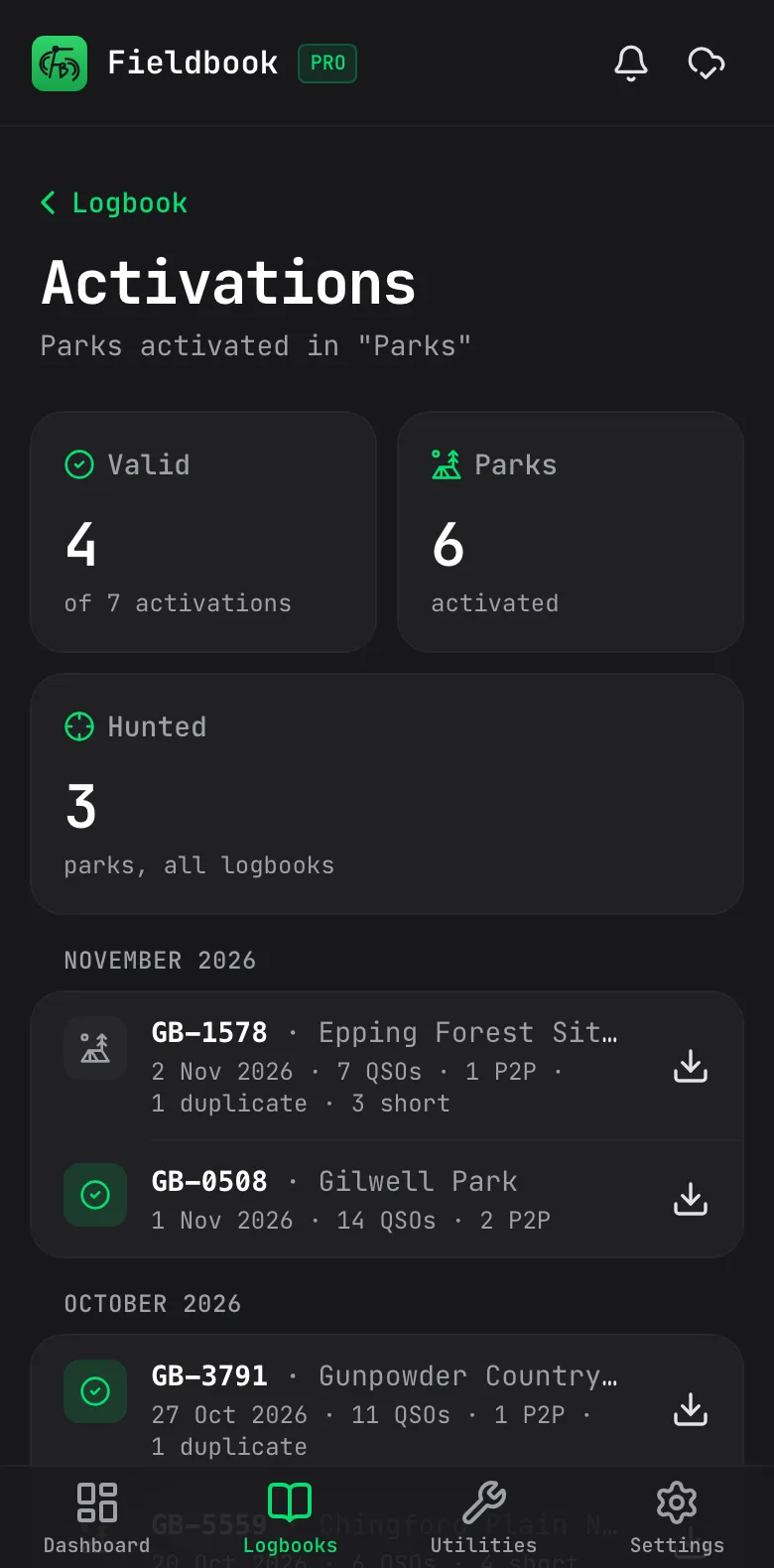
  • Every activation you've done, at a glance (Pro)
Today's activation on a phone: GB-1578 Epping Forest at 7 of 10 QSOs, 3 more needed, with 1 P2P, 1 duplicate and an Export button

Hunting

Chasing parks? See who's out there.

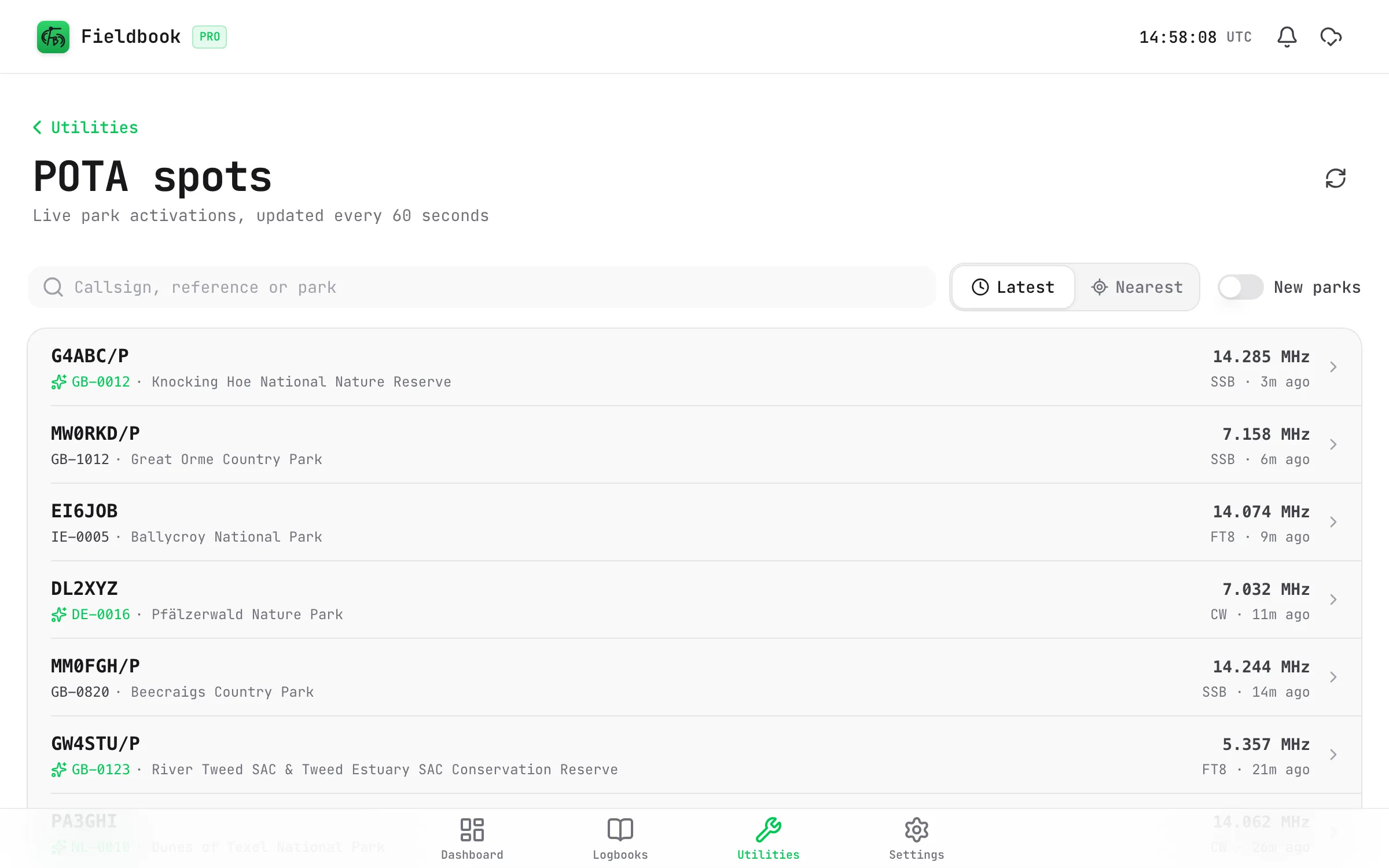
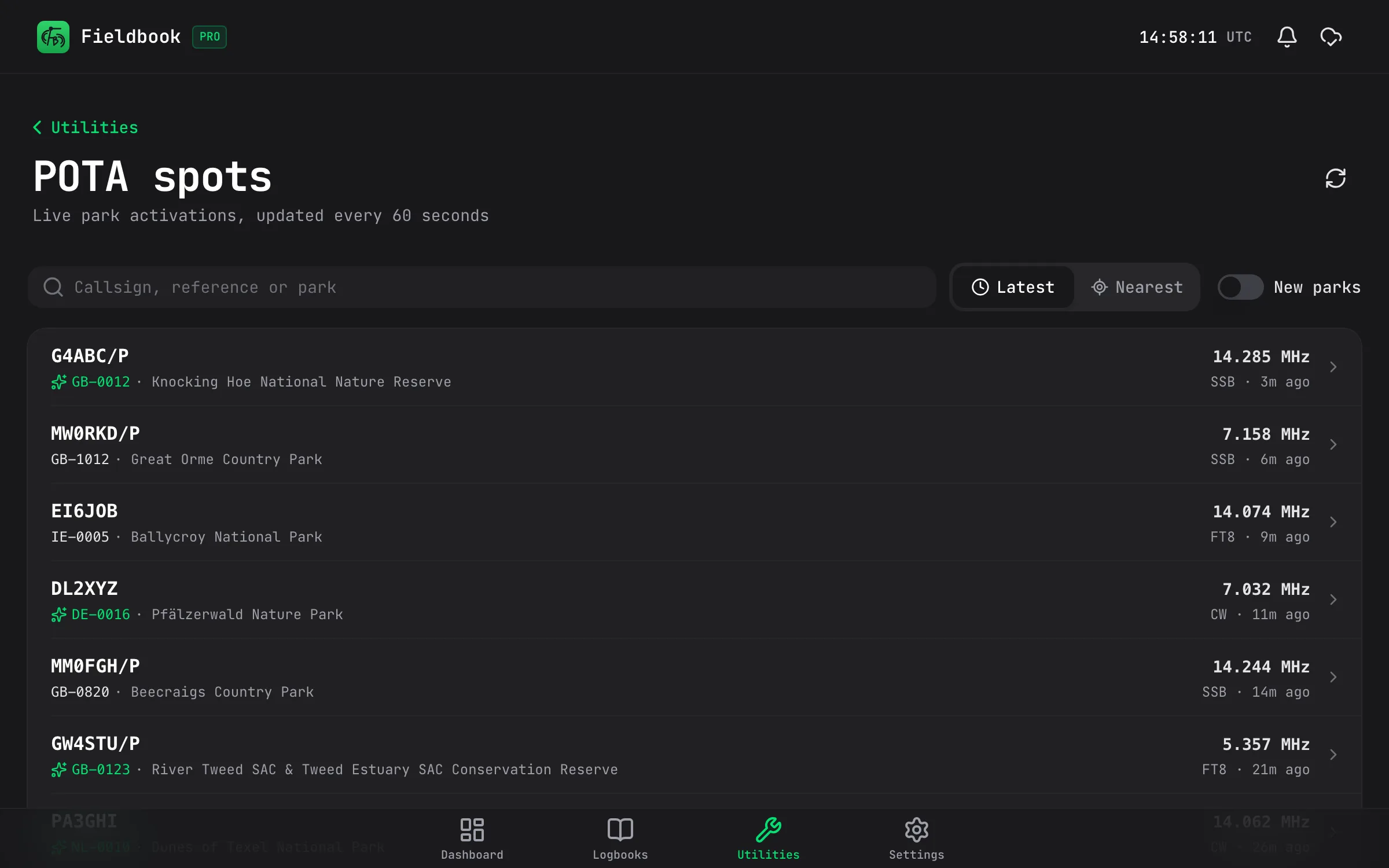
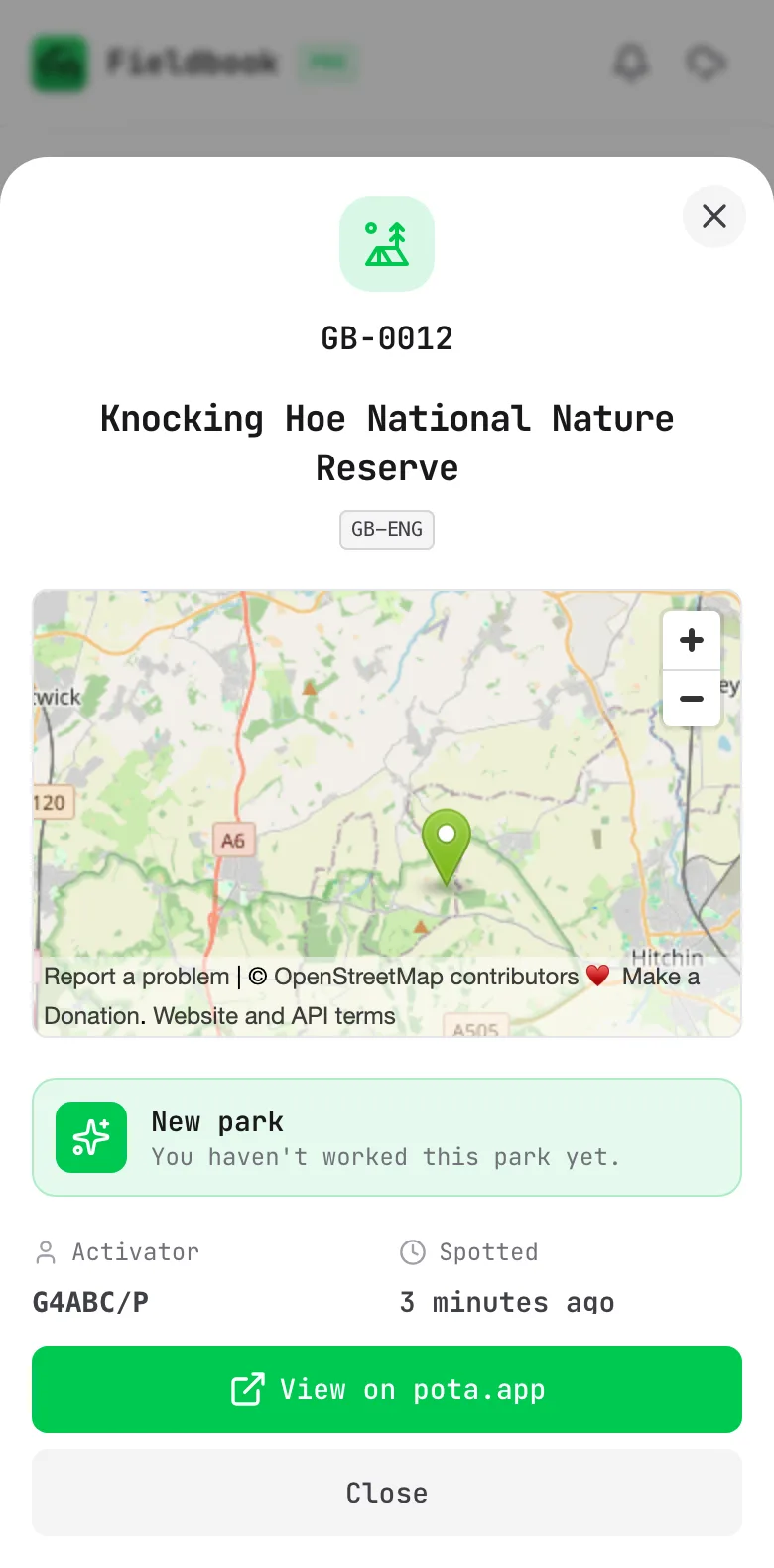
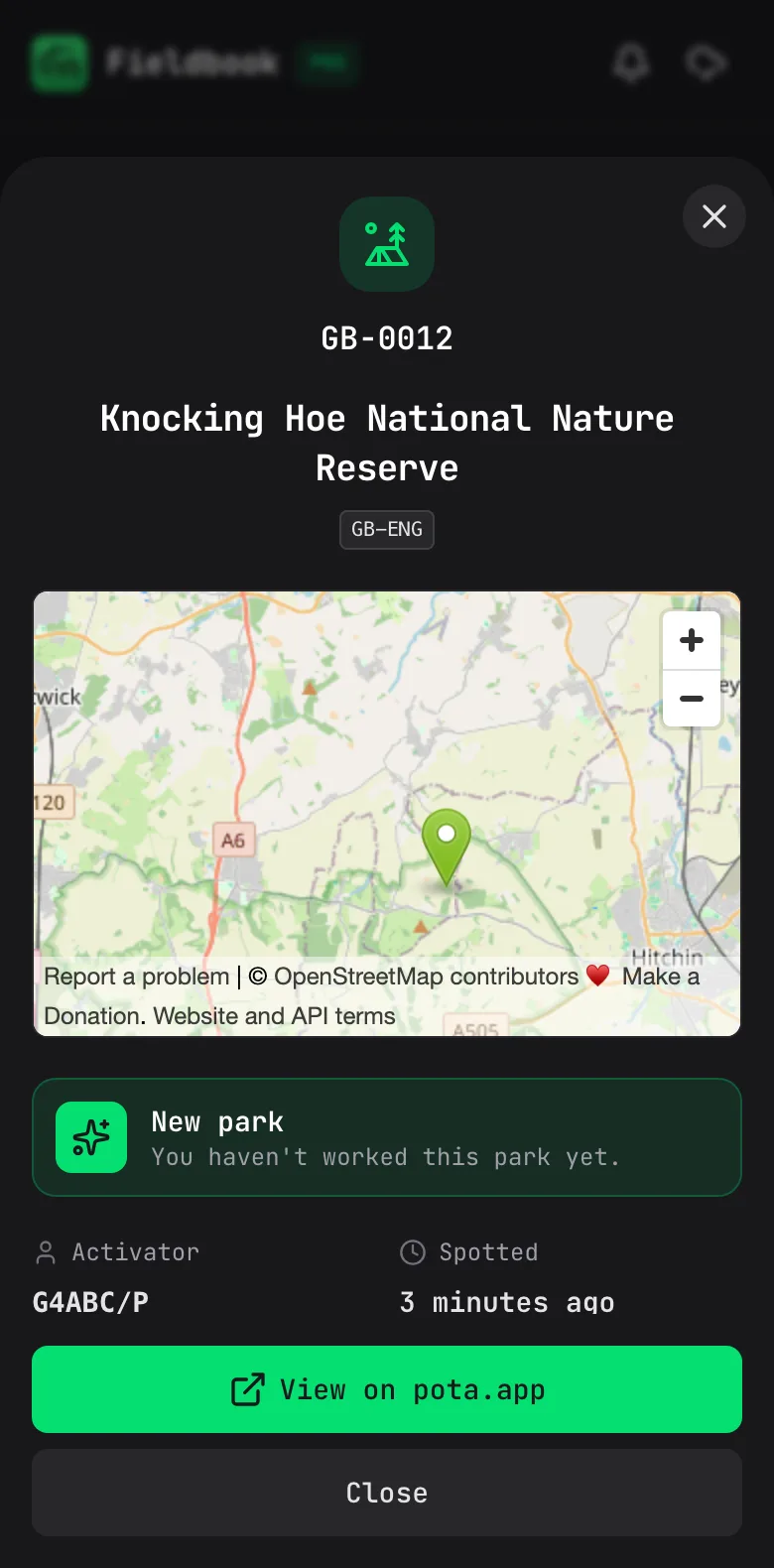
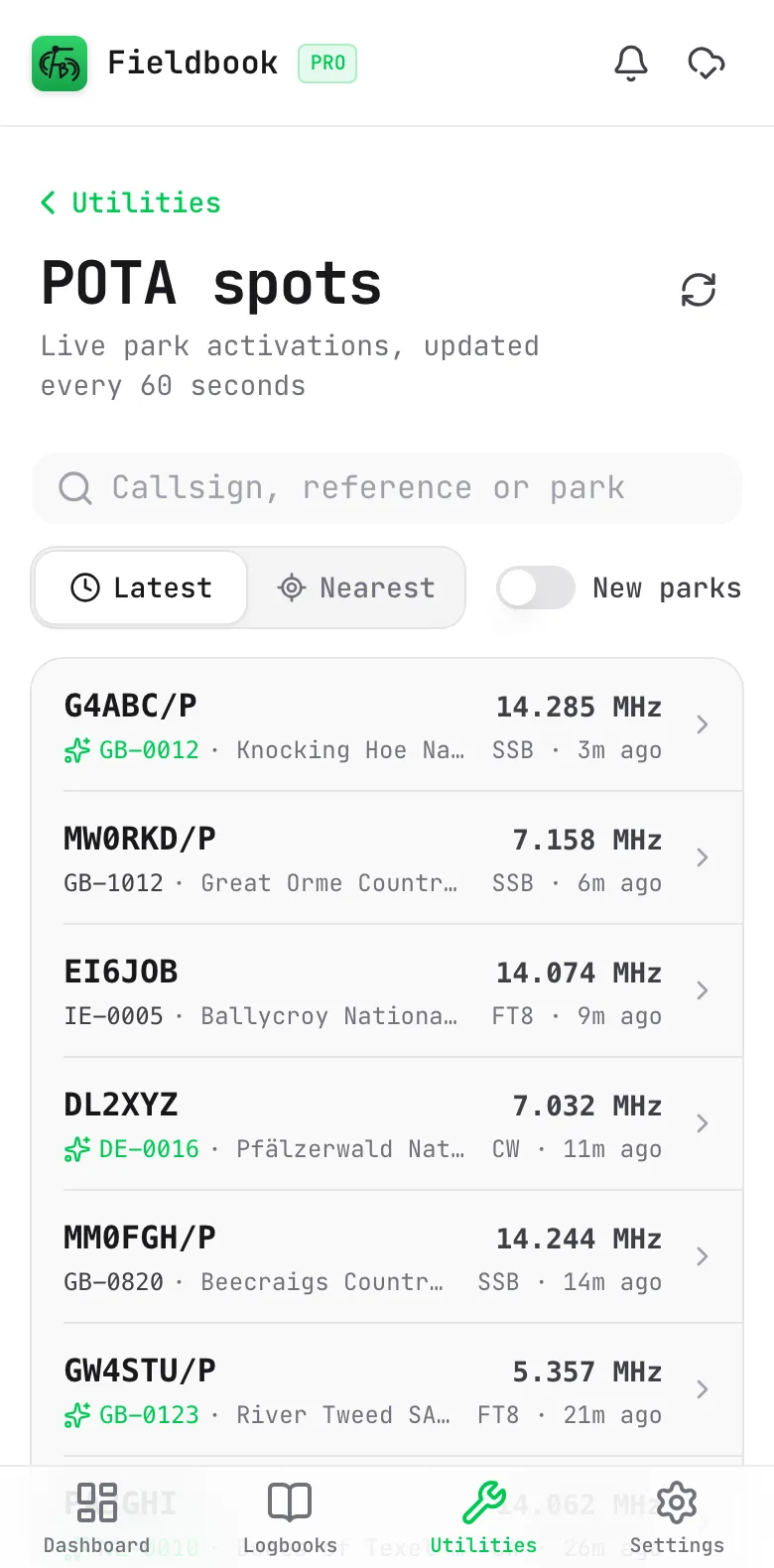
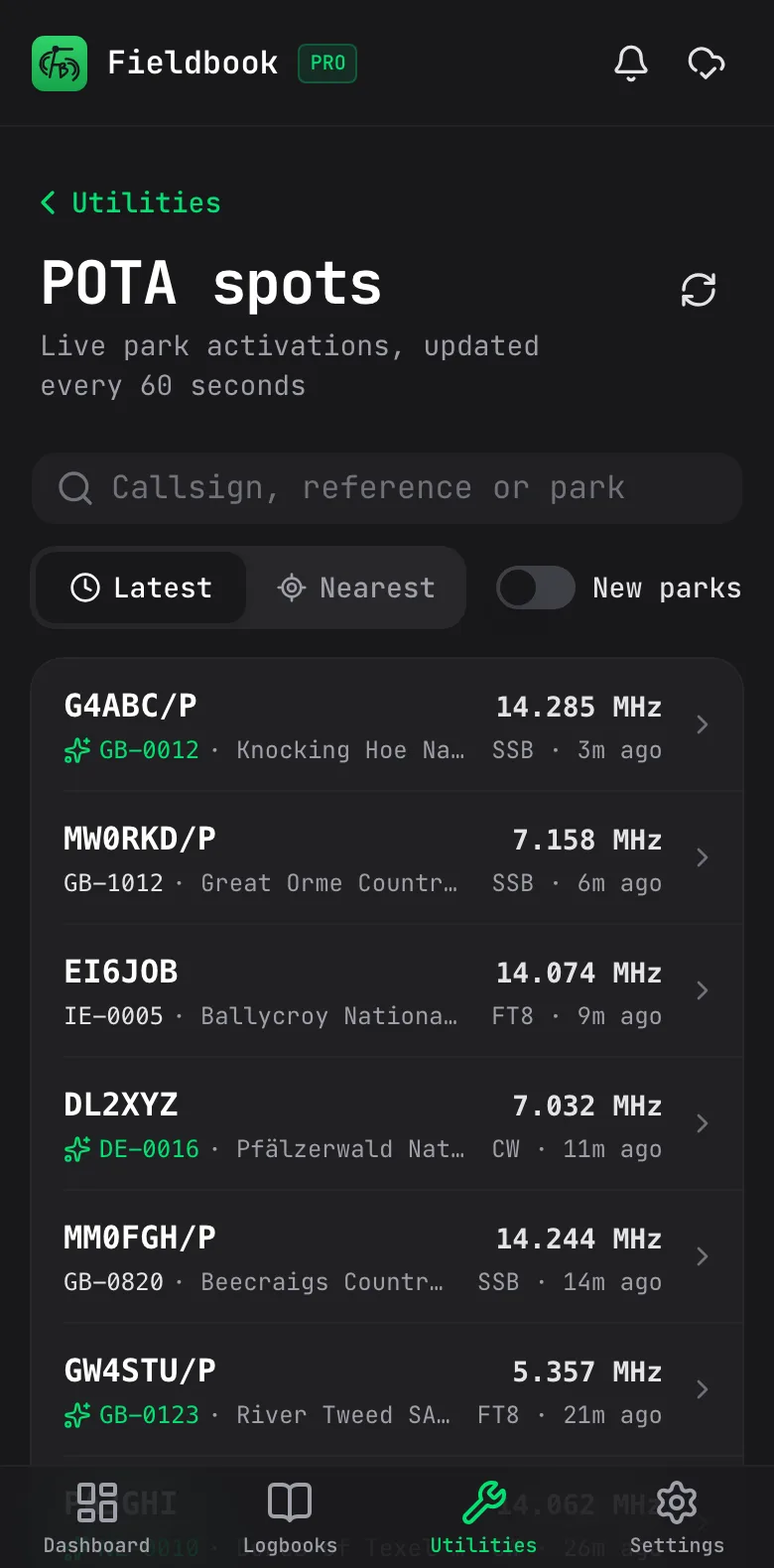
Live spots update every minute, with the nearest activators first if you like. Tap one to see the park on a map, where it is and what the activator's been saying. With Pro, Fieldbook keeps track of the parks you've worked, so the new ones stand out.

  • Live spots, updated every minute
  • The nearest activators first
  • Tap a spot for the park, a map and its grid square
  • New parks flagged, so you know who to chase (Pro)
  • How often you've worked a park, and when (Pro)
The details of park GB-0012, Knocking Hoe National Nature Reserve, on a phone: a map of the park, a New park badge, and the activator G4ABC/P on 14.285 MHz SSB

Live spots

Who's out activating right now, updated every minute. Sort by the latest or the nearest, and tap one to see the park on a map.

Live POTA spots on a phone, with the activator, park, frequency and mode for each one

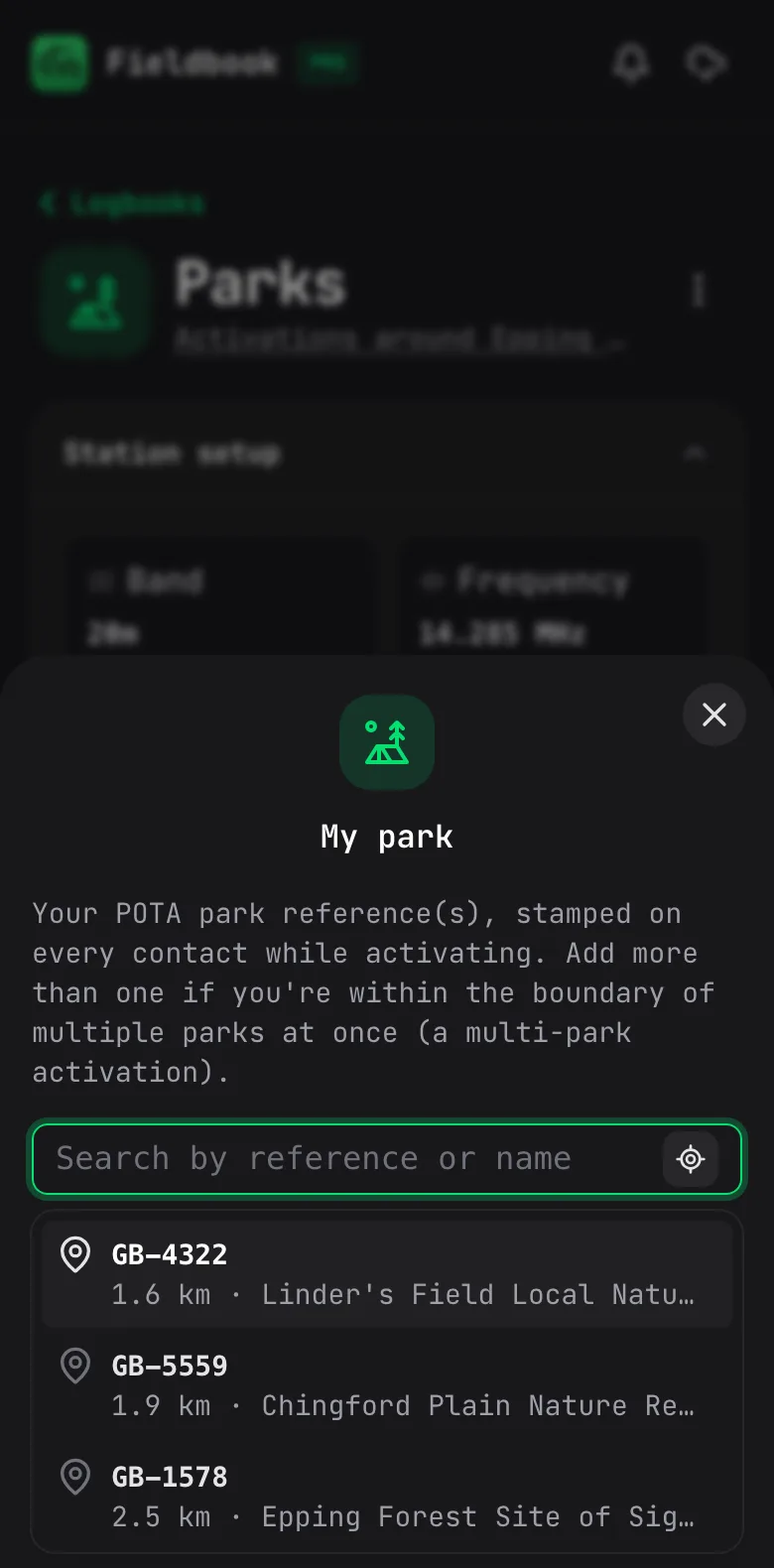
Parks near you

Not sure which park you're in? Fieldbook finds the nearest ones from your location, even with no signal.

The nearest parks on a phone, each with its reference, name and distance

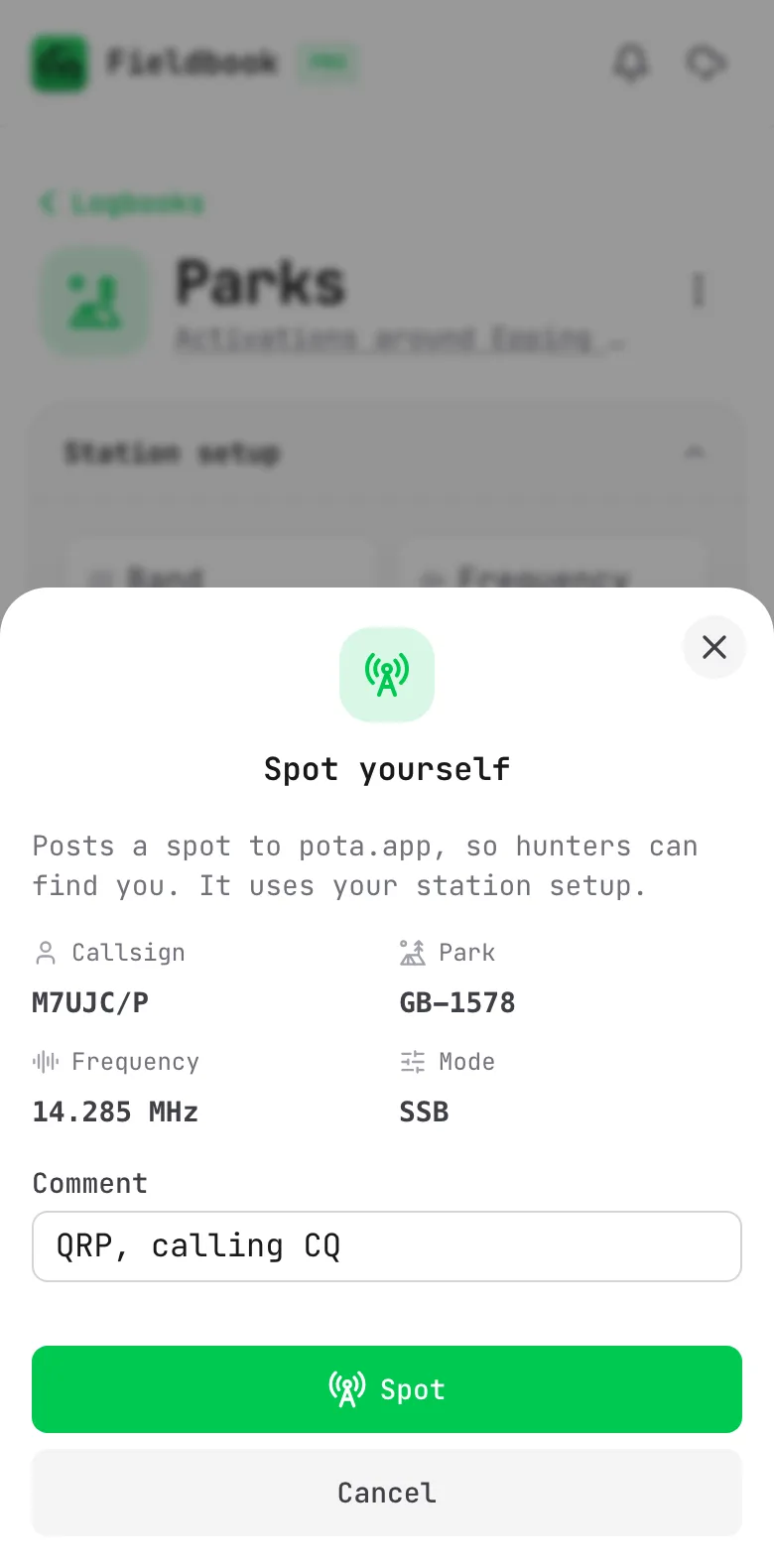
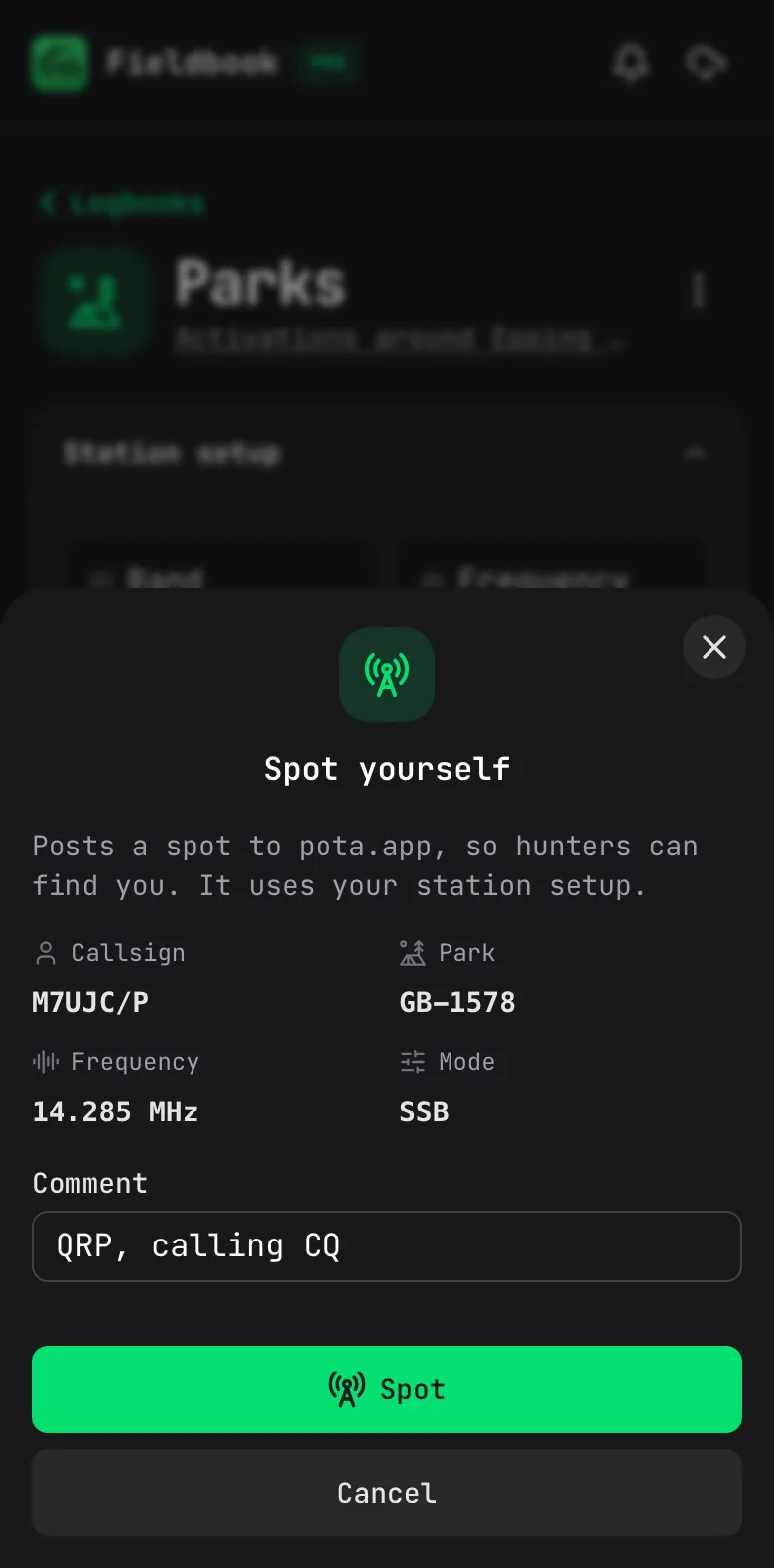
Spot yourself

Let hunters know where to find you, straight from your logbook. Your park, frequency and mode are filled in for you.

The Spot yourself sheet on a phone, with the callsign, park, frequency and mode ready to send

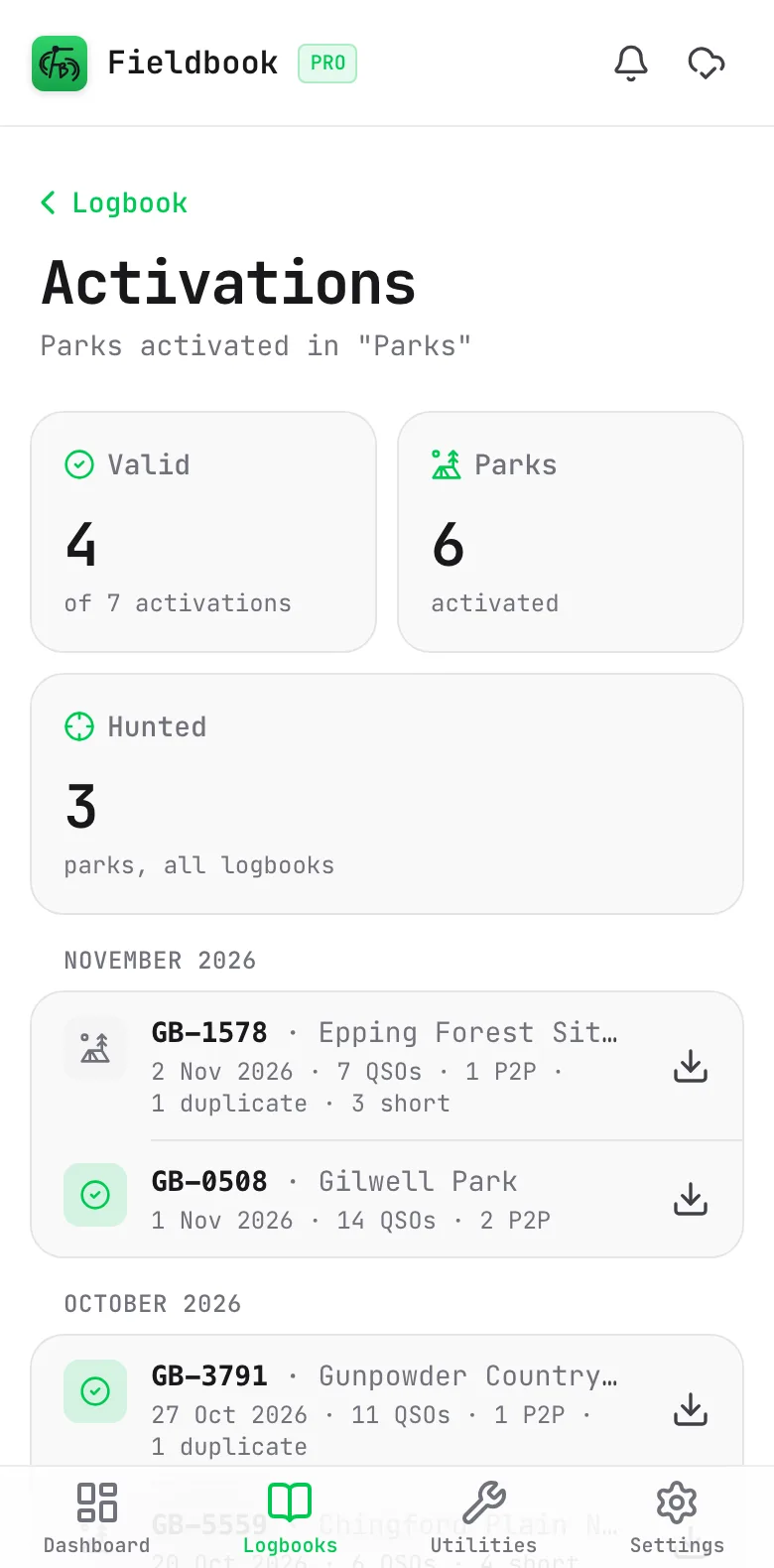
Activations Pro

Every activation you've done, which ones made it to 10, and the parks you've hunted. Download the file for any of them.

Activations on a phone, grouped by month, with the QSO count for each park and day

Plenty more in your logbook

The bits that make keeping a log less of a chore.

QRZ lookups

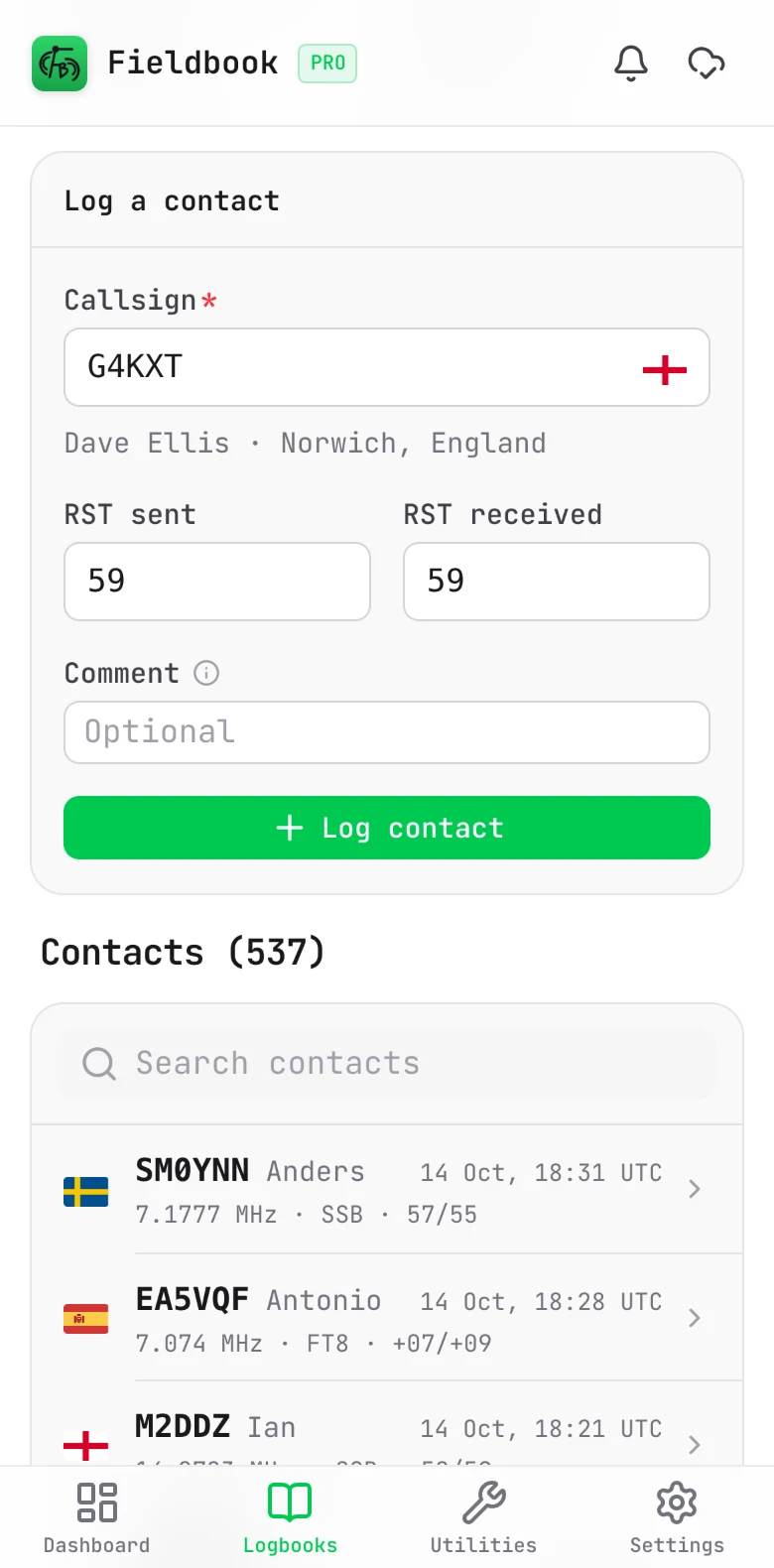
Type a callsign and their name and location pop up straight away. It's free, and there's no need for your own QRZ.com account.

Fieldbook on a phone, filling in a contact's name and location from QRZ as the callsign is typed

Worked before

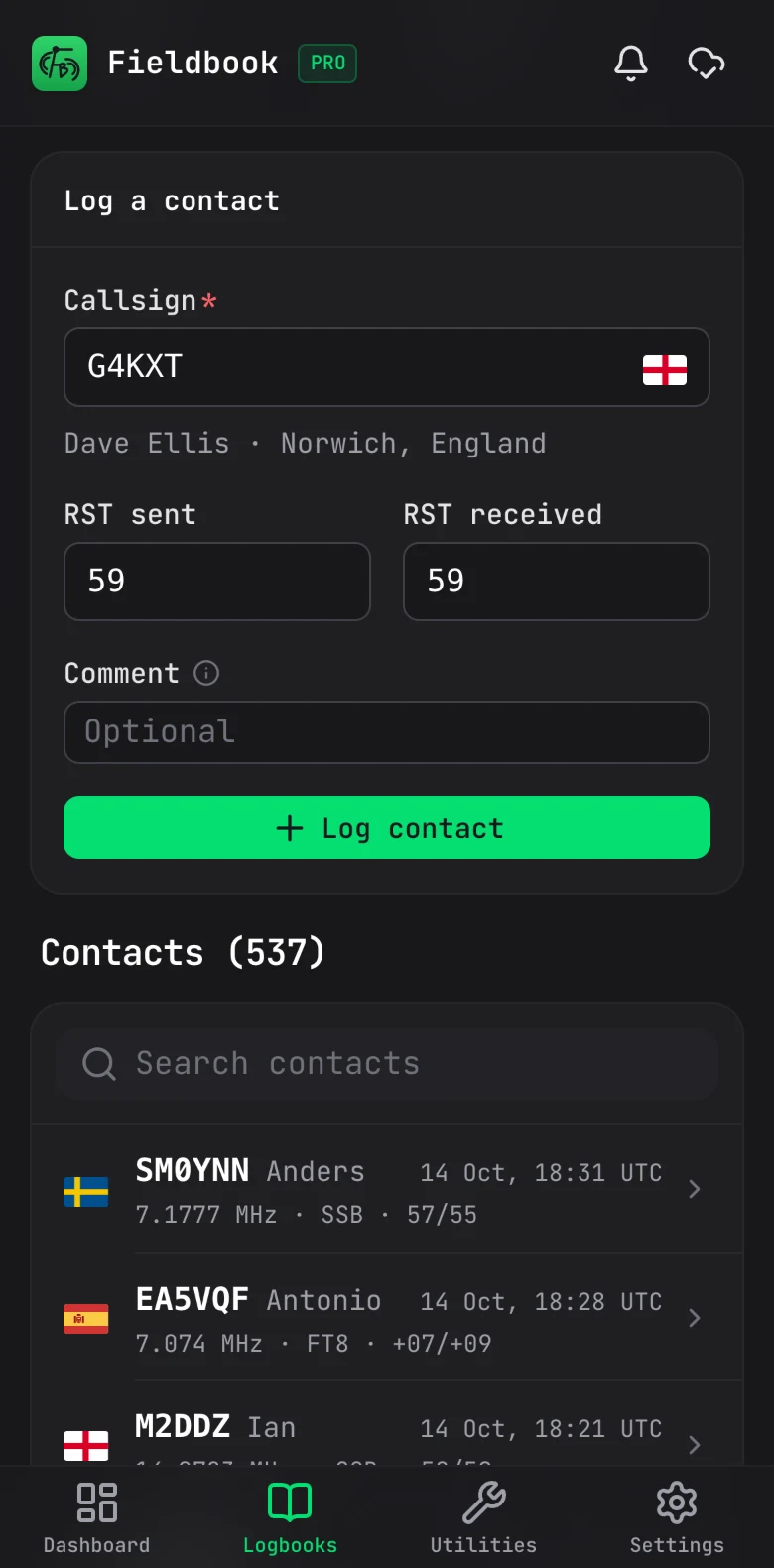
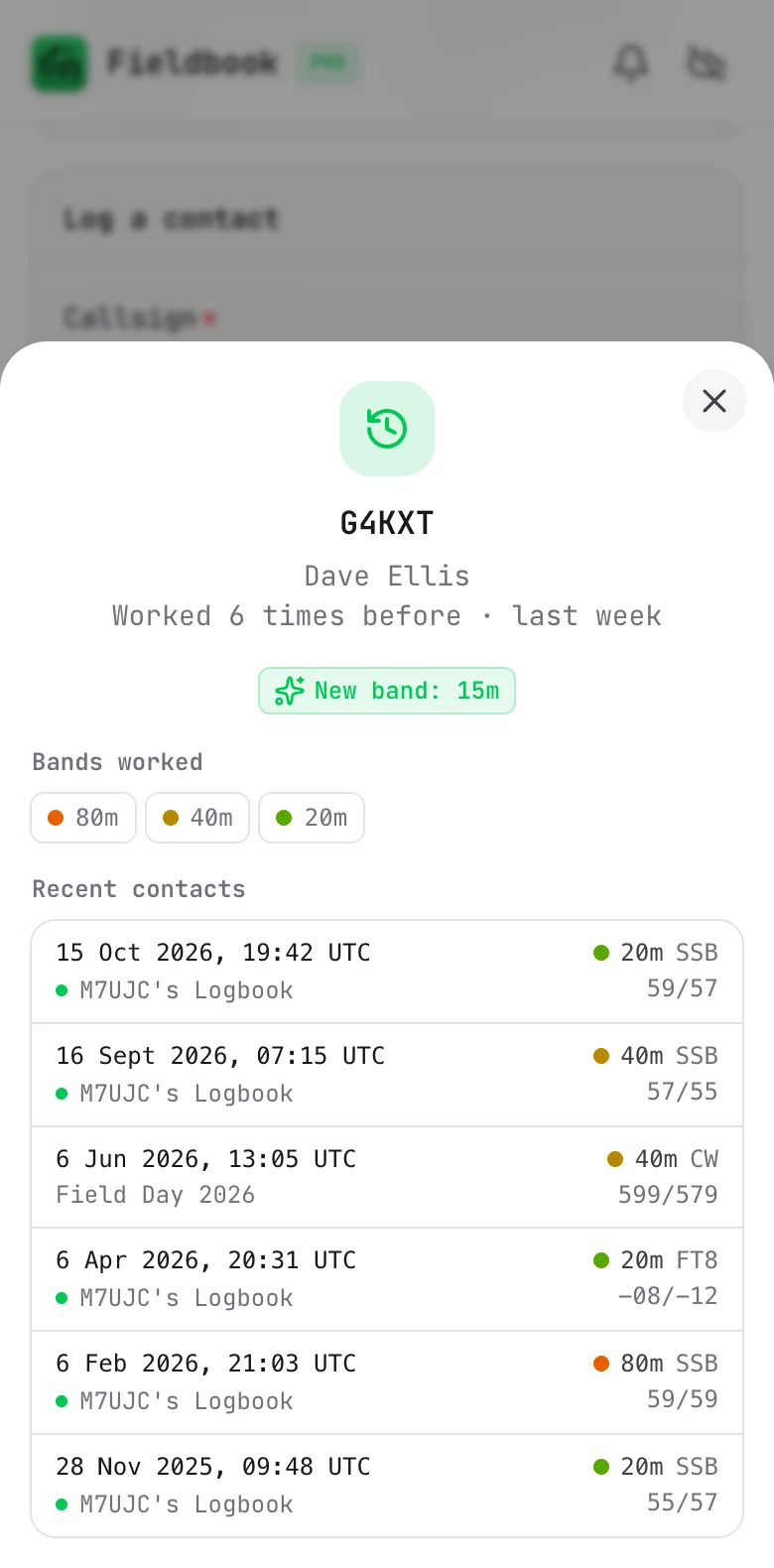
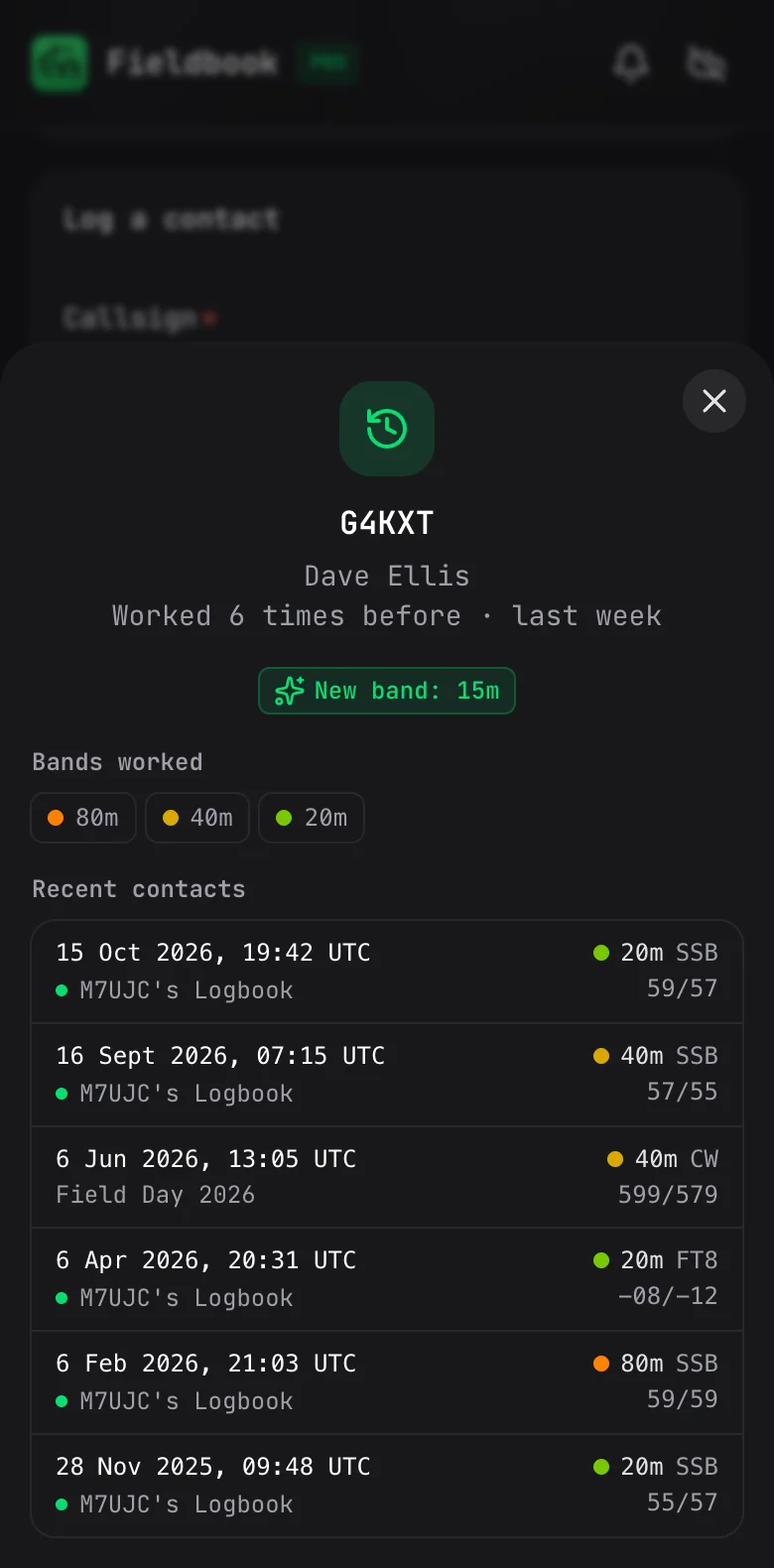
Type a callsign and you'll see if you've worked them before, how often and on which bands. It'll even tell you when it's a new band or mode for them, and it all works offline.

The worked before details for G4KXT on a phone: worked 6 times, a new band on 15m, and the last six contacts

Import

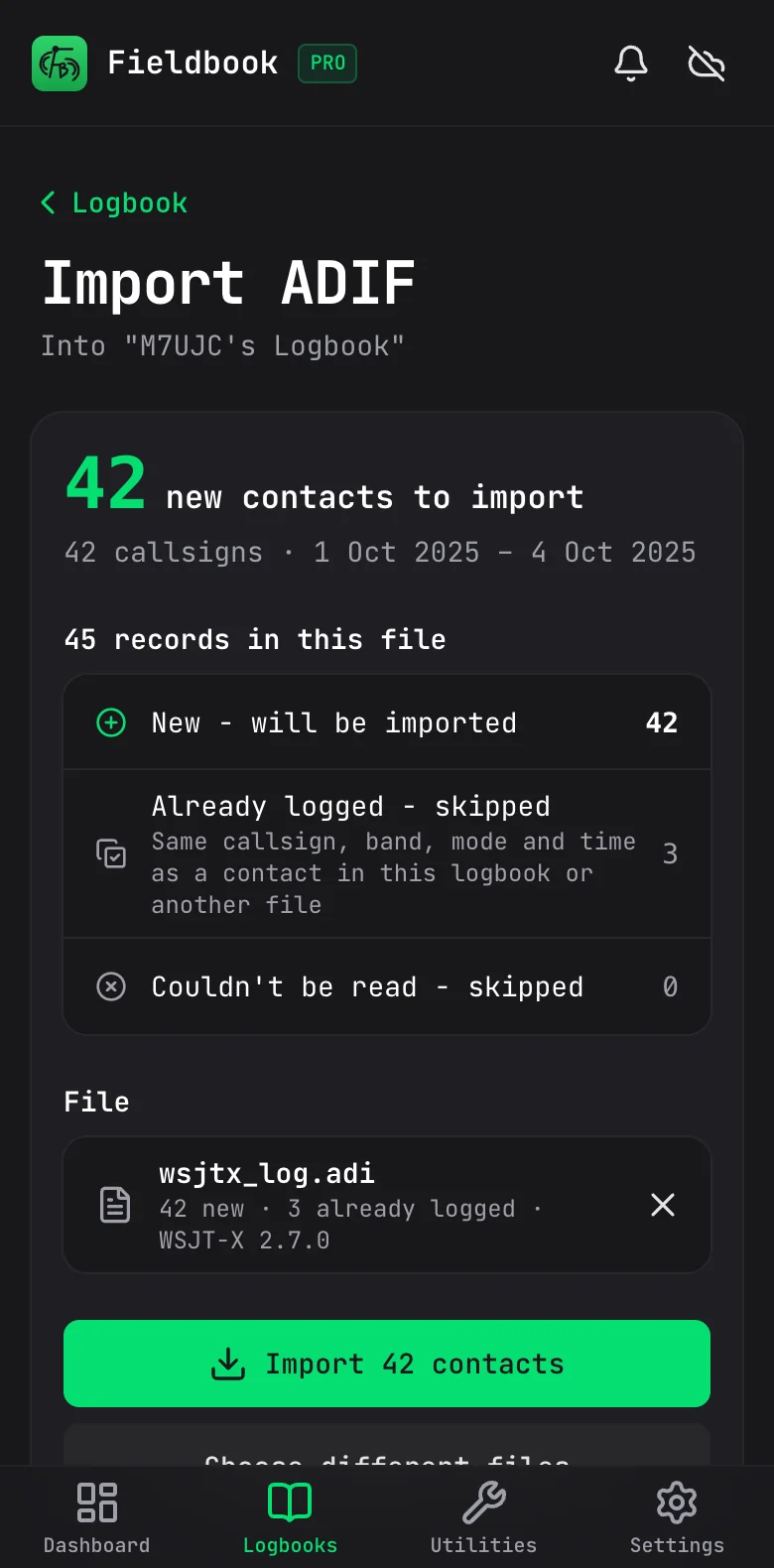
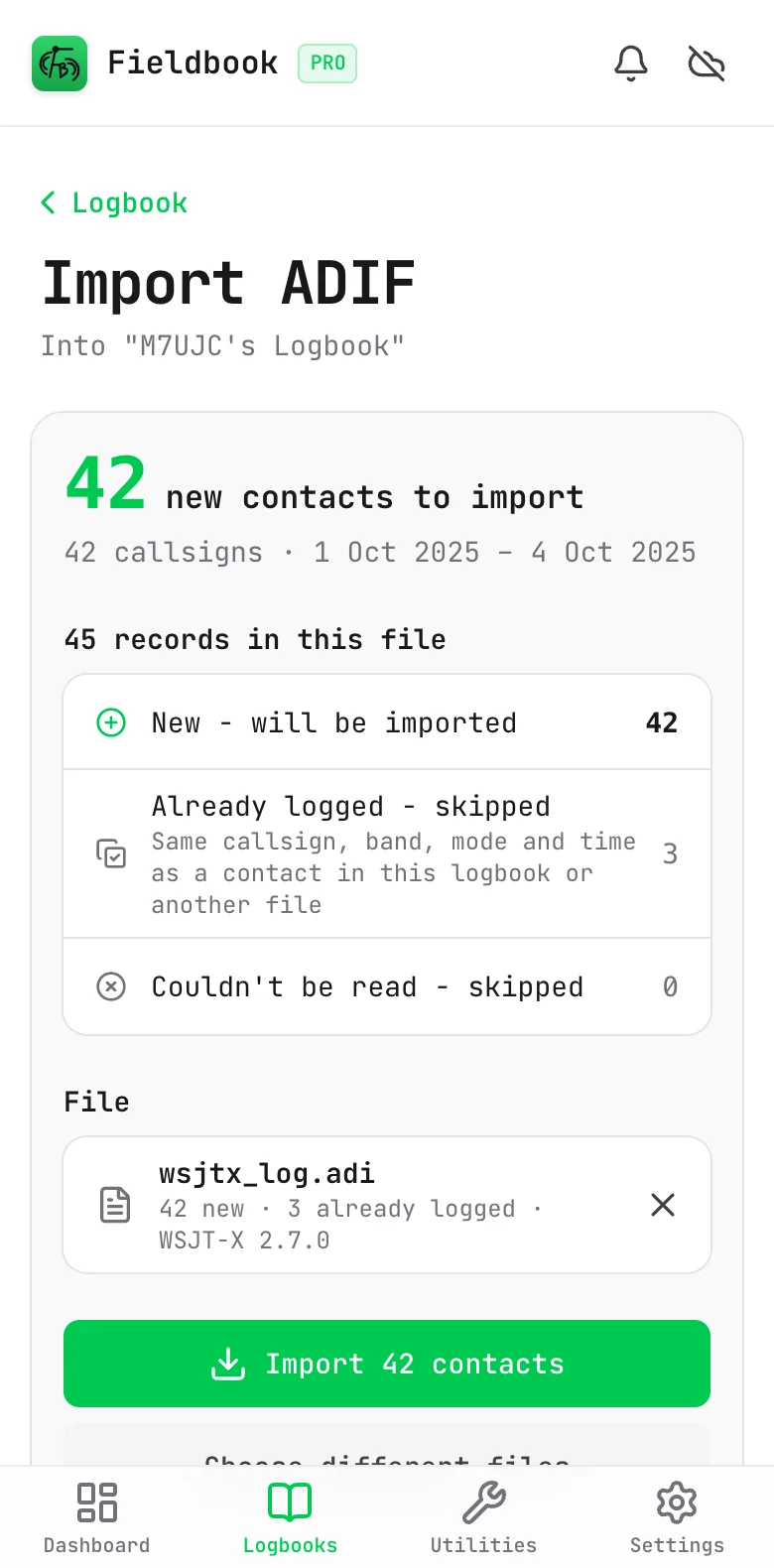
Bring your old log over with ADIF. You'll see what's in the file, and any duplicates, before anything's added.

The ADIF import summary on a phone: 42 new contacts to import, and 3 already logged
Export, bulk edit and more

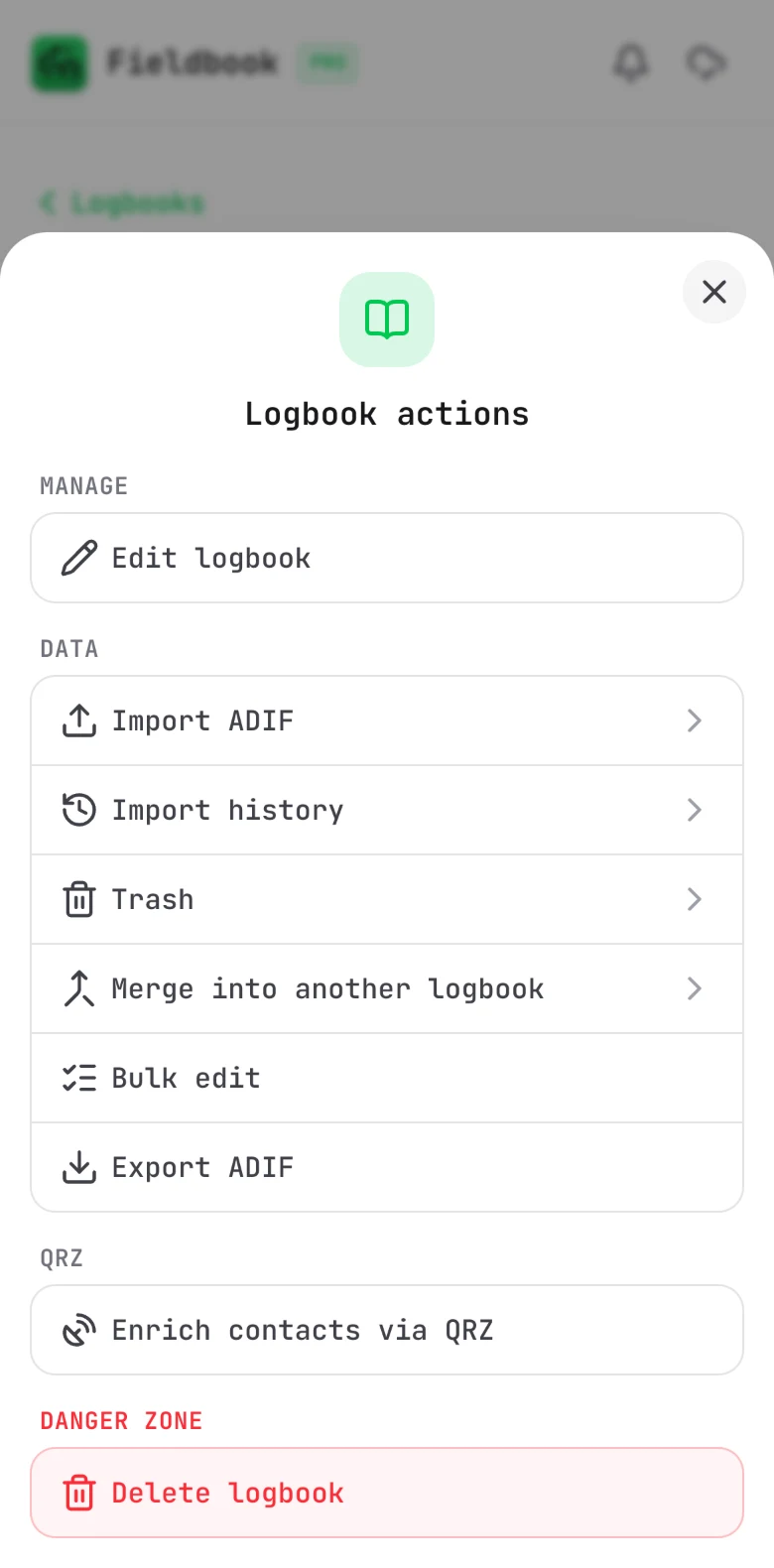
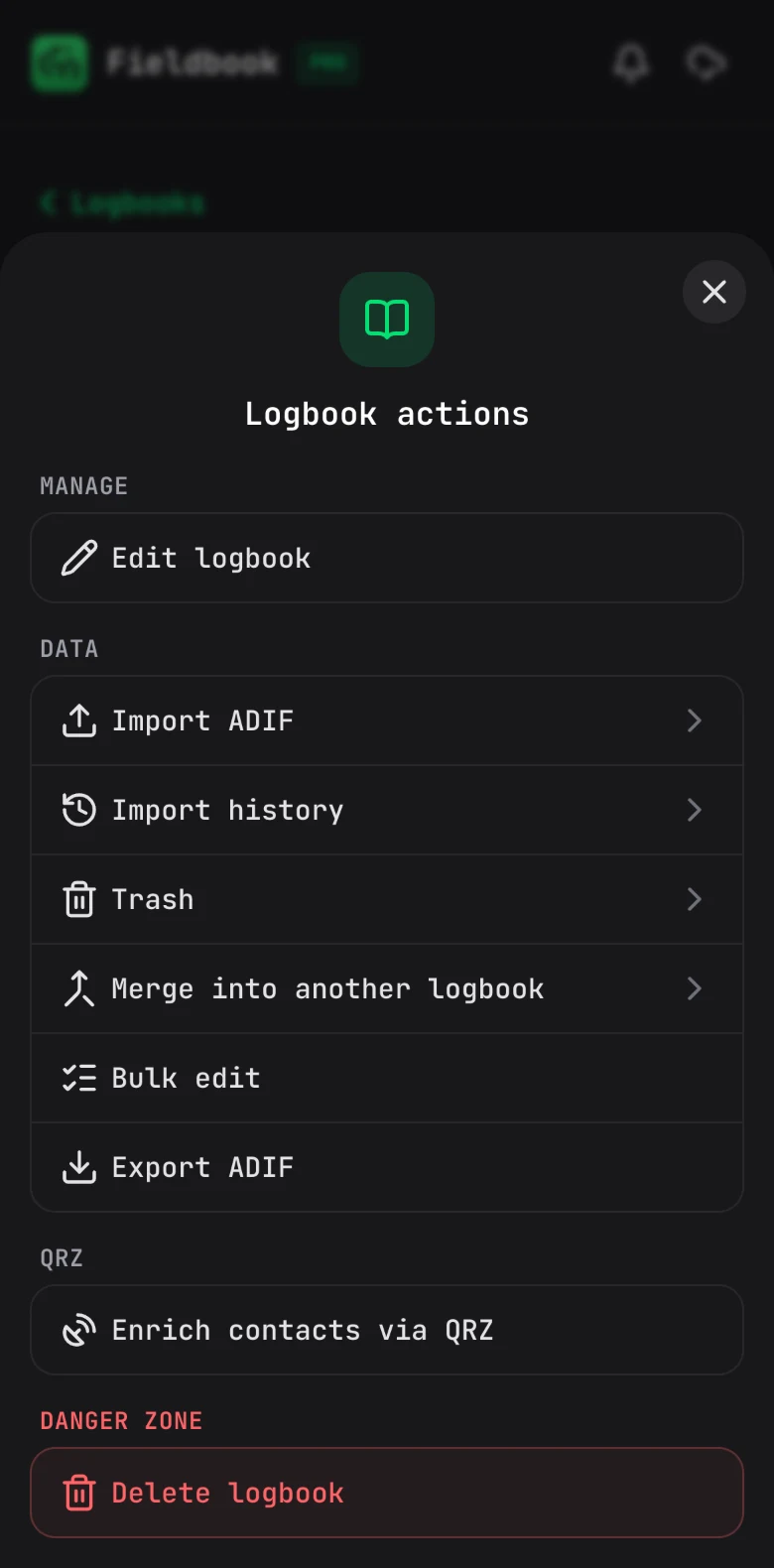
Export to ADIF, see your POTA activations, bulk edit contacts or fill in the gaps from QRZ, all from the logbook menu.

The logbook menu on a phone, with import, export, merge, bulk edit and QRZ options

Handy utilities

Useful tools for when you're on the air, all in one place.

Band conditions

How each band is looking, day and night, courtesy of HAMQSL.com.

Band conditions on a phone, rating each HF band at night
Maidenhead locator

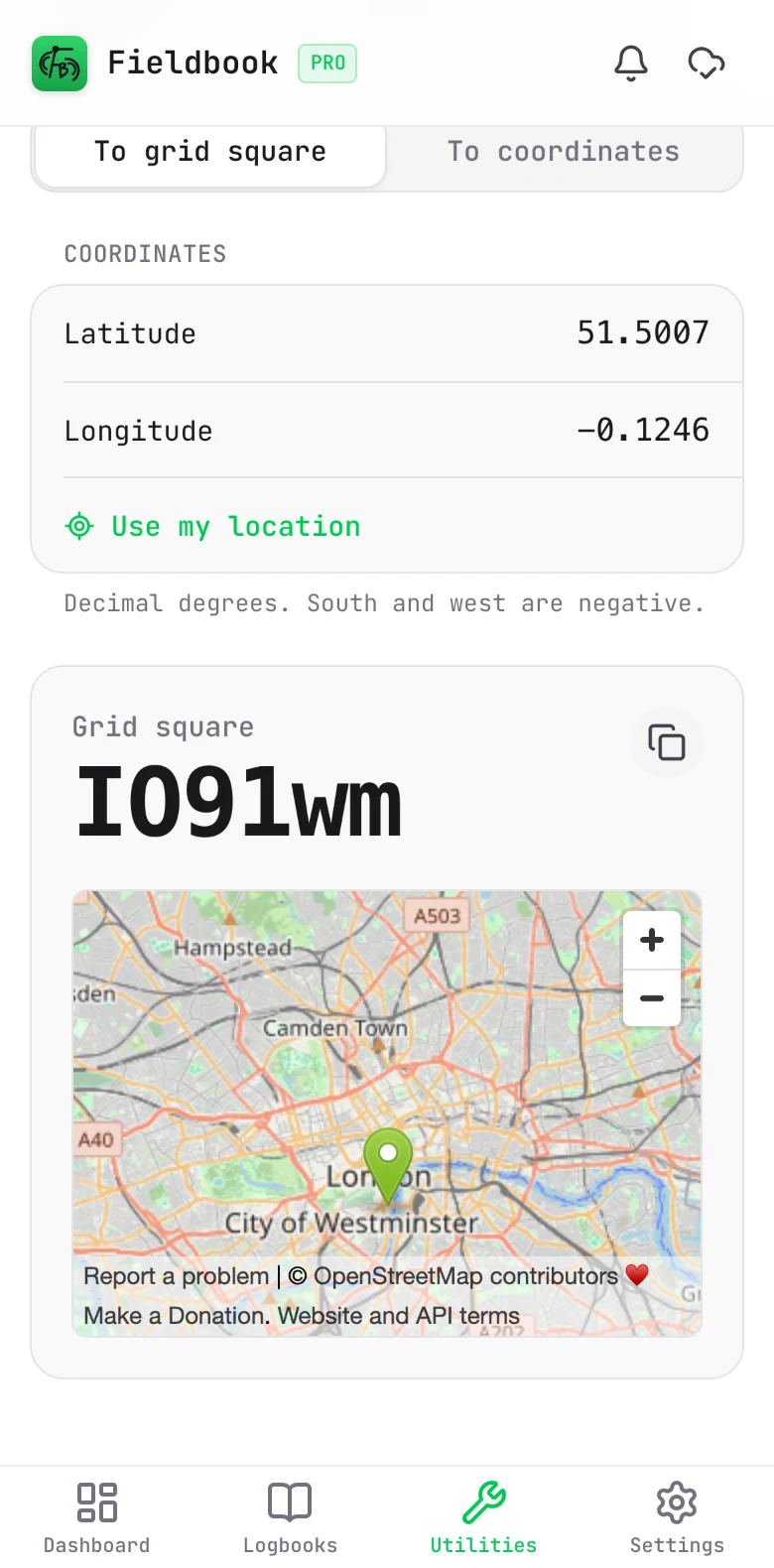
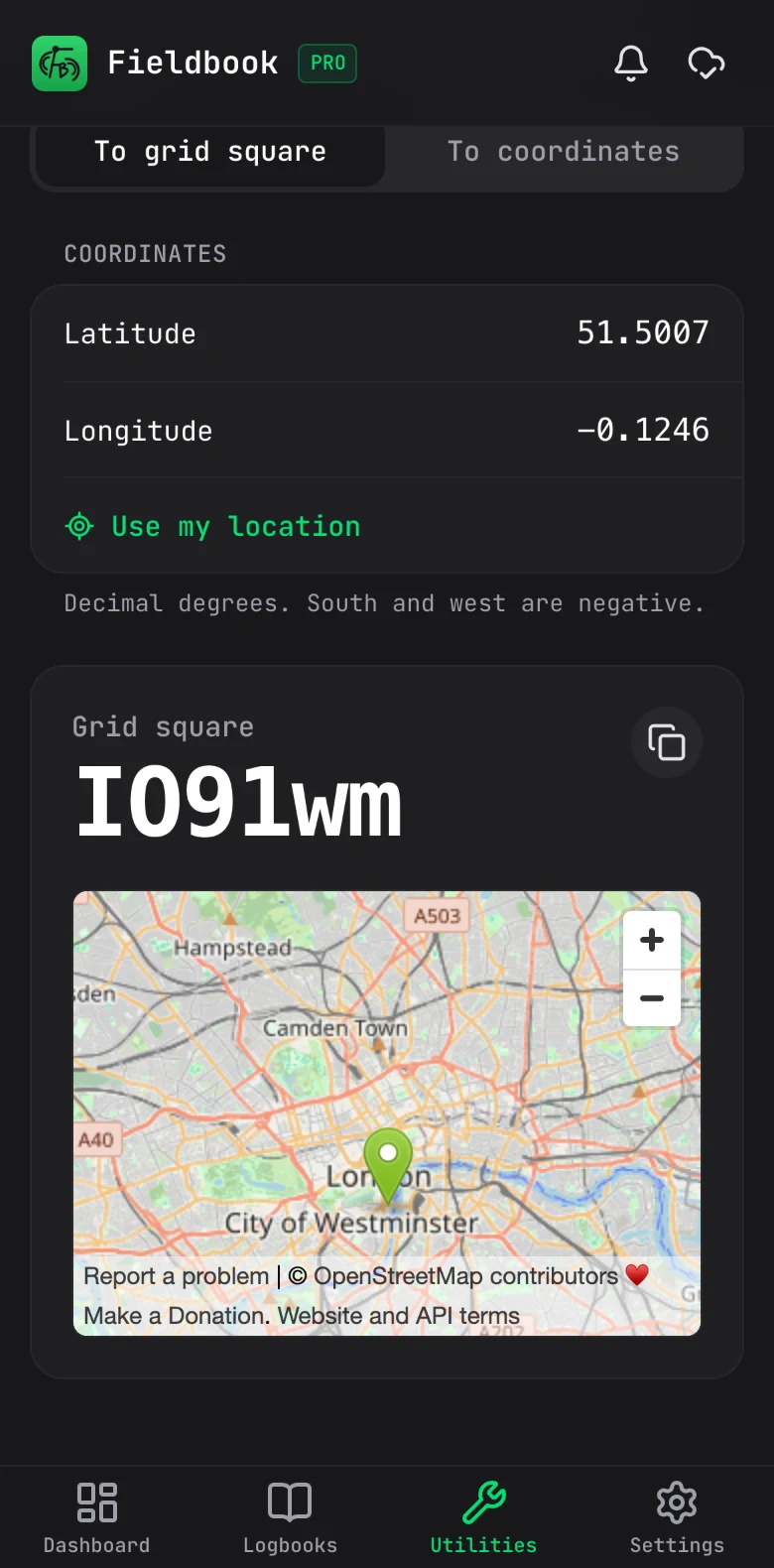
Turn coordinates into a grid square, or a grid square back into coordinates, with a map to check it.

The Maidenhead locator on a phone, turning coordinates in London into grid square IO91wm

Antenna length

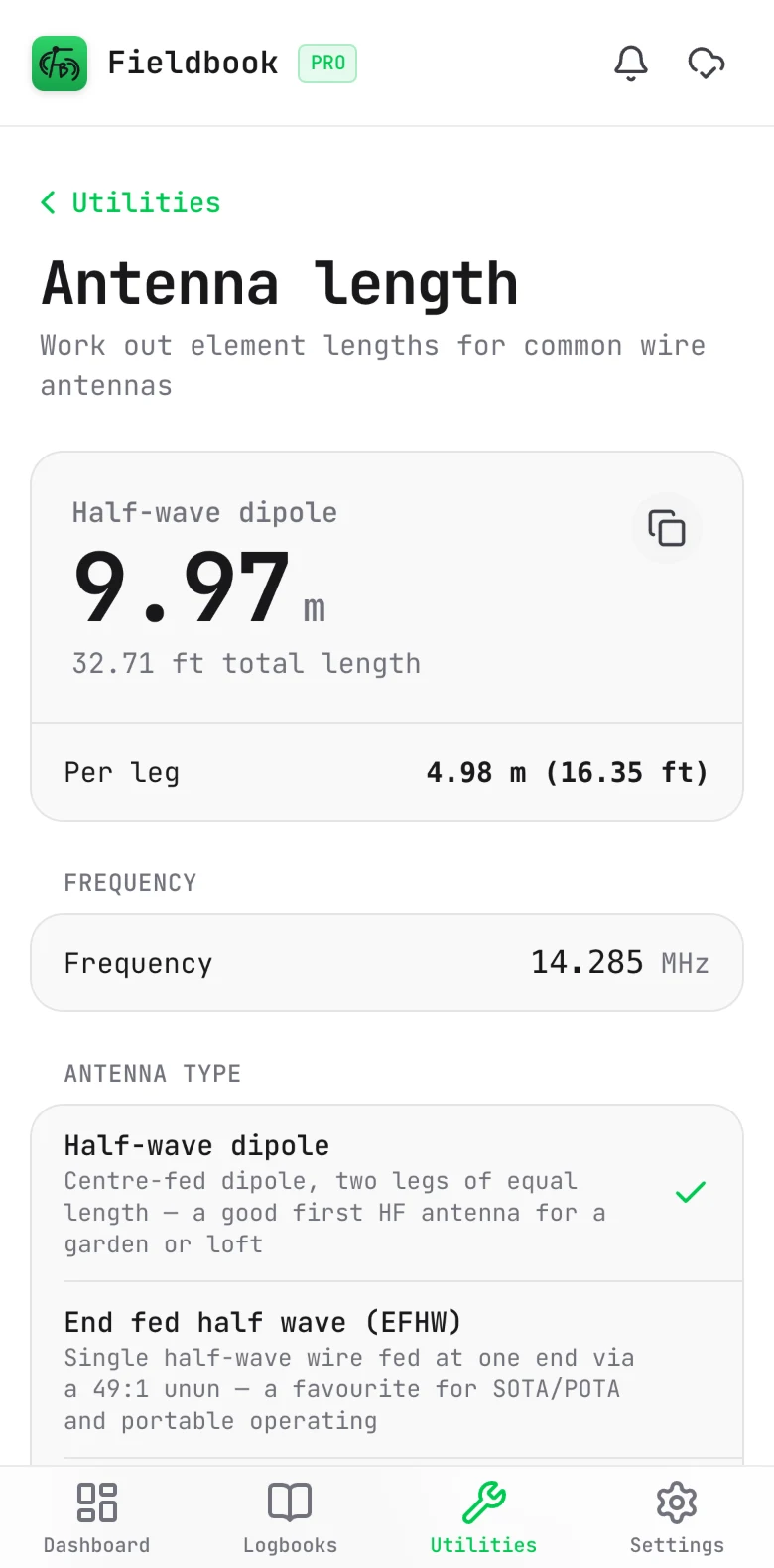
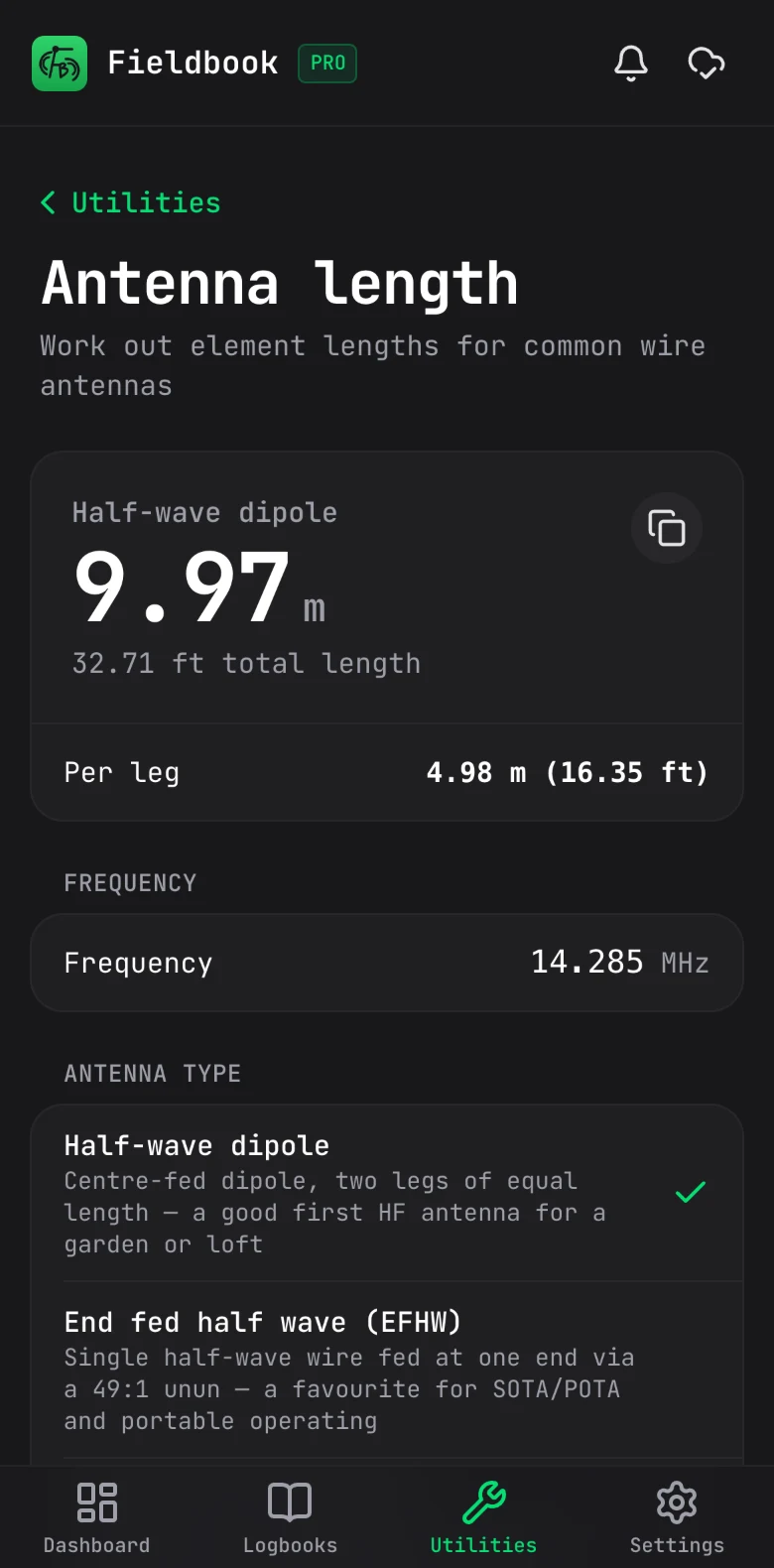
Work out how much wire you need for a dipole, an end fed half wave and more.

The antenna length calculator on a phone, showing a 9.97 m half-wave dipole for 14.285 MHz

Offline

How offline works

Out in the field with one bar of signal, or none at all? Not a problem. Logging, editing, searching and checking your stats all work offline.

Your contacts are saved on your device the moment you log them, then backed up as soon as you've got a connection again. So if your phone takes a tumble, your log is still safe.

The only things that need signal are QRZ lookups and the live bits, like POTA spots, spotting yourself and band conditions.

One tip: open Fieldbook on each device you'll be logging from before you head out, so it's ready to go.

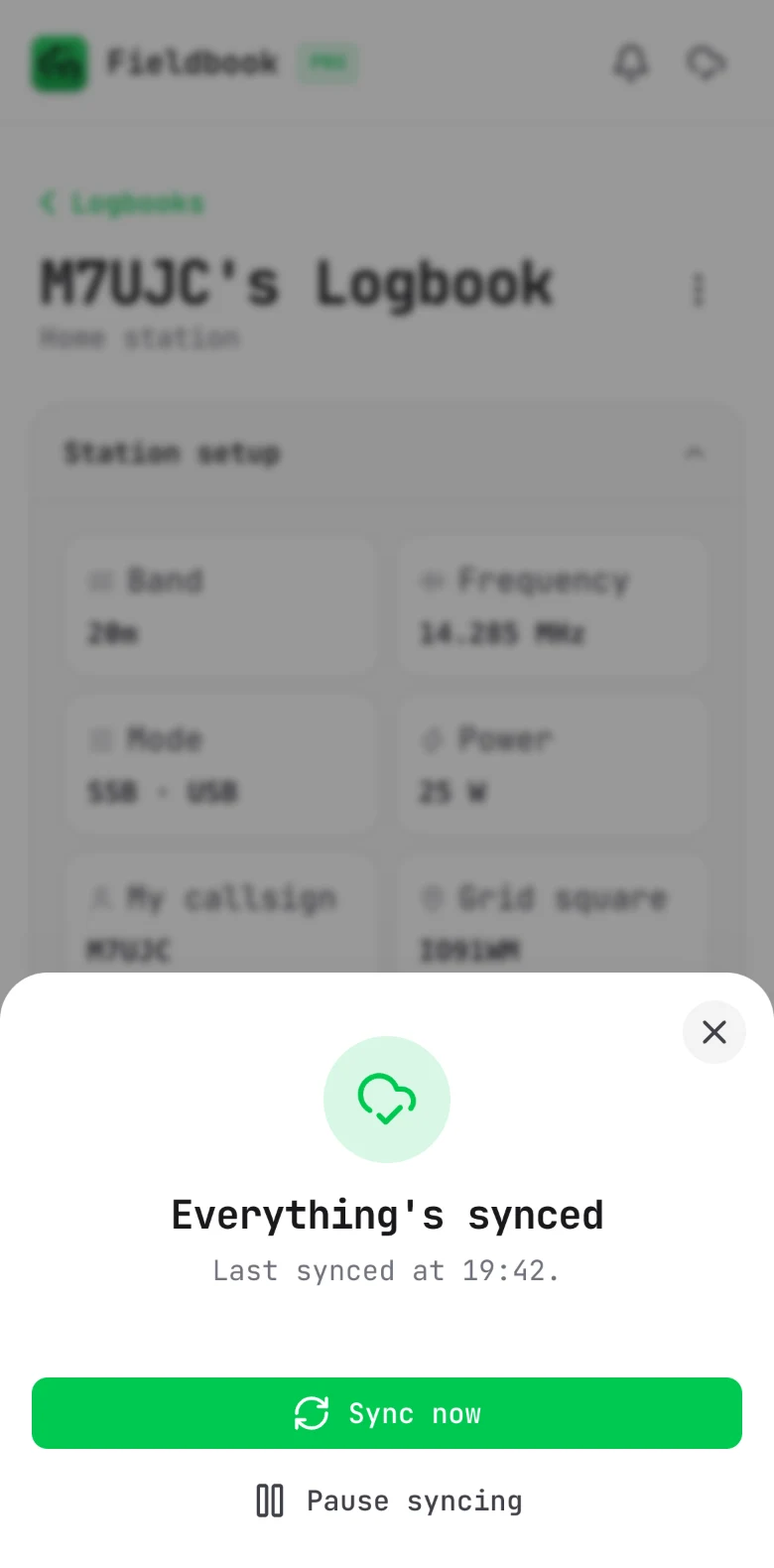
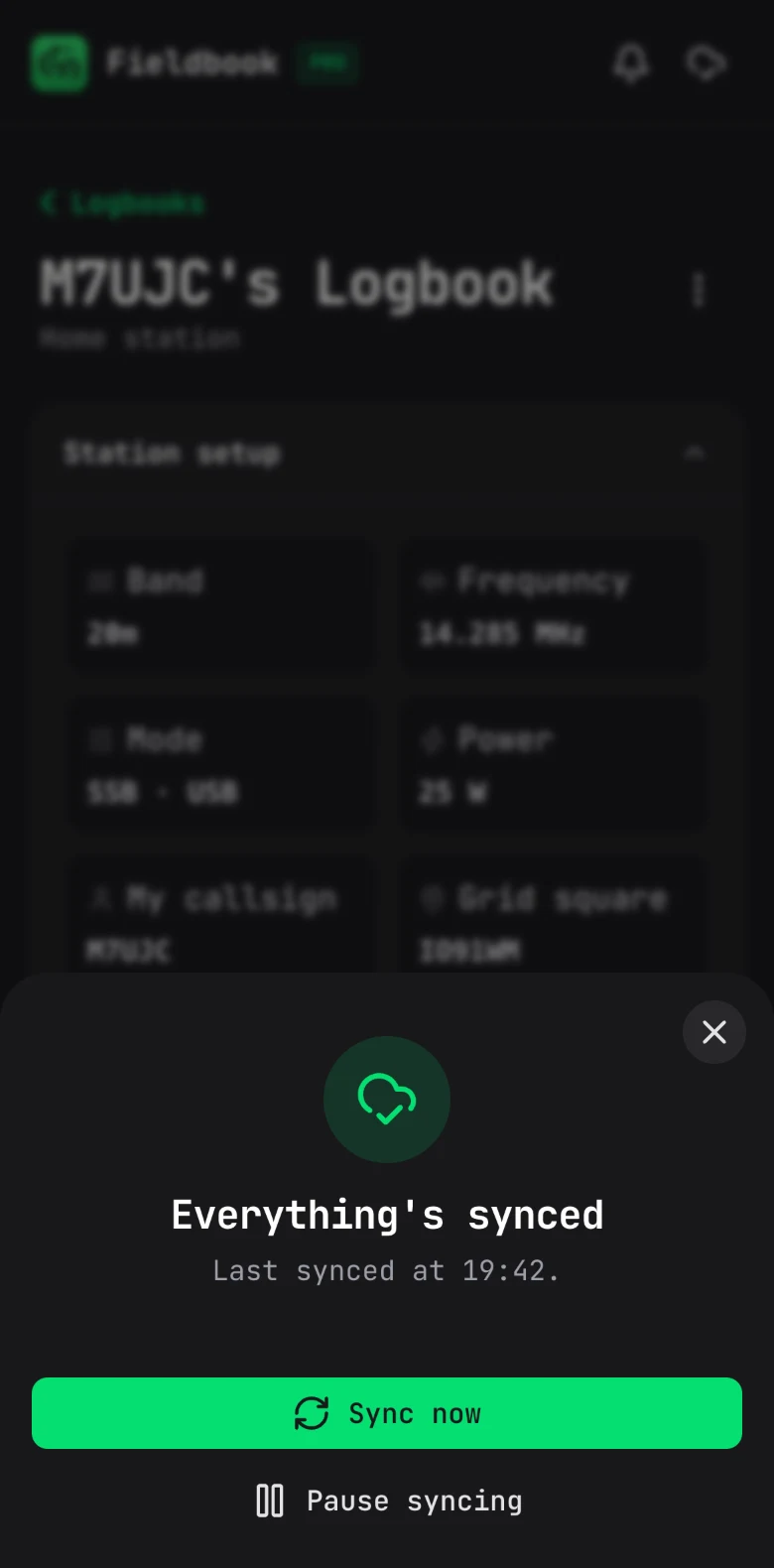
The sync sheet in Fieldbook on a phone, saying everything's synced, with buttons to sync now or pause syncing

The nuts and bolts

The quick answers, if you'd like to know what you're getting before you sign up.

Works on
Any modern browser on your phone, tablet or computer. You can add it to your home screen too, if you'd like it to feel more like an app.
Offline
Logging, editing, searching and your dashboard all work with no signal. QRZ lookups, live spots, spotting yourself and band conditions need a connection.
Cloud sync
Free for everyone, across all of your devices.
Import and export
Bring your existing log over with ADIF, and export it again whenever you like. You can export each POTA activation on its own, or download a backup of everything.
QRZ lookups
Free and built in. There's no need to sign in with your own QRZ.com account.
Logbook templates
General and POTA.
POTA activations (Pro)
Every activation you've done, which ones made it to 10, and the parks you've hunted. New parks are flagged in the spots, too.
Light and dark mode
Follows your device, or pick one yourself. Dark mode is handy for activating at night, so you're not lit up like a lighthouse.
QRZ Logbook Sync (Pro)
Sends your contacts up to your QRZ.com logbook for you, from every logbook or just the ones you pick. You need a QRZ.com subscription that includes the Logbook API.
Widgets (Pro)
Show off your recent contacts, activity and countries worked on your QRZ.com page or your own website.

Fancy giving it a go?

Sign up for free and you'll be logging in a couple of minutes.

Create a free account