Utilities
POTA spots
Live Parks on the Air activations, with the nearest activators first.
POTA spots shows the activators who are on the air in a park now. The list comes from pota.app. It updates every 60 seconds.
Open POTA spots
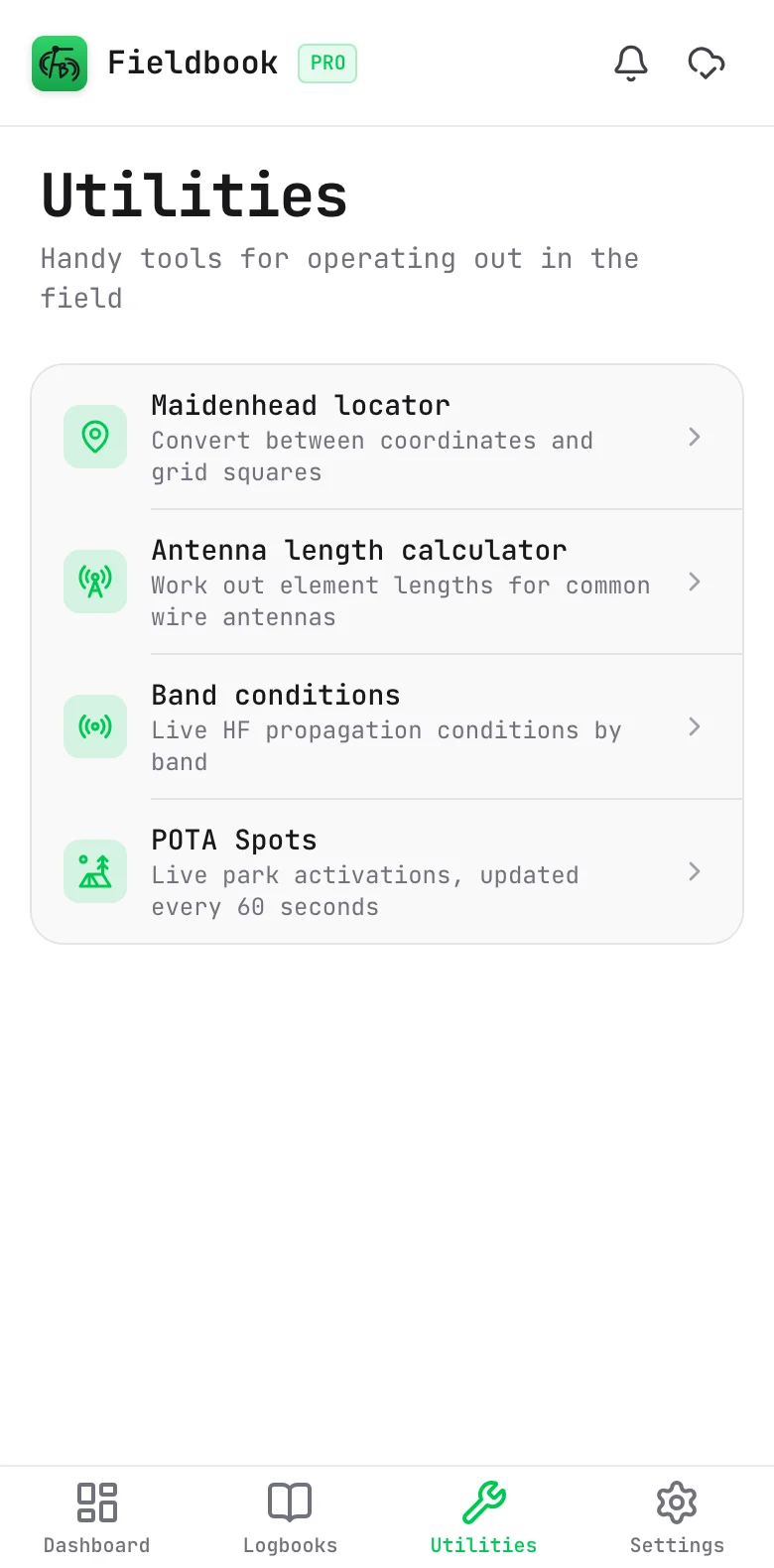
- Select Utilities in the navigation bar.
- Select POTA Spots.
Read a spot
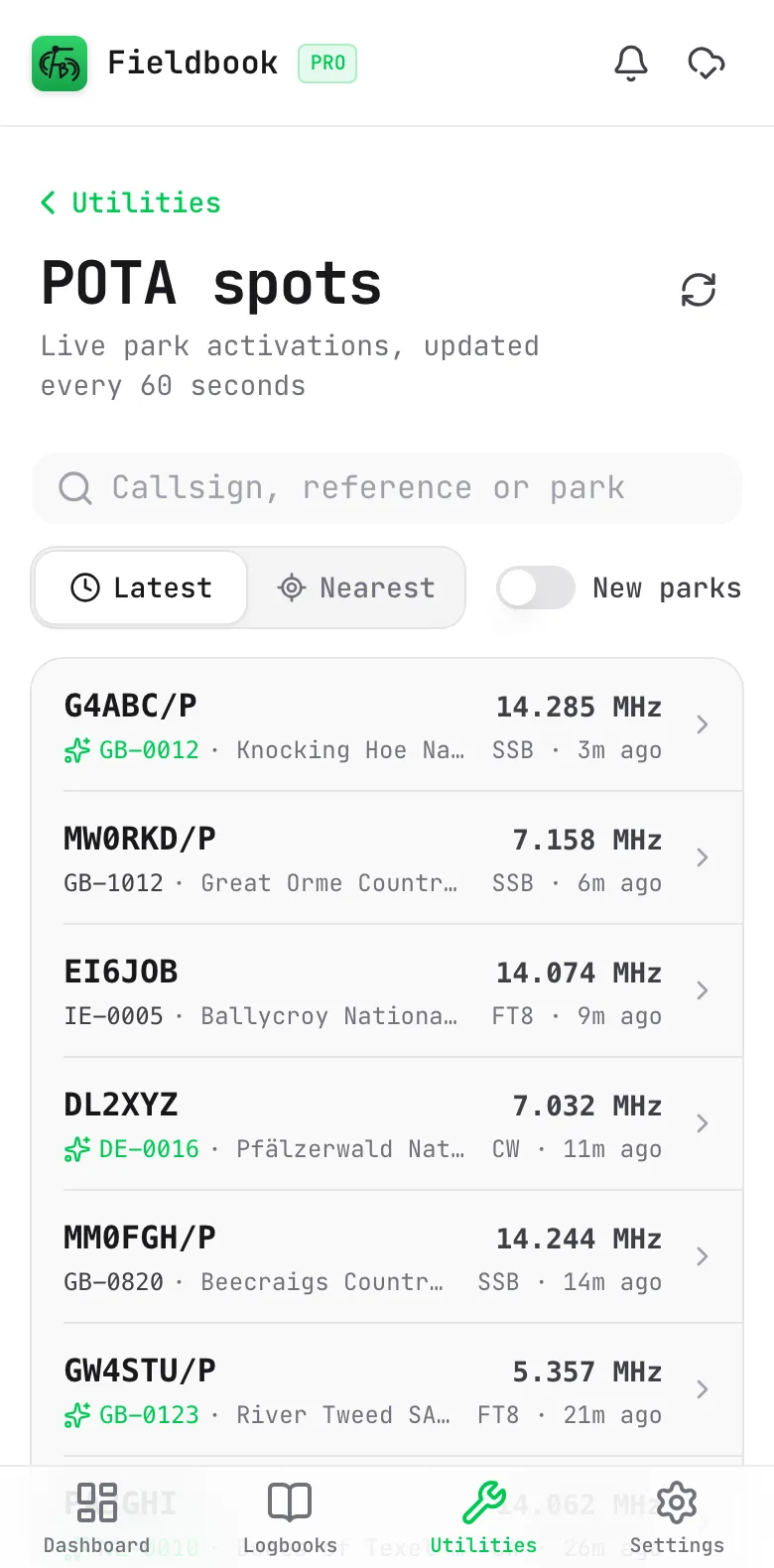
Each spot shows:
- The callsign of the activator and the frequency.
- The park reference and the park name.
- The mode, and the time since the spot. When you sort by Nearest, it shows the distance instead of the time.
With Pro, a park that you have not worked before has a green reference and a sparkle icon.
See the park details
Select a spot to see more about the park:
- The park name and its regions.
- The activator, frequency, mode, the time since the spot and the spotter comment.
- With Pro, if you have worked the park, how many times, and the last date.
- The coordinates, the grid square and the distance to you.
- A map of the park.
To open the park on pota.app, select View on pota.app.
The map needs a connection.
Find a spot
- To search, type a callsign, park reference or park name.
- With Pro, turn on New parks to show only the parks that you have not worked before.
- Select Latest to show the newest spots first.
- Select Nearest to show the nearest parks first. Fieldbook asks for your location the first time.
To get the latest spots immediately, select the refresh button.
Spots in a POTA logbook
In a POTA logbook, you do not have to open this page. When you type a callsign that is in the spots, Fieldbook fills in their park. Refer to Parks on the Air.
When you activate, you can also spot yourself from the logbook. Refer to Spot yourself.
POTA spots need a connection.