Settings
Appearance
Choose light or dark mode, and the font.
You can change how Fieldbook looks on each device.
Change the theme or font
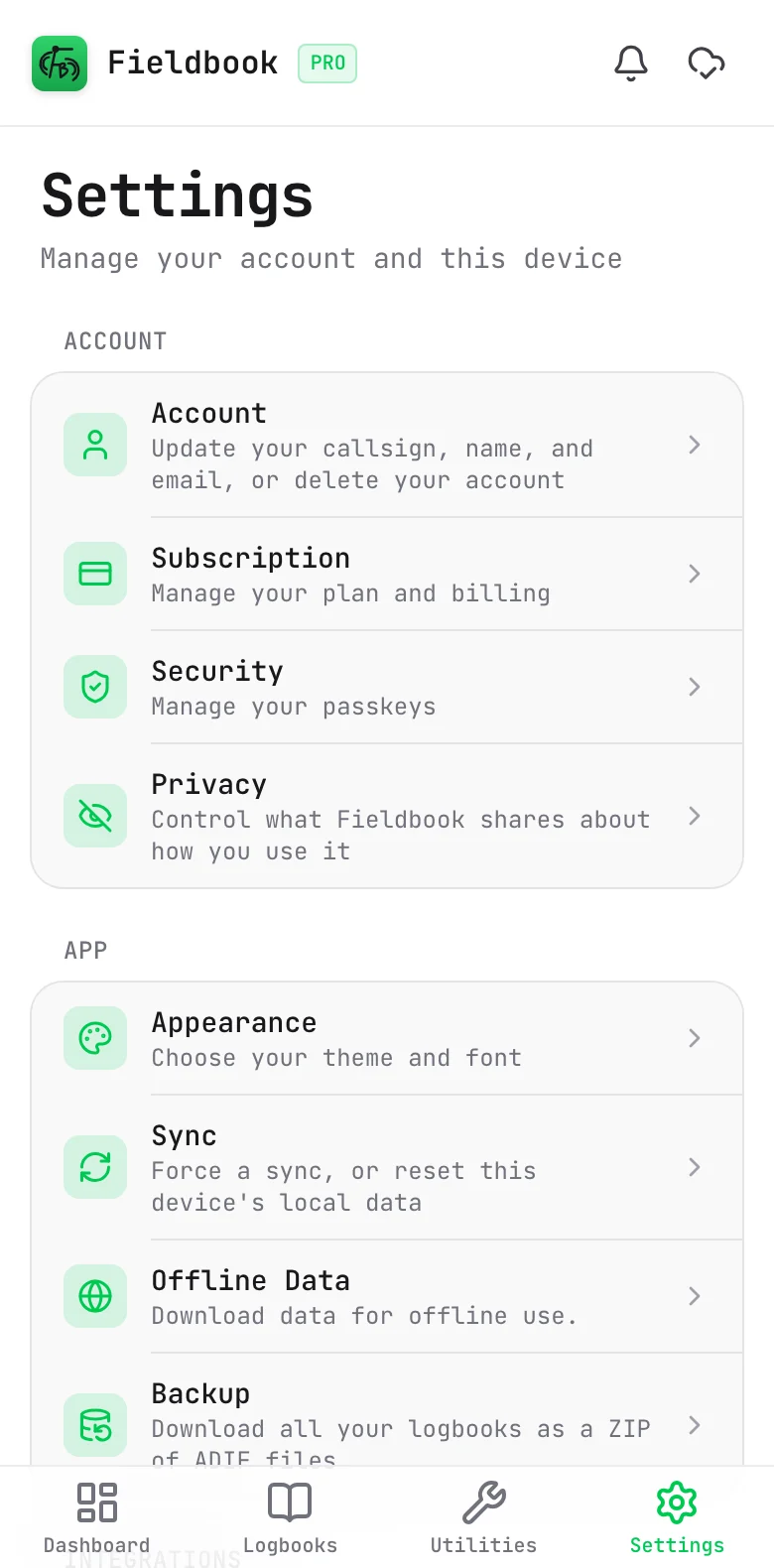
- Select Settings in the navigation bar.
- Select Appearance.
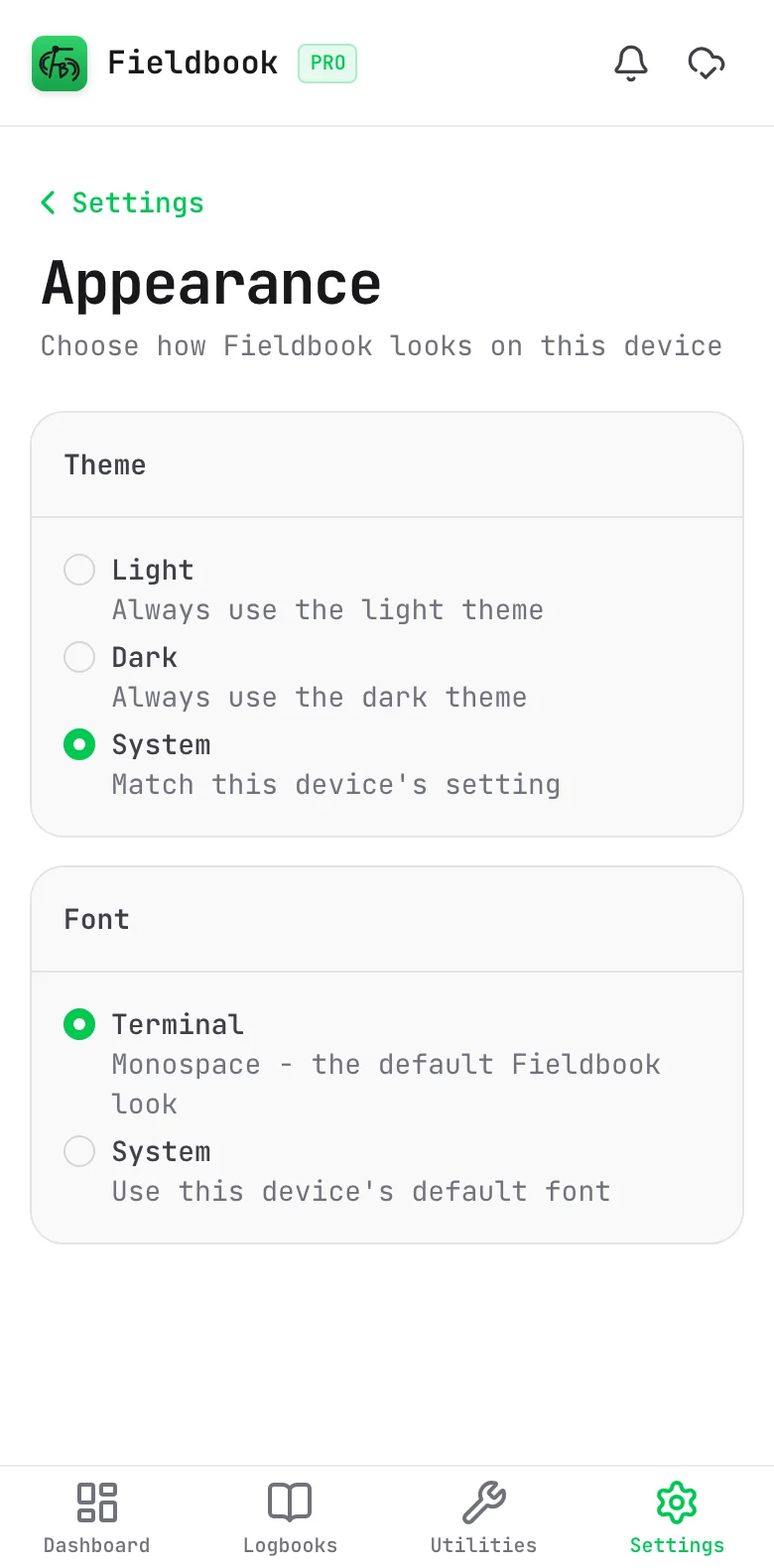
- Select a Theme:
- Light: always use the light theme.
- Dark: always use the dark theme.
- System: use the same setting as your device. This is the default.
- Select a Font:
- Terminal: the monospace font. This is the default.
- System: the default font of your device.
Fieldbook applies the change immediately.
Dark mode is useful at night. Your screen is less bright, so it does not spoil your night vision.
Appearance is a setting for each device. It does not sync to your other devices.