Settings Pro
Widgets
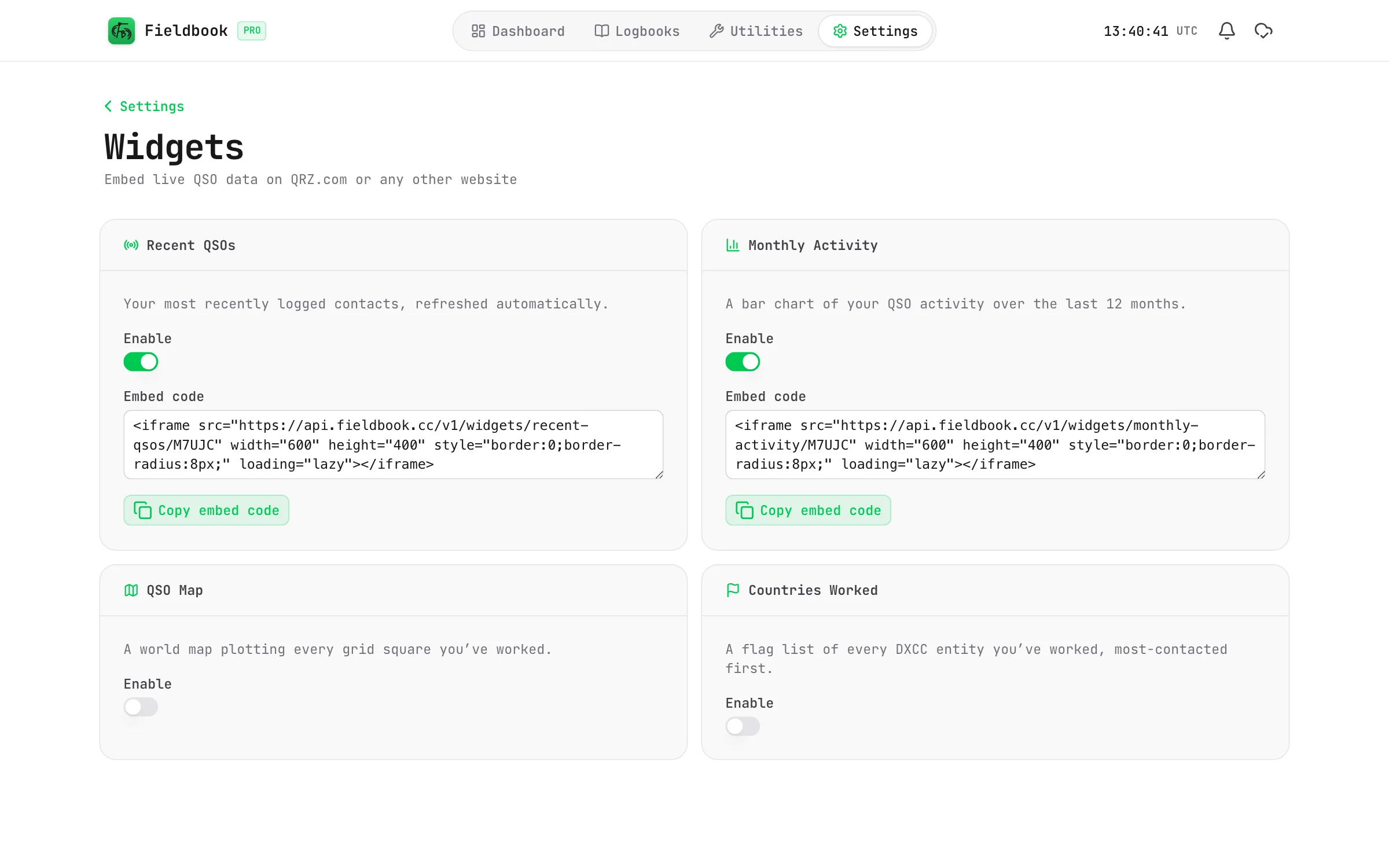
Show your recent contacts, activity and more on your QRZ page or your website.
A widget is a small, live panel of your log data. You can put it on your QRZ.com page, or on any website. It updates when you log new contacts.
Available widgets
- Recent QSOs: the contacts that you logged most recently.
- Monthly Activity: a bar chart of your contacts over the last 12 months.
- QSO Map: a world map of every grid square that you have worked.
- Countries Worked: a list of the DXCC entities that you have worked, with flags.
Fieldbook
Add a widget to your QRZ page
You must add your callsign before you can use widgets. Refer to Create your account.
- Go to Settings > Widgets.
- Turn on Enable for the widget.
- Select Copy embed code.
- Open your QRZ.com page in the editor, and paste the code into it.
- Save the page on QRZ.com.
You can paste the same code into any website that accepts HTML.
Remove a widget
Turn off Enable for the widget. The widget no longer shows your data, on every page that uses it.
A widget shows your log data to anyone who can see the page. It shows only the data in the widget, for example your recent callsigns and dates.