Logging
Export and backup
Download a logbook as ADIF, or a backup of all of your logbooks.
Your log is yours. You can download it at any time, on every plan.
Export a logbook
- Open the logbook.
- Open the logbook menu and select Export ADIF.
Fieldbook downloads an ADIF file with every contact in the logbook. You can import this file into most logging apps, and into services such as QRZ.com and LoTW.
To export the contacts of one POTA park, refer to Parks on the Air.
Back up everything
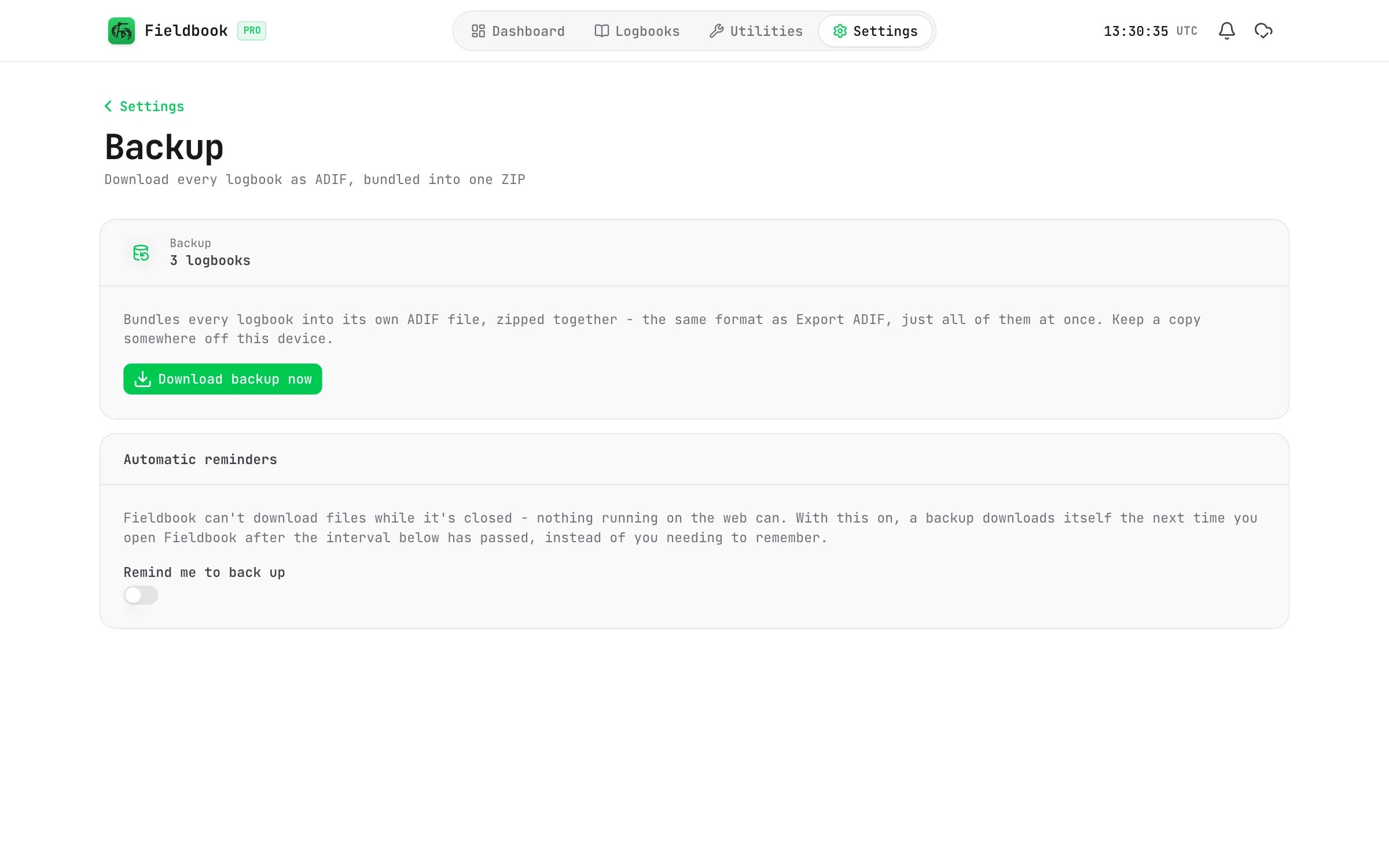
A backup is a ZIP file. It contains one ADIF file for each logbook.
- Go to Settings > Backup.
- Select Download backup now.
Keep the backup somewhere that is not on the same device.
Fieldbook
Back up automatically
Fieldbook can download a backup for you at regular intervals.
- Go to Settings > Backup.
- Turn on Remind me to back up.
- Select the Frequency: every day, or every 3, 7, 14 or 30 days.
A web app cannot download a file while it is closed. When the interval is over, Fieldbook downloads the backup the next time that you open it.